
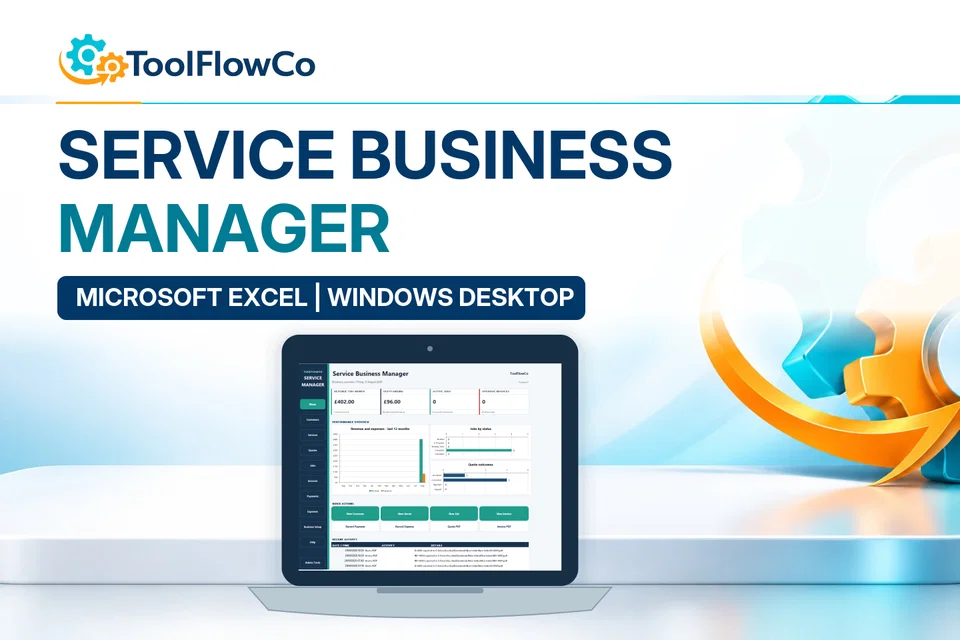
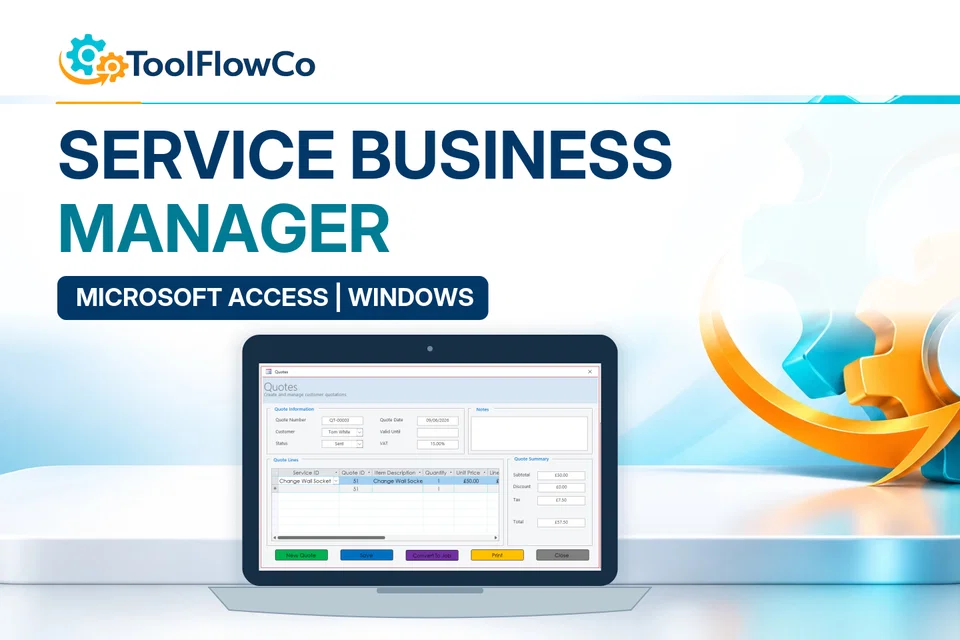
Excel vs Access: which records belong together?
- Excel is well suited to straightforward lists, calculations and flexible analysis.
- Microsoft Access is better suited to connected records, controlled forms and a more structured database workflow.
- The right choice depends on how related and difficult to maintain the records have become.
The simple difference between Excel and Access
The Excel vs Access decision starts with the relationship between your business records. Review who enters information, which records must stay connected and which reports people need before choosing a file format.
Excel is best for flexible lists and calculations; Access is best for related records and controlled entry
Use Excel when the work is mainly a tracker, calculation or report. Consider Access when customers, jobs, stock, invoices or other records need reliable relationships, forms and queries.
Access is a database tool. It is better suited to storing related information in a more structured way, such as customers, jobs, orders, records, notes and linked details.
In simple terms, Excel is usually better for straightforward lists and calculations, while Access is usually better when records become more connected and need a clearer structure.
When Excel is a good choice
Excel is often the best option when you need something simple, flexible and familiar.
- You are tracking a simple list of items, jobs, products or records.
- You need calculations, totals or basic summaries.
- You want to edit information quickly in a spreadsheet layout.
- You are managing a smaller amount of information.
- You want a tool that is easy to customise yourself.
For example, Excel can work well for stock tracking, simple customer lists, expenses, invoice tracking, job lists or basic reporting.
When Access may be a better choice
Microsoft Access may be more suitable when your business information needs more structure than a spreadsheet can comfortably provide.
- You need to manage different types of related records.
- You want forms for easier data entry.
- You need to reduce repeated information across different files.
- You want a more organised way to manage customer or business records.
- Your spreadsheet is becoming too large or difficult to maintain.
Access can be useful for customer databases, job records, service history, business management systems or any situation where different records need to connect together.
A practical comparison
| Business need | Excel may be better for | Access may be better for |
|---|---|---|
| Simple lists | Stock lists, job lists, expenses and basic trackers. | Less necessary unless records need more structure. |
| Calculations | Totals, formulas, summaries and reporting. | Possible, but not usually the main reason to use Access. |
| Data entry | Quick spreadsheet editing. | Structured forms and controlled record entry. |
| Related records | Can become harder as records grow. | Better for linked information such as customers, jobs and invoices. |
| Best use case | Tracking and simple management. | Structured record management. |
Signs your spreadsheet may be outgrowing Excel
Excel is useful, but there are times when a spreadsheet can become difficult to manage. You may need something more structured if you have several versions of the same file, important information spread across multiple workbooks, repeated customer or product details, broken formulas or a need for forms and searches.
At that point, a Microsoft Access database may be worth considering, especially if your business records are becoming more complex.
ToolFlowCo products that may help
ToolFlowCo creates practical digital business tools using Microsoft Excel, Microsoft Access and automation. The Business Management System can help with structured service-business records, while the Excel Inventory Management System can help with stock tracking in Excel.
Excel vs Access: common questions
Is Access always better than Excel for business records?
No. Excel is often the simpler and more flexible choice for lists, calculations and smaller tracking workflows. Access becomes useful when records need stronger relationships and controlled entry.
Can Excel manage connected information?
It can, but maintaining relationships across several sheets or workbooks can become harder as the volume and complexity of the records increase.
When should a business consider moving from Excel to Access?
Consider a database when duplicate data, multiple file versions, linked customer or job records, form-based entry and searching have become difficult to manage reliably.
Repair the workbook, move to a database or customise an existing tool
Browse the ToolFlowCo product catalogue, review the Microsoft Access Database Development service or use the Contact page to describe the current records and workflow.
Match the platform to the structure of the work
There is no single answer for every business. Choose Excel if you need a straightforward tracker, list or workbook. Choose Access if you need a more structured system for related business records. Start simple if you are not sure, then move to a more structured system when your records become harder to manage.
Further platform guidance: Microsoft Access platform specifications. Check the separate requirements of any ready-made product.