Microsoft Office software for small business admin

Ready-made business tools for Excel, Access and Outlook workflows

ToolFlowCo creates practical digital tools that help small businesses organise stock, manage records, track jobs, handle invoices, save email attachments and reduce repetitive admin without taking on complex monthly software.

  • Professional Excel, Microsoft Access, Outlook automation and Google Sheets tools
  • Designed for real workflows used by workshops, service businesses, sellers and admin teams
  • Clear software requirements before you buy, including desktop Office and macro guidance
  • Digital downloads sold through Etsy with no physical product shipped

ToolFlowCo workspace

Structured tools for the admin work that sits behind small business operations.

Excel

Stock & workshop tools

Access

Databases & records

Outlook

Attachment workflows

Sheets

Browser-based templates

No subscription required
Buy the right tool, download it and use it with the required software.

Office-first

Built around familiar Microsoft Excel, Access and Outlook workflows.

Digital

Downloadable tools for small business records, stock, invoices and admin tasks.

Practical

Made for real business use, not generic spreadsheet decoration.

Clear fit

Each product explains what software is required before purchase.

What ToolFlowCo helps solve

A cleaner way to manage everyday business admin

Small business admin often starts in scattered spreadsheets, inboxes, folders and notes. ToolFlowCo products give you focused systems for the work you need to organise now.

Stock & inventory

Know what you have and where it is

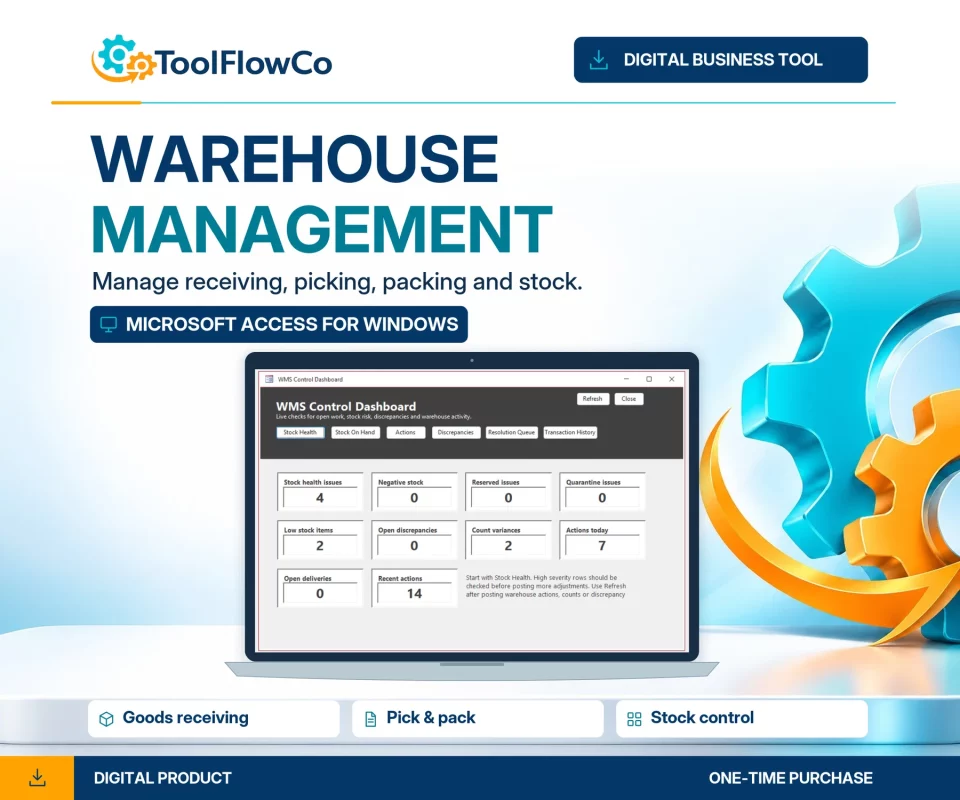
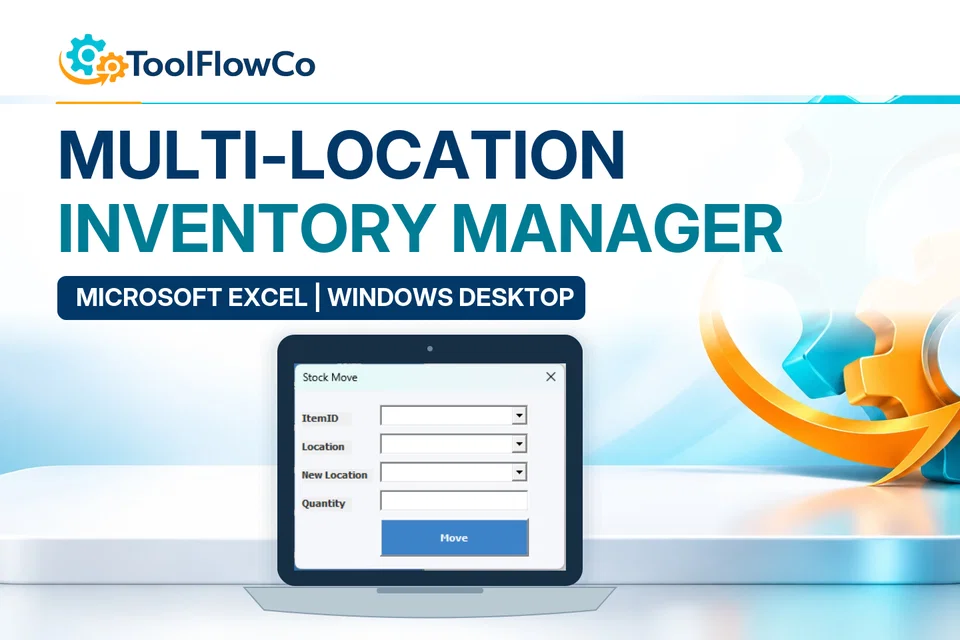
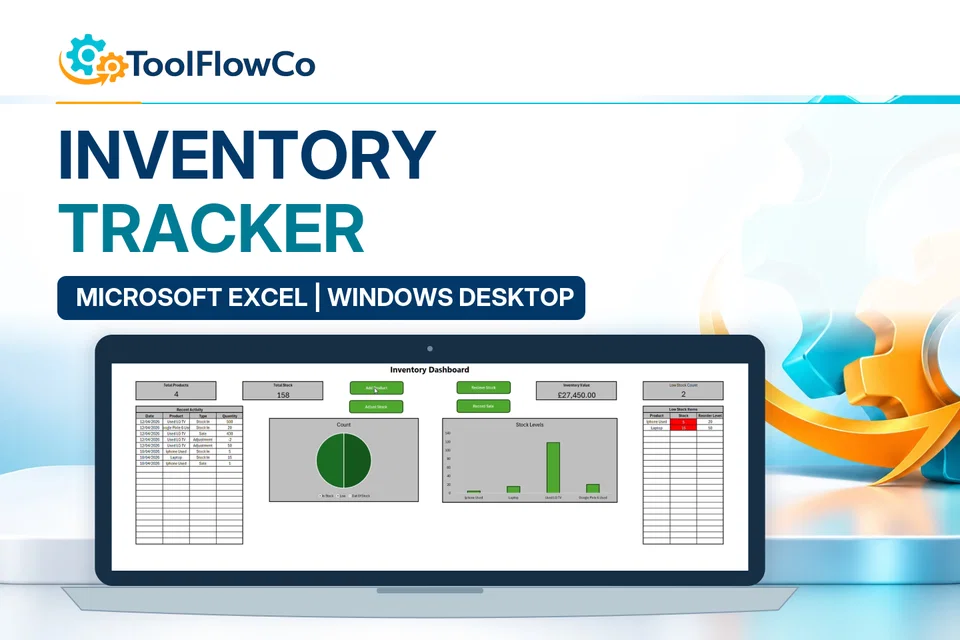
Use structured Excel and spreadsheet-based tools to track products, quantities, stock movements, locations and item history without building a system from scratch.

Records & jobs

Bring customer and job records together

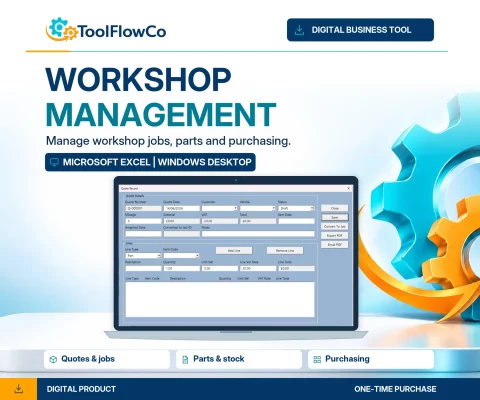
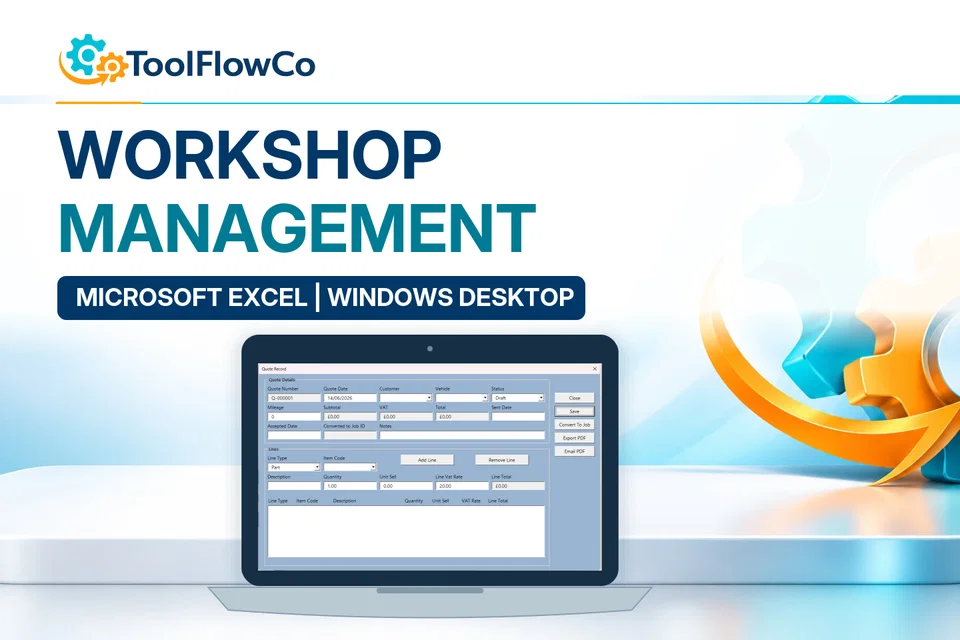
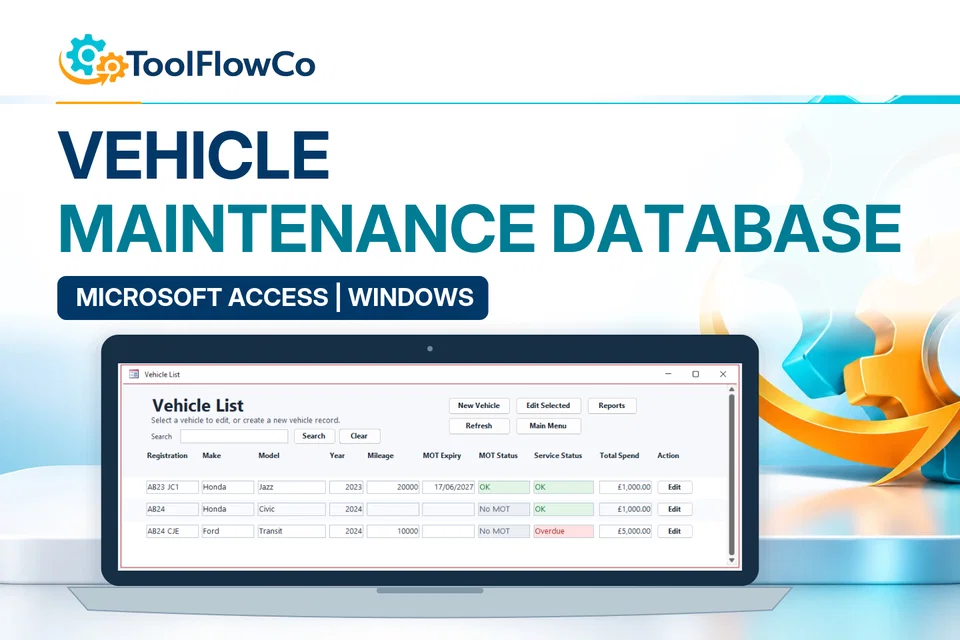
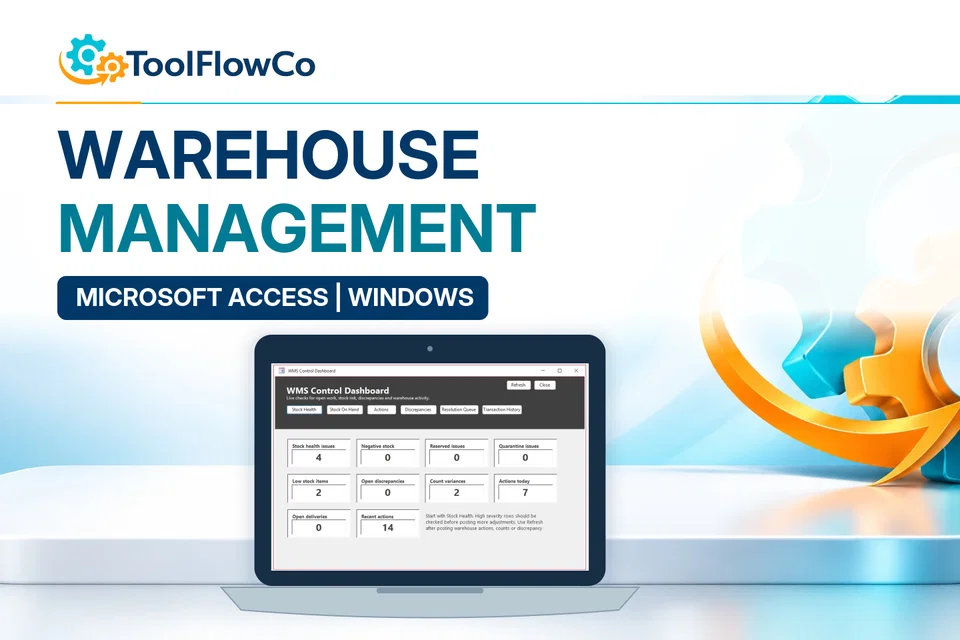
Manage customers, vehicles, repair tickets, quotes, jobs, invoices, payments and reports in a more organised Microsoft Access or Excel-based system.

Automation

Reduce repetitive file and email handling

Use focused Outlook and Excel automation to make recurring admin tasks more repeatable, especially when handling spreadsheet attachments and office files.

Why ToolFlowCo

Software that fits how small businesses actually work

Not every business needs a large cloud platform. Many businesses need a clear, well-structured tool that works inside software they already understand, such as Excel, Access, Outlook or Google Sheets.

ToolFlowCo focuses on practical systems that organise the records behind daily work, from stock and vehicles to repairs, invoices, attachments and service business admin.

Focused tools

Each product is built around a defined workflow, so the purpose, requirements and limits are easier to understand before purchase.

Office familiarity

Use tools built for familiar platforms like Microsoft Excel, Microsoft Access and Microsoft Outlook instead of starting again with unfamiliar software.

Clear requirements

Product pages explain software requirements, including whether desktop Excel, macros, Microsoft Access, Outlook or Windows are needed.

No monthly software stack

A ready-made tool can be a practical middle ground between a blank spreadsheet and a full subscription platform.

How it works

Simple to choose, check and download

The buying process is designed to keep the important information clear before you commit to a digital download.

Choose a tool

Start with the workflow you need to organise, such as stock, jobs, vehicles, repairs, invoices or email attachments.

Check requirements

Confirm whether the product requires desktop Excel, macros, Microsoft Access, Outlook, Windows or a Google account.

Buy through Etsy

Use Etsy checkout for a familiar purchase process, then access the digital download after purchase.

Open and use

Download the files, open them in the required software and follow any included setup or user guidance.

Important before buying

Check your software setup first

ToolFlowCo products are digital tools, not physical items. Some products require desktop Microsoft Excel, macros, Microsoft Access, Microsoft Outlook, Windows or a Google account. Browser-only Office, Excel Online, Apple Numbers and mobile apps may not support every product.

If you are not sure whether a product is suitable for your version of Office or your workflow, ask before buying and include your software setup.

Quick compatibility checklist

  • Do you have the required desktop Microsoft Office application?
  • If the product uses macros or VBA, can you enable macros safely?
  • Are you using Windows, Mac, browser-only Office or a mobile app?
  • Does the product page say it is suitable for your exact workflow?
  • Have you read the digital download, refund and cancellation information before purchase?

Tip: When in doubt, send a short message with your version of Excel, Access or Outlook, whether you use Windows or Mac, and what you need the tool to do.

Customer feedback

Practical tools, clear support and useful results

Selected comments from ToolFlowCo buyers show the focus: useful systems, clear reports and responsive support.

“Nice system and good reports.”

Etsy customer review

“I had a question and there was a very quick response. Great.”

Etsy customer review

“A well-designed app, definitely worth trying.”

Etsy customer review

Small business guide

Not sure whether Excel or Access is right?

Many businesses start with spreadsheets and move to a database when records become more connected. ToolFlowCo’s guide explains the practical difference between Excel and Access for small business records.

A practical rule of thumb

  • Choose Excel for straightforward lists, calculations, trackers and spreadsheet-based workflows.
  • Choose Access when records are more connected, such as customers, jobs, devices, vehicles, invoices and linked details.
  • Choose automation when repeat tasks, email attachments or file handling are slowing down admin work.

Custom solutions

Need something more specific than a ready-made tool?

Ready-made tools are useful when your workflow matches the product. When your business needs a more specific setup, ToolFlowCo can discuss custom Microsoft Access databases, Excel workbooks, Google Sheets templates, workflow improvements and small automation projects.

Useful details to include

  • The business task you want to organise
  • Which software you already use
  • Whether you need Excel, Access, Outlook, Google Sheets or automation
  • Examples of records, forms, reports or outputs you need
  • Any issues with your current spreadsheet or process

FAQs

Frequently asked questions

A few important checks before choosing a ToolFlowCo product.

What does ToolFlowCo sell?

ToolFlowCo sells ready-made digital business tools, including Microsoft Excel workbooks, Microsoft Access databases, Outlook automation tools and Google Sheets templates for small business admin tasks.

Do I need Microsoft Office?

Many products require desktop Microsoft Excel, Microsoft Access or Microsoft Outlook. Some products may be built for Google Sheets instead. Check the individual product page for the exact software requirements before buying.

Do the Excel tools work in Excel Online?

Macro-enabled Excel tools are generally designed for desktop Microsoft Excel, not Excel Online, Apple Numbers, Google Sheets or mobile spreadsheet apps unless the product page clearly says otherwise.

Are ToolFlowCo products digital downloads?

Yes. ToolFlowCo products are digital downloads sold through Etsy. No physical product is shipped.

Can ToolFlowCo build something custom?

ToolFlowCo may be able to help with custom Microsoft Access databases, Excel tools, Google Sheets improvements and small automation projects. Use the contact page to explain what you need the tool to do and which software you use.

Ready to improve your admin workflow?

Explore practical Office tools built for small business operations

Browse ToolFlowCo products, check the requirements carefully and choose the tool that best fits your current workflow.