
Excel Inventory Tracker with Sales, Stock Movements and Low Stock Alerts
Excel Inventory Tracker: add products, receive stock, record sales, make adjustments and monitor reorder levels from one Excel workbook.
- Know current stock levels
- Record purchases and sales
- Apply stock adjustments
- Monitor low-stock items and inventory value
Digital download. The GBP listing price is taken from the supplied Etsy export, not a live checkout quote. Etsy confirms the final price, discounts, tax and currency before payment.
Requires Microsoft Excel desktop for Windows. Macros/VBA must be enabled for buttons and automated features to work. Please read the full software requirements below before purchasing.
Key features of the Excel inventory tracker
Inventory dashboard
Product master list
Purchase and receiving log
Sales entry form
Stock-adjustment form
Reorder levels and status
Inventory value summary
Charts and low-stock table
How it works
How to use the Excel Inventory Tracker
Add products with cost, price and reorder level
Receive, sell or adjust stock using guided forms
Review current stock, value and low-stock alerts
Ideal for
Who this product is designed for
- Online sellers
- Small retailers
- Parts businesses
- Home-based stockrooms
Reports & outputs
Excel inventory tracker reports
- Inventory dashboard
- Low-stock list
- Stock value and category charts
What you receive
Files and guidance included
- Macro-enabled inventory workbook
- Forms, tables and dashboard
- Quick-start and compatibility guide
- Basic setup support through Etsy messages
- Digital delivery through Etsy; no physical item will be posted
Product demonstration Watch the workflow in action. Loads content from YouTube only when you press the button.Excel Inventory Tracker Dashboard Demo | Stock In, Stock Out & Low Stock Alerts
Select any image to open the complete 9-image gallery.See the system before you purchase.
Track products by location and manage stock receipts, sales, transfers and adjustments from a simple Excel control panel. Best for: Multi-site retailers Use an app-style Google Sheets dashboard to add products, record transactions, view current stock and prepare purchase orders. Best for: Small online sellersCompare other ToolFlowCo options.
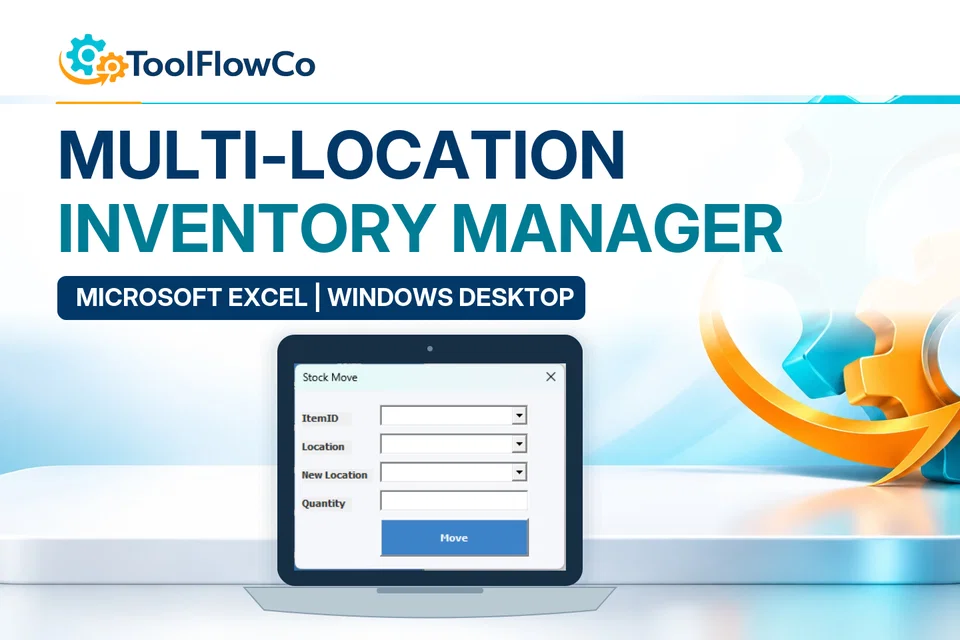
Excel Multi-Location Inventory Manager for Stock Control and Transfers
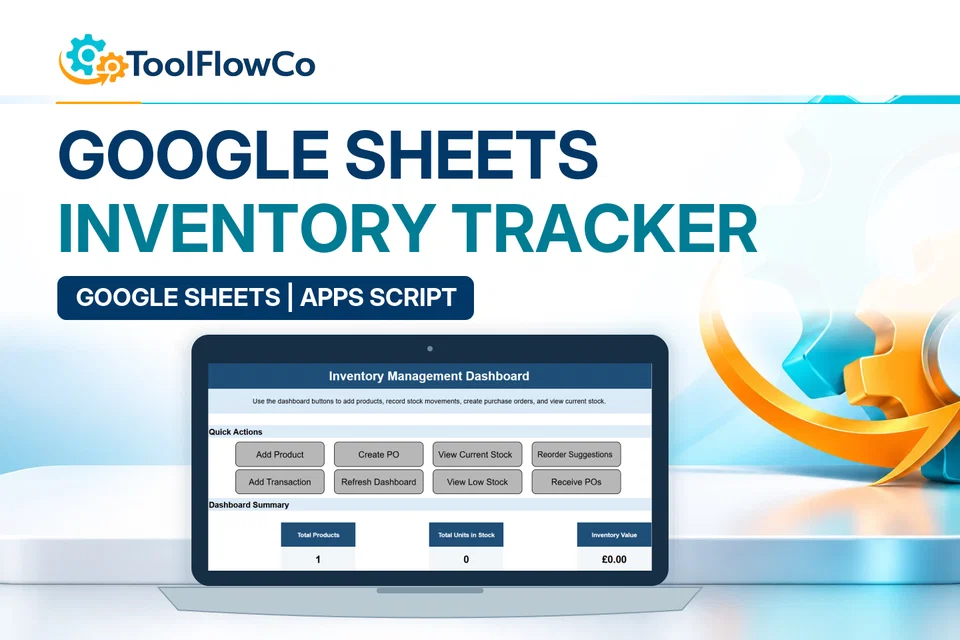
Google Sheets Inventory Tracker with Reorder Alerts and Purchase Orders
Compare this tool and explore the workflow
Before deciding, compare the workflow and read the relevant guidance: Compare inventory management tools; Excel Inventory Tracker for Small Business: What to Look For; Excel vs Access for Inventory Management: Which Is Better?.
Read the supplied-file list and compatibility section on this page. The Etsy listing and licence govern permitted use and any included support or updates; do not assume ongoing upgrades, customisation or a hosted service are included.Purchase and setup essentials
Excel inventory tracker: practical setup questions
Keep one product list and use the intended forms for receipts, sales and adjustments. A dependable movement routine matters more than a dashboard that is updated only after stock has become difficult to reconcile.
How should item quantities be prepared?
Give each item a stable code and a consistent unit before entering the opening position. For example, do not mix a box quantity with an individual-unit quantity under one item without an agreed conversion. Keep a copy of the original figures so opening balances can be checked.
When is a stock adjustment appropriate?
Use an adjustment to record a correction that is not an ordinary receipt or sale, and keep the business reason with your supporting records. Regularly compare the physical count, movement history and current balance. A low-stock indicator is a prompt to review replenishment, not proof that the source records are complete.
When should the multi-location tool be compared?
Compare the Multi-Location Inventory Manager when receipts and transfers must be attributed to more than one site or storage location. Compare the WMS when order fulfilment, picking and packing are the central need. Those are different workflow decisions, not simply a larger item list.
Platform reference: Microsoft guidance on macro security. Platform documentation is separate from this product's supplied requirements and does not add unlisted features.
Review the current listing, supplied files and requirements before purchasing. Ask about any requirement that is not explicitly confirmed. Digital download. The GBP listing price is taken from the supplied Etsy export, not a live checkout quote. Etsy confirms the final price, discounts, tax and currency before payment. Requires Microsoft Excel desktop for Windows. Macros/VBA must be enabled for buttons and automated features to work. Please read the full software requirements below before purchasing.Ready to use Excel Inventory Tracker?