Microsoft Access Inventory Database for Stock Control and Low Stock Alerts
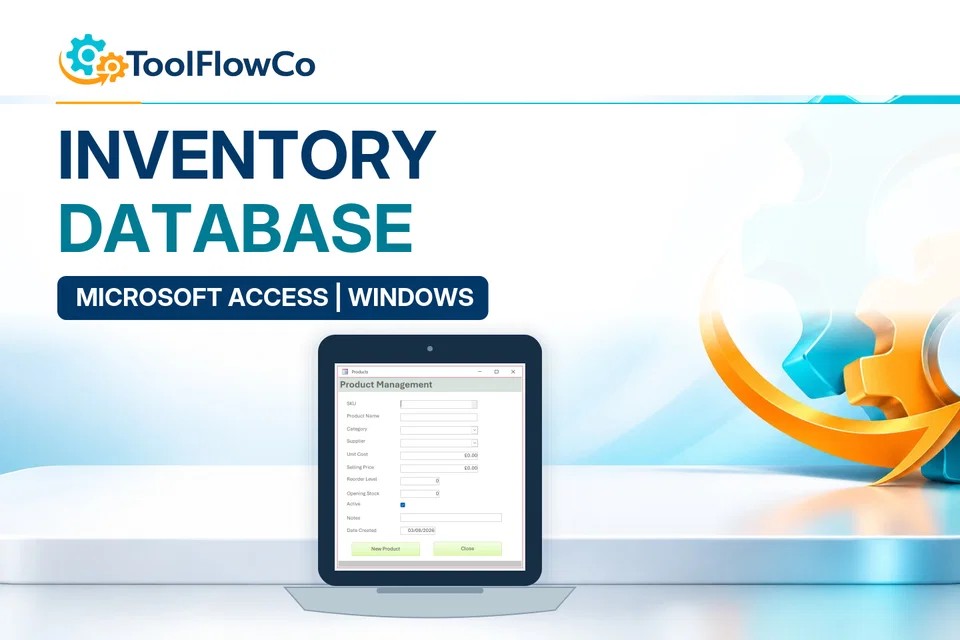
Manage products, suppliers, stock movements and reorder levels from one straightforward Access system.
Best for: Retail stockrooms
View product detailsToolFlowCo solutions
The Access tools cover stock, warehouse operations, customer jobs, device repairs and vehicle maintenance. Choose by the operational records involved, then confirm the Windows and Microsoft Access requirements.
Recommended products

Manage products, suppliers, stock movements and reorder levels from one straightforward Access system.
Best for: Retail stockrooms
View product details →
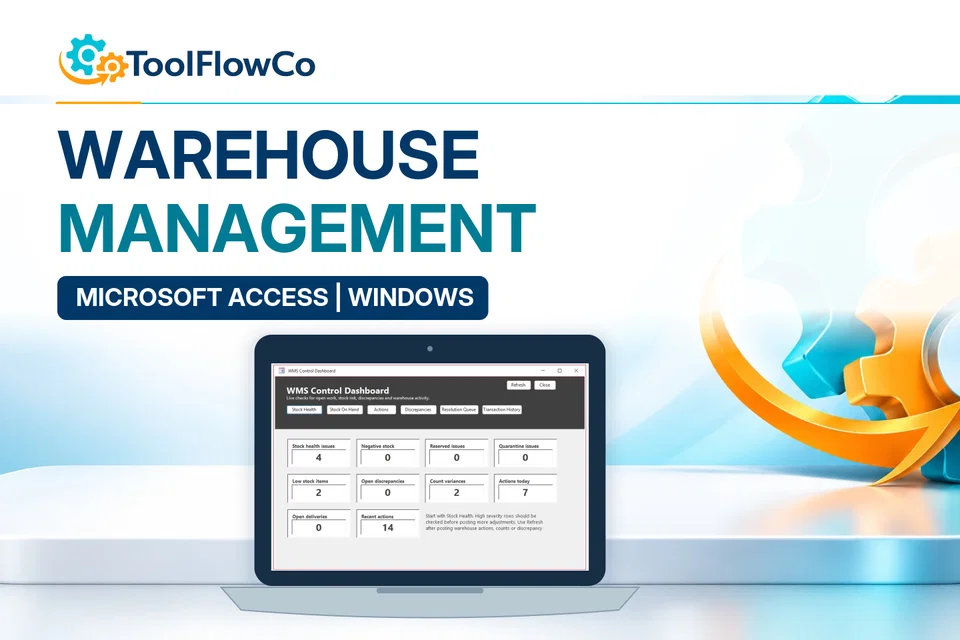
Organise receiving, orders, picking, packing, stock counts, quarantine, discrepancies and warehouse actions in one desktop database.
Best for: Small warehouses
View product details →
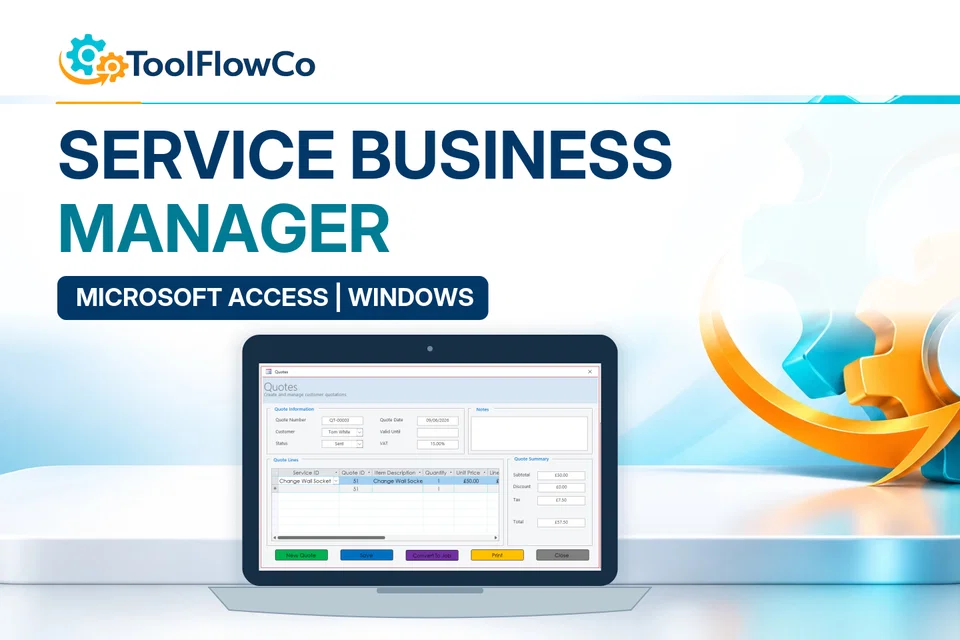
Bring the core admin of a service business into one organised Access database with forms, printable documents and management reports.
Best for: Trades and contractors
View product details →
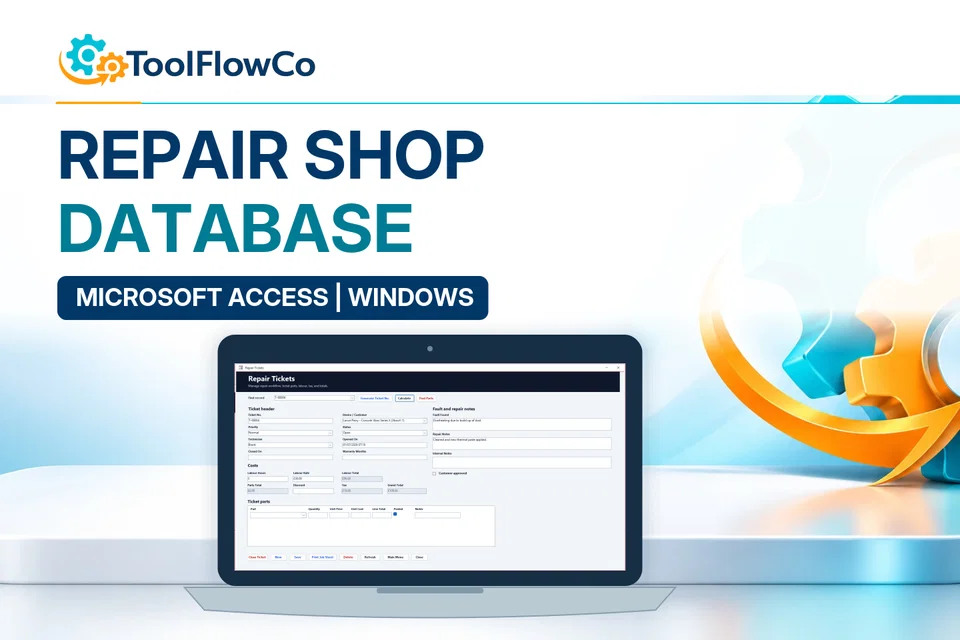
Manage customers, devices, repair tickets, technicians, inventory, purchasing, sales and printable paperwork from one Access database.
Best for: Phone repair shops
View product details →
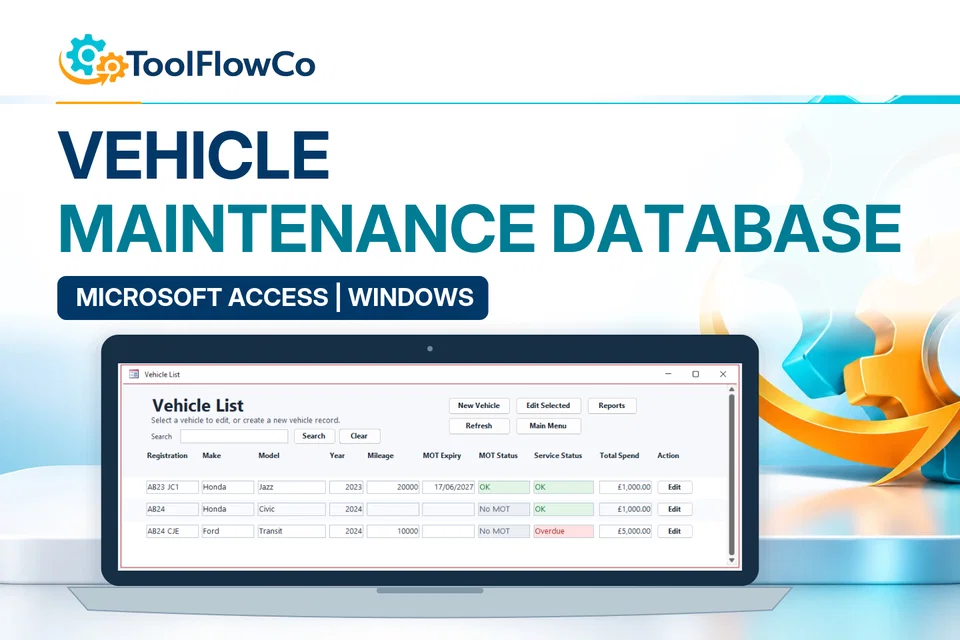
Maintain vehicle details, service history, MOT dates, repair costs, expenses and supporting documents with useful due-date reports.
Best for: Small business fleets
View product details →Choose the right approach
Stock and warehouse scope
A stock database and a receiving-to-packing WMS have different operational scope. Compare their workflows rather than choosing by the longest feature list.
Jobs, repairs and maintenance
Device repair tickets, service jobs and vehicle maintenance are different record structures. Use the relevant product examples to choose.
Software and network requirements
Microsoft Access is not included. Check the product requirements and discuss your network or multi-user needs before purchase.
Customisation and migration
Customisation and data migration are separate work. Explain the required fields, reports and existing records when enquiring.
Compare these options and practical guides:
Microsoft Access help is the platform reference for tables, relationships, forms and reports. Product-specific software and network requirements still need checking on the selected tool. Compare Excel and Access for inventory before deciding how records should connect.
Compare products by platform and workflow, then check the compatibility information before purchasing.