Skip to content

ToolFlowCo solutions

Excel business tools

Choose a focused workbook for stock, purchasing, workshop jobs or service administration. A tool with guided forms has different requirements from a formula-only spreadsheet. Read the product requirements before choosing.

Recommended products

Compare the most relevant ToolFlowCo options

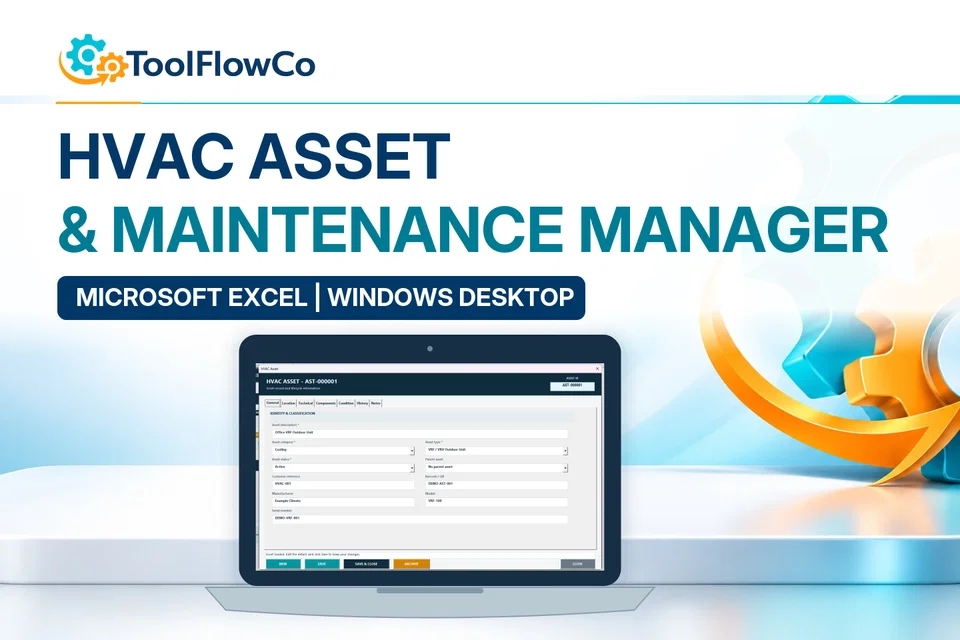
ToolFlowCo HVAC Asset & Maintenance Manager, showing the asset-record form.
Microsoft Excel£24.99GBP listing price · export supplied 12 Oct 2026

HVAC Asset & Maintenance Manager for Excel

Manage HVAC assets, preventive maintenance, work orders, labour, parts, stock, costs, documents, condition and replacement planning in one connected Microsoft Excel desktop system.

Best for: Small and growing HVAC contractors

View product details
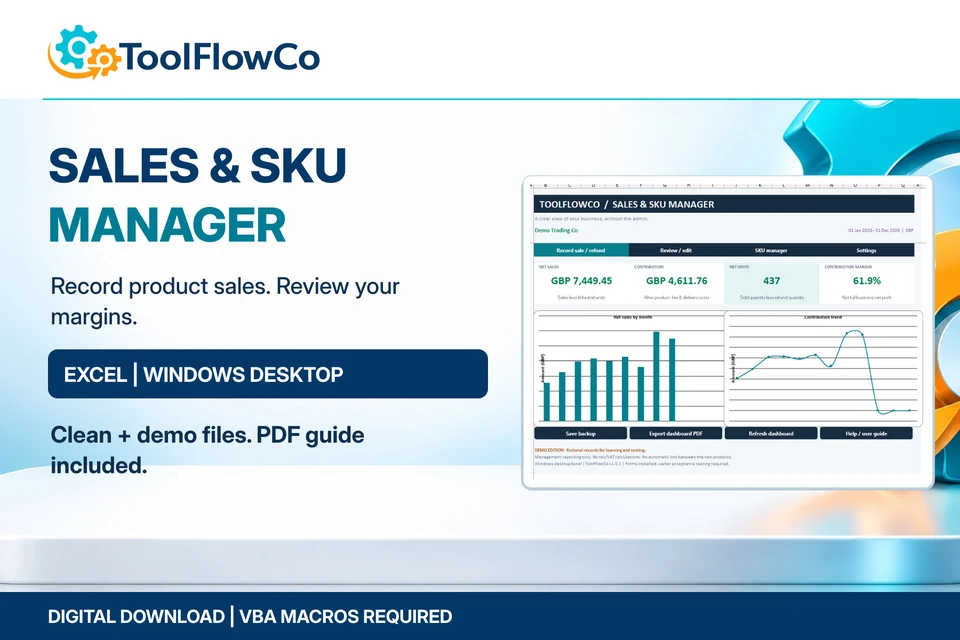
Excel Sales Dashboard & SKU Manager - main product image
Microsoft Excel£9.99GBP listing price · export supplied 12 Oct 2026

Excel Sales Dashboard & SKU Manager

Record SKU sales, linked refunds and product contribution with guided Excel forms.

Best for: Independent sellers, makers, small retailers and digital-product businesses that want local product-sales records and clear margin reporting.

View product details
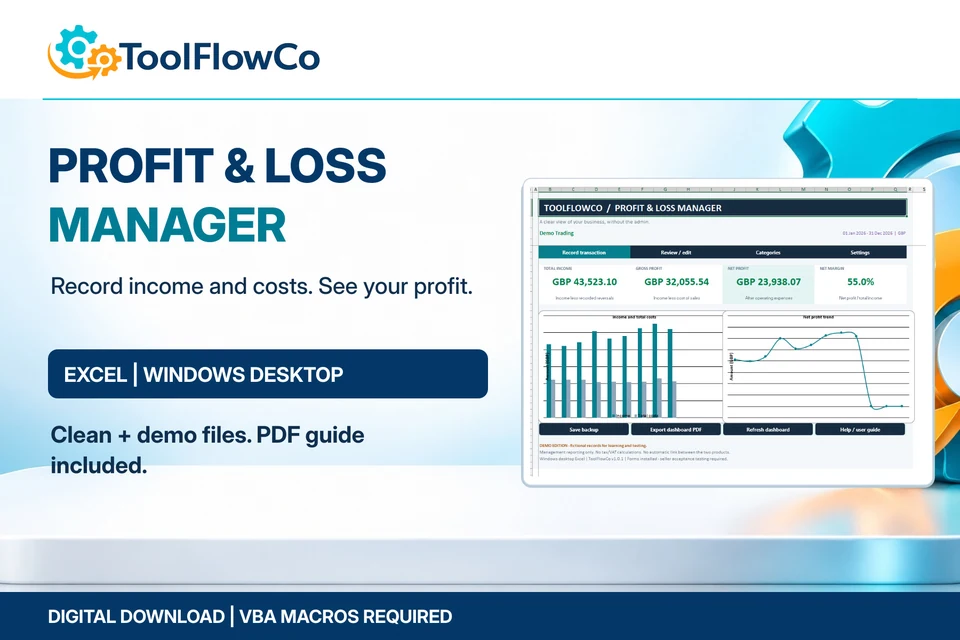
Excel Profit & Loss Manager - main product image
Microsoft Excel£6.99GBP listing price · export supplied 12 Oct 2026

Excel Profit & Loss Manager

Track income, costs and monthly profit through guided Excel forms.

Best for: Small-business owners, freelancers, service businesses and sellers who want a focused income-and-cost tracker rather than a full accounting package.

View product details

Choose the right approach

Choose Excel business tools for the workflow you need

Software requirements

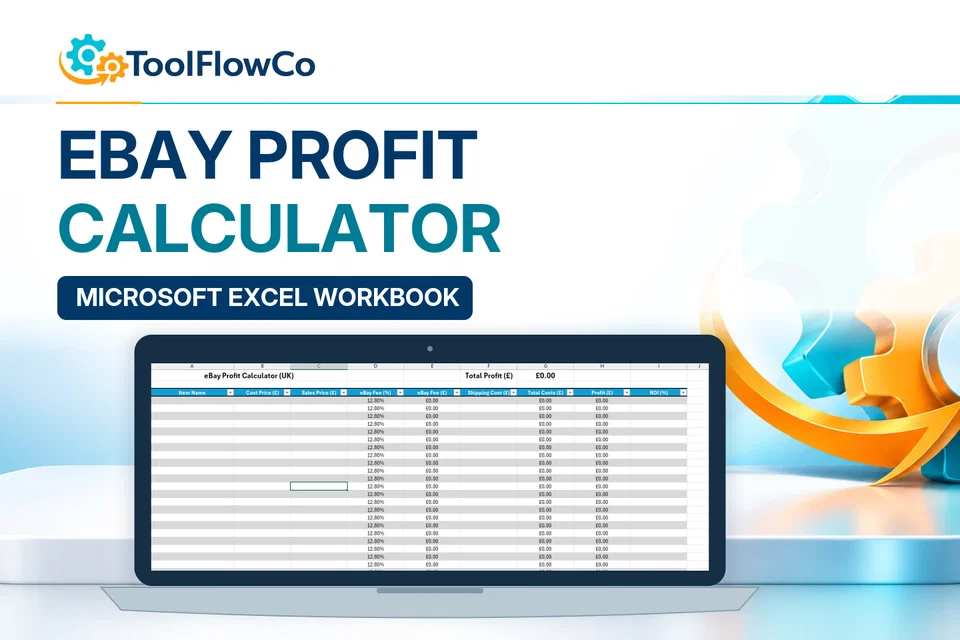
Most automated Excel tools in this catalogue require Windows desktop Excel and macros. The profit calculator has its own separate requirements.

Choose a workflow

Start with the records and documents you need: stock movements, purchase orders, customer jobs or invoices.

Users and working environment

Do not assume that a desktop workbook supports simultaneous editing. Describe your users and working environment before purchase.

Included files and setup

Review the included files, setup instructions and compatibility notes on the specific product page.

Useful starting points

Compare these options and practical guides:

Check the Excel environment before choosing

Microsoft Excel help covers the platform itself. Use it alongside the individual product requirements: a desktop workbook, a macro-enabled workflow and a browser spreadsheet are not interchangeable. For a shortlist, compare the inventory tools or compare the workshop tools by the records you need to keep.

ToolFlowCo

Choose a practical system for the work you need to organise.

Compare products by platform and workflow, then check the compatibility information before purchasing.