
Excel
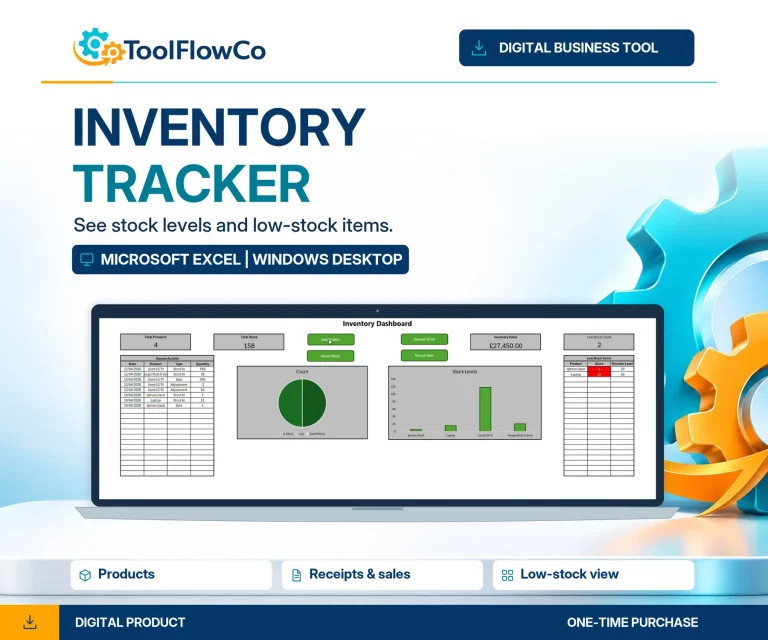
Excel Inventory Tracker with Sales, Stock Movements and Low Stock Alerts
A straightforward Excel workflow for day-to-day stock control.
View systemInventory management
Inventory management systems for small business should be chosen around how you record stock, where your team works and how much structure the workflow needs. Compare the Excel, Microsoft Access and Google Sheets options below for stock control and warehouse tasks.
Use Excel when you want a familiar desktop spreadsheet workflow. Use Microsoft Access when products, suppliers, locations and movements need stronger linked records and forms. Use Google Sheets when browser access and shared updates are central to the workflow.
Start with the platform and workflow that best match the way your business records, moves and reviews stock.
A straightforward Excel workflow for day-to-day stock control.
View system →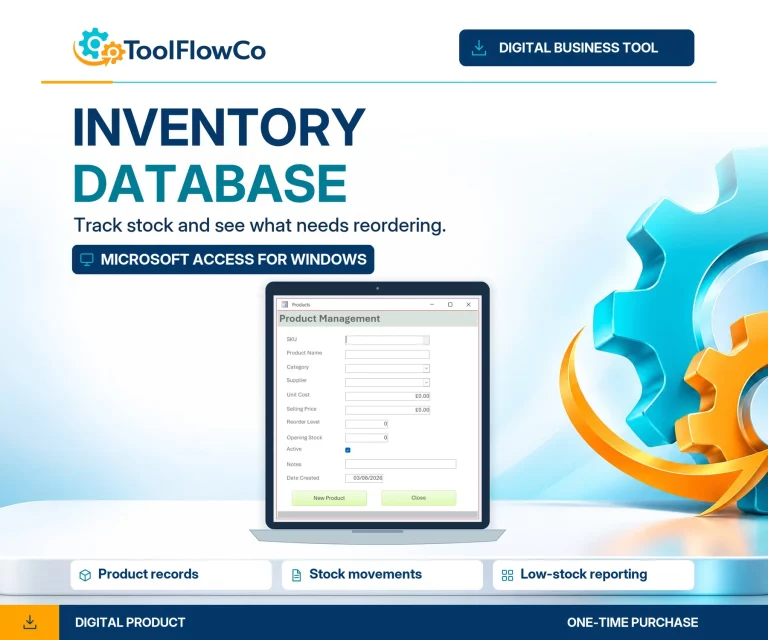
Structured records for products, suppliers, movements and low-stock checks.
View system →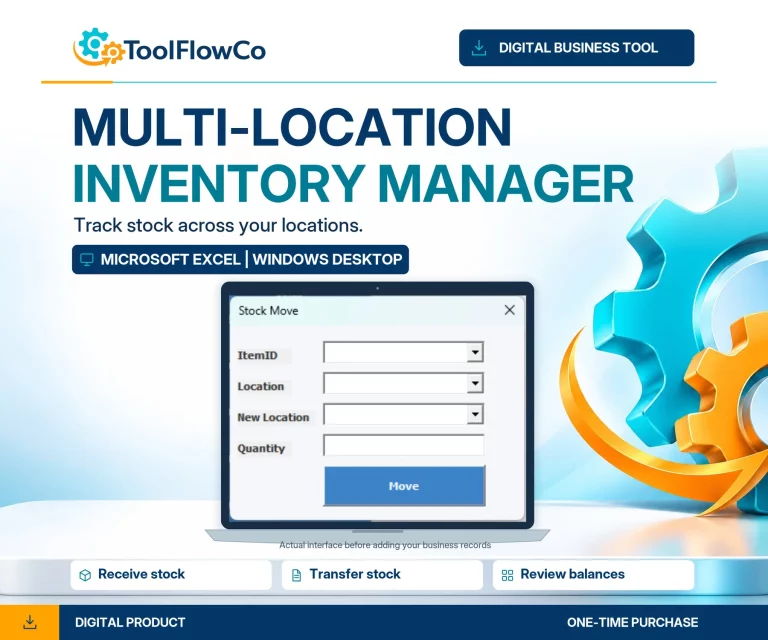
Track stock across branches, warehouses and other locations with transfers.
View system →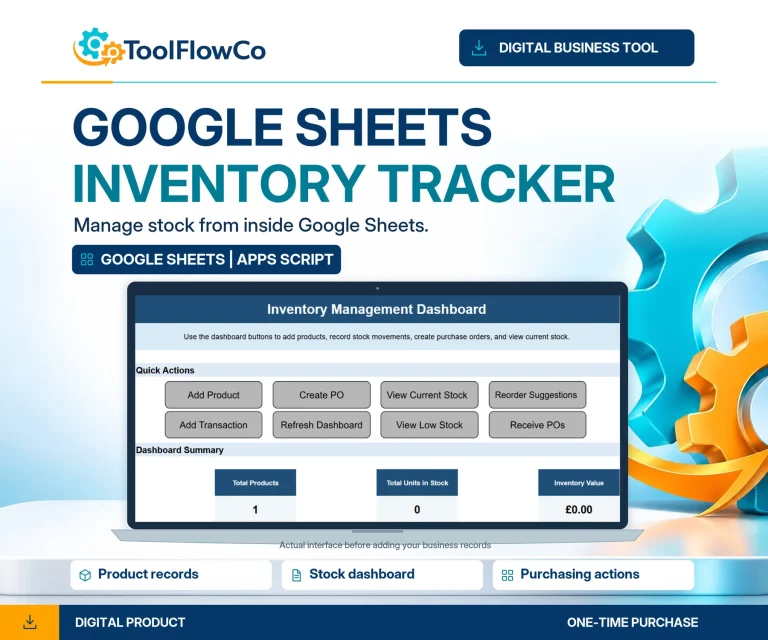
Browser-based stock control with shared access, alerts and purchasing.
View system →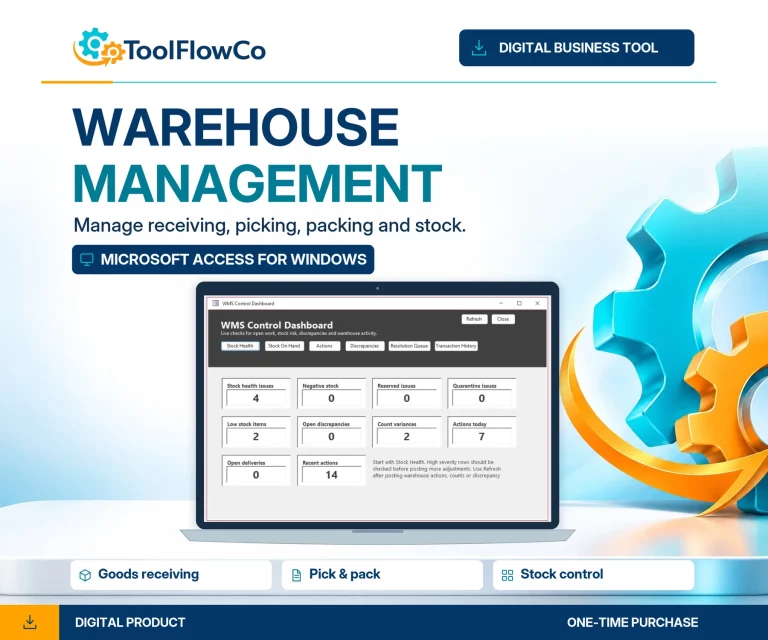
Receiving, picking, packing, counts and warehouse control in one database.
View system →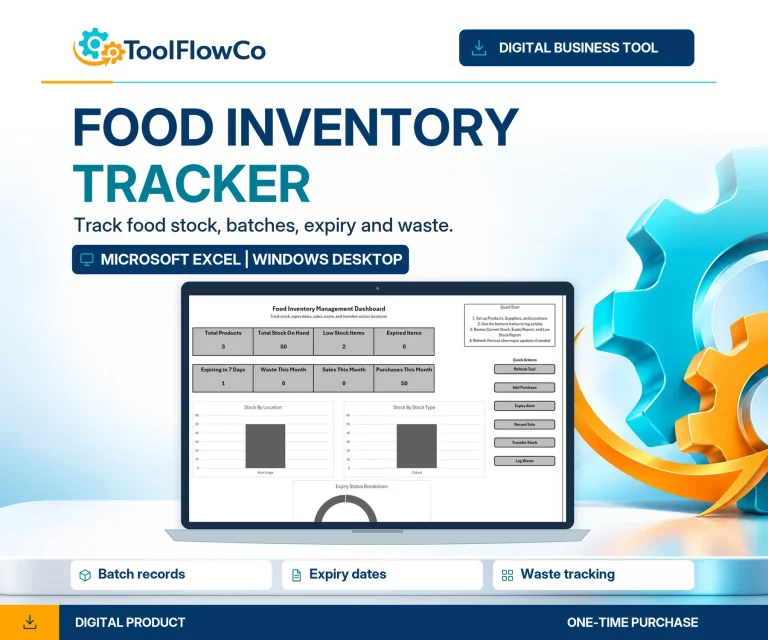
Food stock, expiry, waste and transfers for businesses with perishable inventory.
View system →The right option depends on where your stock is managed, how many people need access and how much structure your workflow requires.
Choose Excel when you want a familiar desktop spreadsheet workflow for stock, sales, movements and low-stock checks.
View option →Microsoft AccessMicrosoft Access workflowChoose Access when you need structured records, forms and a more controlled stock workflow.
View option →Google SheetsGoogle Sheets workflowChoose Google Sheets when browser access, shared updates and collaborative stock work are central to the workflow.
View option →Multi-location ExcelMulti-location Excel workflowChoose the multi-location system when stock needs to be tracked across branches, warehouses or other locations with transfers.
View option →Need help deciding between platforms or adapting a workflow? See ToolFlowCo services for practical setup, customisation and automation support.
Compare products by platform and workflow, then check the compatibility information before purchasing.