Choosing an Excel inventory tracker for small business
- A useful inventory tracker should record products, current quantities and every important stock movement.
- Location tracking and reorder information become increasingly important as stock activity grows.
- Excel is a practical choice when the workflow remains manageable and the team is small.
Why stock tracking becomes messy
An Excel inventory tracker for small business should make the current stock position and the movement history understandable. Start with the task you need to manage, then check the forms, reports and operating requirements rather than choosing from a dashboard screenshot alone.
Common problems include duplicated items, unclear stock levels, missing history, inconsistent naming and no easy way to see where items are held. If you update stock by hand, it is easy for the numbers to drift away from what you actually have.
What a good excel inventory tracker should include
A good inventory tracker should be practical, easy to update and clear enough that someone else could understand it if needed.
- One place to store product details.
- Current stock levels that are easy to read.
- Stock movement records for receipts, sales, transfers and adjustments.
- Location tracking if stock is held in more than one place.
- Low-stock alerts or reorder notes.
- A history of stock changes.
- Simple navigation that does not feel cluttered.
- Compatibility with the version of Excel you actually use.
If a tracker is too complicated, it often becomes hard to maintain. The best spreadsheet is usually the one people will keep using.
If your stock requirements are becoming more involved, it can help to compare the different inventory approaches before choosing a tool. The Inventory Management Systems for Small Business page brings together Excel, Microsoft Access and Google Sheets options for different inventory workflows.
When Excel is a good fit
Excel can work well if your stock process is fairly simple, your team is small and you do not need a full inventory platform. It is often a good choice for small sellers, workshops and businesses just getting started with stock control.
Excel is also useful when you need flexibility. You can review tables, export data, add calculations and work with information in a format many people already understand.
Common mistakes to avoid
- Using too many separate spreadsheets.
- Not recording stock movements consistently.
- Using unclear product names or duplicate item records.
- Ignoring reorder levels until stock runs out.
- Not tracking where items are stored.
- Choosing a tool that does not work in your version of Excel.
A ready-made inventory tool can save time
Building an inventory workbook from scratch can take time, especially if you want the layout to be clear, the formulas to work properly and the workflow to feel easy to use.
A ready-made tool can save time because the structure is already in place. ToolFlowCo has an Excel Inventory Management System designed for small businesses that need a practical way to track stock, locations, deliveries, sales and inventory changes in one workbook.
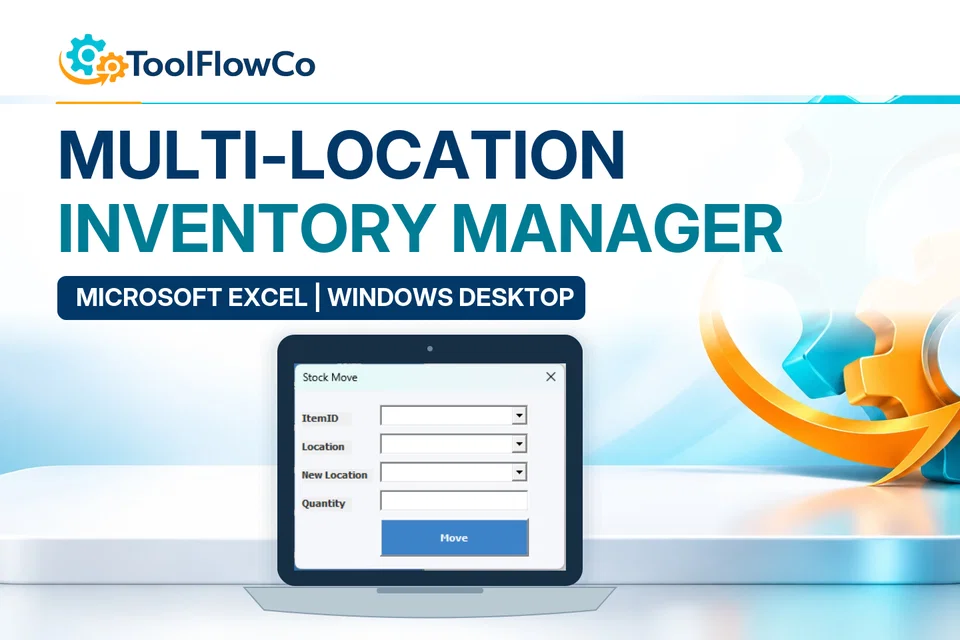
If you manage stock across more than one location, the requirements can be different. A multi-location inventory system can provide a more structured way to record receiving, sales, transfers and stock adjustments across branches, warehouses or other sites.
Excel inventory tracker for small business: common questions
Is Excel suitable for small-business inventory?
Excel can be suitable when the stock process is straightforward, the team is small and the workbook is maintained consistently.
Why is stock-movement history important?
A movement history shows how quantities changed and makes discrepancies easier to investigate than simply overwriting a current-stock number.
When should a business consider a more structured system?
A more structured system may be useful when products, locations, orders, counts and users have become difficult to manage reliably in one workbook.
Choose a tracker that people will keep using
The best Excel inventory tracker is not just a spreadsheet with rows and columns. It is a tool that helps keep records clear, stock movements organised and inventory easier to understand over time.
Start by looking for clear stock records, movement history and location tracking, then choose a tool that matches the way you actually work.
Further platform guidance: Microsoft guidance on macro security. Check the separate requirements of any ready-made product.
Put the workflow into practice
Explore the relevant tools.
Compare the product requirements with the approach in this guide.
Microsoft Excel
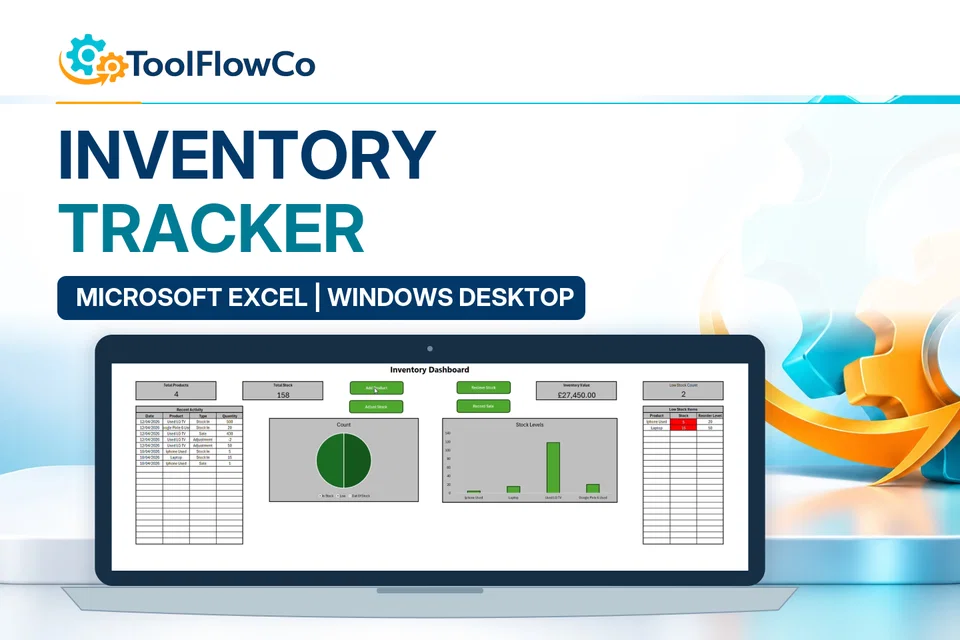
Excel Inventory Tracker
Add products, receive stock, record sales, make adjustments and monitor reorder levels from one Excel workbook.