
Access Inventory Database for Stock Control
Access Inventory Database for Stock Control: manage products, suppliers, stock movements and reorder levels from one straightforward Access system.
- Keep product records together
- Record stock in and out
- Spot low and out-of-stock items
- Review suppliers and categories
Digital download. The GBP listing price is taken from the supplied Etsy export, not a live checkout quote. Etsy confirms the final price, discounts, tax and currency before payment.
Requires Microsoft Access for Windows desktop. Confirm the exact supported version and 32/64-bit compatibility before purchasing. Microsoft Access is not included with this purchase. Please read the full software requirements below before purchasing.
Key features
Product records with SKU and pricing
Opening stock and reorder levels
Stock movement entry
Current stock view with search
Low-stock reporting
Supplier records
Category management
Dashboard totals
How it works
How to use Access Inventory Database.
Add products, categories and suppliers
Record stock receipts, issues or adjustments
Review current stock and low-stock reports
Ideal for
Who this product is designed for.
- Retail stockrooms
- Parts and spares teams
- Small warehouses
- Independent businesses
Reports & outputs
What you can review or produce.
- Current stock view
- Low-stock report
- Dashboard stock counts
What you receive
What is included with this tool.
- Access inventory database
- Ready-made forms and reports
- Quick-start and compatibility guide
- Basic setup support through Etsy messages
- Digital delivery through Etsy; no physical item will be posted
Structured stock control
When an Access inventory database is a better fit than another spreadsheet
Microsoft Access becomes useful when products, locations, movements and low-stock checks need controlled forms and linked records rather than several manually maintained worksheets.
Can more than one person use an Access inventory database?
Access can support controlled multi-user setups, but the database normally needs to be split correctly and used on an appropriate Windows network. The ready-made product should be reviewed against the number of users, network environment and reliability requirements before purchase.
Is it suitable for a very large warehouse?
It is intended for smaller desktop stock-control workflows. Large warehouses with scanners, extensive integrations, high transaction volumes or enterprise permissions may require a different platform.
Select any image to open the complete 9-image gallery.See the system before you purchase.
Add products, receive stock, record sales, make adjustments and monitor reorder levels from one Excel workbook. Best for: Online sellers Organise receiving, orders, picking, packing, stock counts, quarantine, discrepancies and warehouse actions in one desktop database. Best for: Small warehousesCompare other ToolFlowCo options.
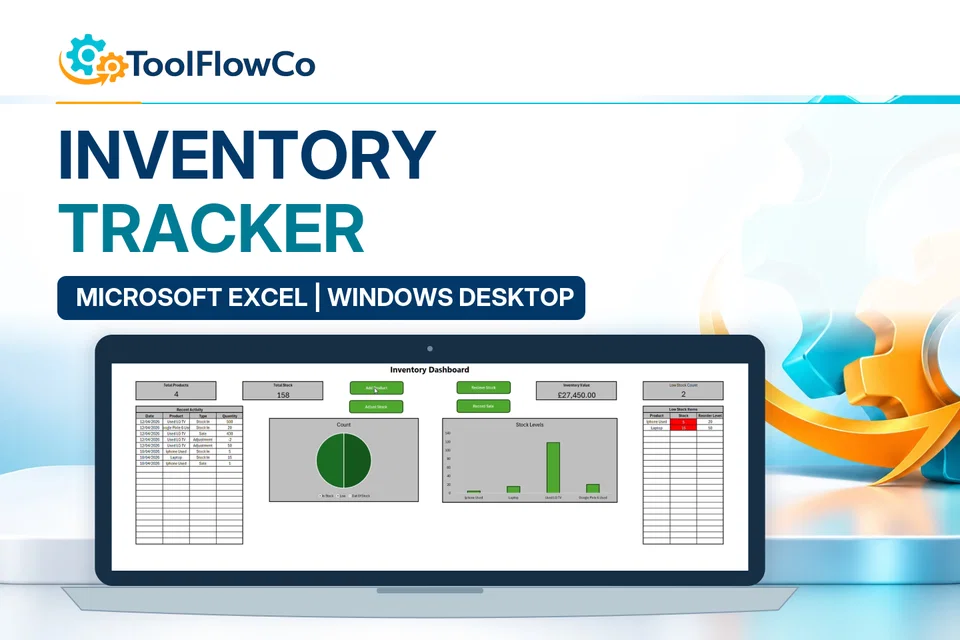
Excel Inventory Tracker with Sales, Stock Movements and Low Stock Alerts
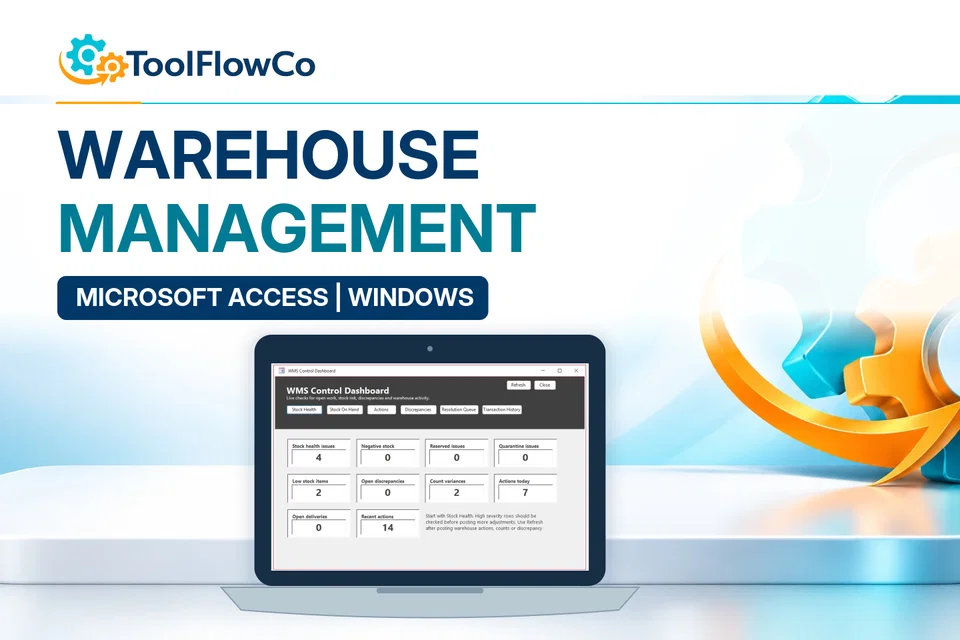
Microsoft Access Warehouse Management System for Receiving, Picking and Packing
Compare this tool and explore the workflow
Before deciding, compare the workflow and read the relevant guidance: Compare inventory management tools; Stock Counts and Inventory Discrepancy Management Explained.
Read the supplied-file list and compatibility section on this page. The Etsy listing and licence govern permitted use and any included support or updates; do not assume ongoing upgrades, customisation or a hosted service are included.Purchase and setup essentials
Access inventory database: practical setup questions
Use linked stock records rather than a collection of disconnected item lists. Before entering opening quantities, settle on one SKU and unit for each item, then agree how receipts, issues and corrections will be recorded.
How should opening stock and subsequent movements be separated?
Treat the opening balance as a starting position. Record later receipts, issues and adjustments through the intended movement workflow instead of treating every revised balance as a new opening figure. This makes the current-stock view and low-stock report easier to reconcile with the physical stock.
When is the Warehouse Management System the better comparison?
Compare the WMS when orders need a receiving, picking and packing process as well as an item balance. This inventory database concentrates on products, suppliers, movements, categories and low-stock reporting. Choose the process you need, not simply the product with the longest feature list.
What should be checked before importing business records?
Review item codes, duplicate suppliers, units and opening balances in a copy of your source data. Agree any data migration separately; it is not safe to assume an existing spreadsheet will map directly into the supplied database. Confirm the actual Windows and Access environment before buying.
Platform reference: Microsoft Access platform specifications. Platform documentation is separate from this product's supplied requirements and does not add unlisted features.
Review the current listing, supplied files and requirements before purchasing. Ask about any requirement that is not explicitly confirmed. Digital download. The GBP listing price is taken from the supplied Etsy export, not a live checkout quote. Etsy confirms the final price, discounts, tax and currency before payment. Requires Microsoft Access for Windows desktop. Confirm the exact supported version and 32/64-bit compatibility before purchasing. Microsoft Access is not included with this purchase. Please read the full software requirements below before purchasing.Ready to use Access Inventory Database?