
Excel Multi-Location Inventory Manager for Stock Control and Transfers
Excel Multi-Location Inventory Manager: track products by location and manage stock receipts, sales, transfers and adjustments from a simple Excel control panel.
- See stock across locations
- Transfer stock between sites
- Record receipts and sales
- Adjust discrepancies with reasons
Digital download. The GBP listing price is taken from the supplied Etsy export, not a live checkout quote. Etsy confirms the final price, discounts, tax and currency before payment.
Requires Microsoft Excel desktop for Windows. Macros/VBA must be enabled for buttons and automated features to work. Please read the full software requirements below before purchasing.
Key features of the Excel multi-location inventory manager
Main inventory control panel
Receive stock by location
Record sales by item
Move stock between locations
Stock adjustments with reasons
Searchable stock view
New-item setup
Location management
How it works
How to use Multi-Location Inventory Manager.
Add items and business locations
Receive, sell, transfer or adjust stock
Search the stock view and monitor low-stock totals
Ideal for
Who this product is designed for.
- Multi-site retailers
- Small warehouses
- Trade counters
- Parts and spares businesses
Reports & outputs
Outputs from the Excel multi-location inventory manager
- Searchable stock view
- Total stock and item counts
- Low-stock and daily-sales totals
What you receive
What comes with the Excel multi-location inventory manager
- Macro-enabled multi-location workbook
- Inventory forms and stock view
- Quick-start and compatibility guide
- Basic setup support through Etsy messages
- Digital delivery through Etsy; no physical item will be posted
Product demonstration Watch the workflow in action. Loads content from YouTube only when you press the button.Watch the Multi-Location Inventory Manager demo
Select any image to open the complete 9-image gallery.See the system before you purchase.
“Gets the job done, thanks” “A well-designed app, definitely worth trying.” “Great system, I wish it could be used on MS Online”What buyers have said.
Add products, receive stock, record sales, make adjustments and monitor reorder levels from one Excel workbook. Best for: Online sellers Organise receiving, orders, picking, packing, stock counts, quarantine, discrepancies and warehouse actions in one desktop database. Best for: Small warehousesCompare other ToolFlowCo options.
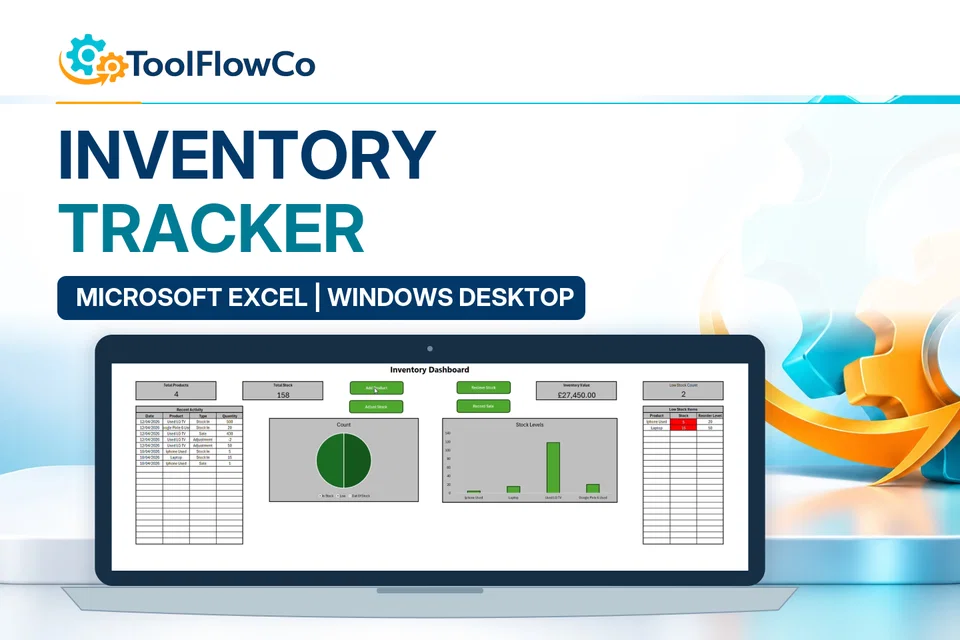
Excel Inventory Tracker with Sales, Stock Movements and Low Stock Alerts
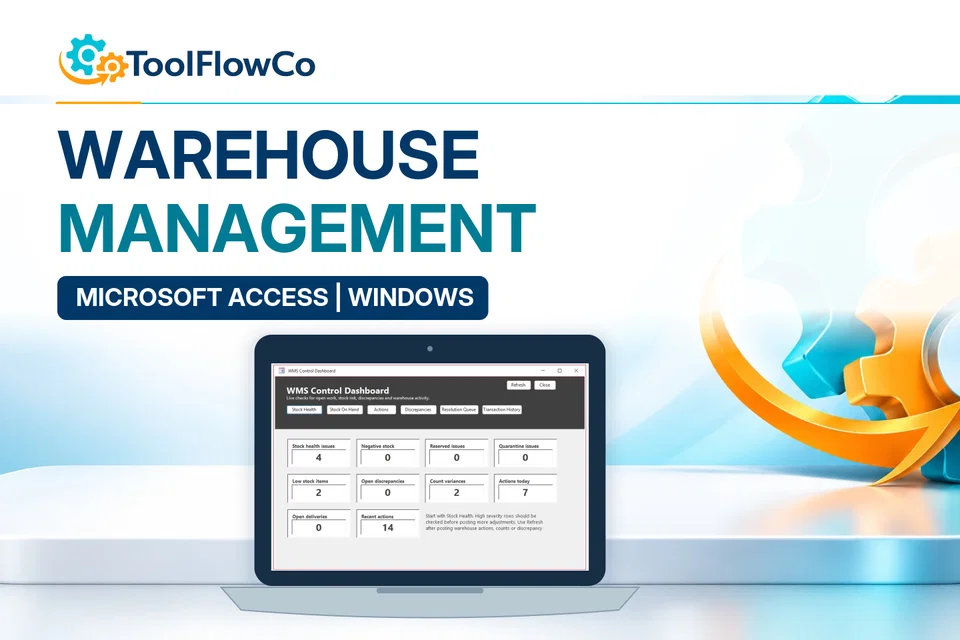
Microsoft Access Warehouse Management System for Receiving, Picking and Packing
Compare this tool and explore the workflow
Before deciding, compare the workflow and read the relevant guidance: Compare inventory management tools; How to Track Stock Across Multiple Locations in Excel; Stock Counts and Inventory Discrepancy Management Explained.
Read the supplied-file list and compatibility section on this page. The Etsy listing and licence govern permitted use and any included support or updates; do not assume ongoing upgrades, customisation or a hosted service are included.Purchase and setup essentials
Excel multi-location inventory manager: practical setup questions
Plan the location structure before loading balances. The same item may have a quantity in more than one place; a transfer should change where that stock is held rather than create a second sale or receipt for the business.
How can a transfer be checked?
For a simple illustrative check, moving five units from Store A to Store B should reduce A by five and increase B by five, with no change to the combined quantity. Review both locations after a test movement before using the workbook for a full opening-stock transfer.
Why are adjustment reasons useful?
A count difference, damaged item and initial-data correction are not the same event. Keeping the correction reason makes the recorded stock easier to investigate later. Use the searchable stock view alongside the movement workflow rather than maintaining a second balance list outside the tool.
Does multi-location mean simultaneous multi-user use?
No. Tracking several stock locations describes the records managed by the workbook. It does not, by itself, establish safe concurrent editing by several people. Confirm the intended users, storage and Excel environment before adopting it as a shared operating process.
Platform reference: Microsoft guidance on macro security. Platform documentation is separate from this product's supplied requirements and does not add unlisted features.
Review the current listing, supplied files and requirements before purchasing. Ask about any requirement that is not explicitly confirmed. Digital download. The GBP listing price is taken from the supplied Etsy export, not a live checkout quote. Etsy confirms the final price, discounts, tax and currency before payment. Requires Microsoft Excel desktop for Windows. Macros/VBA must be enabled for buttons and automated features to work. Please read the full software requirements below before purchasing.Ready to use Multi-Location Inventory Manager?