
Excel Service Business Manager for Quotes, Jobs, Invoices and Payments
Excel Service Business Manager: run everyday service-business admin from a modern Excel dashboard with guided forms and professional documents.
- Manage customers and service prices
- Create quotes and active jobs
- Generate invoices and record payments
- Track expenses and business performance
Digital download. The GBP listing price is taken from the supplied Etsy export, not a live checkout quote. Etsy confirms the final price, discounts, tax and currency before payment.
Requires Microsoft Excel desktop for Windows. Macros/VBA must be enabled for buttons and automated features to work. Please read the full software requirements below before purchasing.
Key features of the Excel service business manager
Modern business dashboard
Customer records
Service and price list
Quote builder
Job management
Invoice generator
Payment and expense tracking
Business setup and printable documents
How it works
How to use the Excel Service Business Manager
Set up business details, services and customers
Create a quote and turn approved work into a job
Invoice, record payment and monitor the dashboard
Ideal for
Who this product is designed for
- Tradespeople
- Maintenance companies
- Consultants
- Mobile service businesses
Reports & outputs
Excel service business manager reports
- Dashboard sales and expense summaries
- Printable quotes
- Printable invoices
- Outstanding and recent activity views
What you receive
Files and guidance included
- Macro-enabled service manager workbook
- Guided forms, tables and dashboard
- Professional quote and invoice layouts
- Quick-start and compatibility guide
- Digital delivery through Etsy; no physical item will be posted
Select any image to open the complete 9-image gallery.See the system before you purchase.
Bring the core admin of a service business into one organised Access database with forms, printable documents and management reports. Best for: Trades and contractorsCompare other ToolFlowCo options.
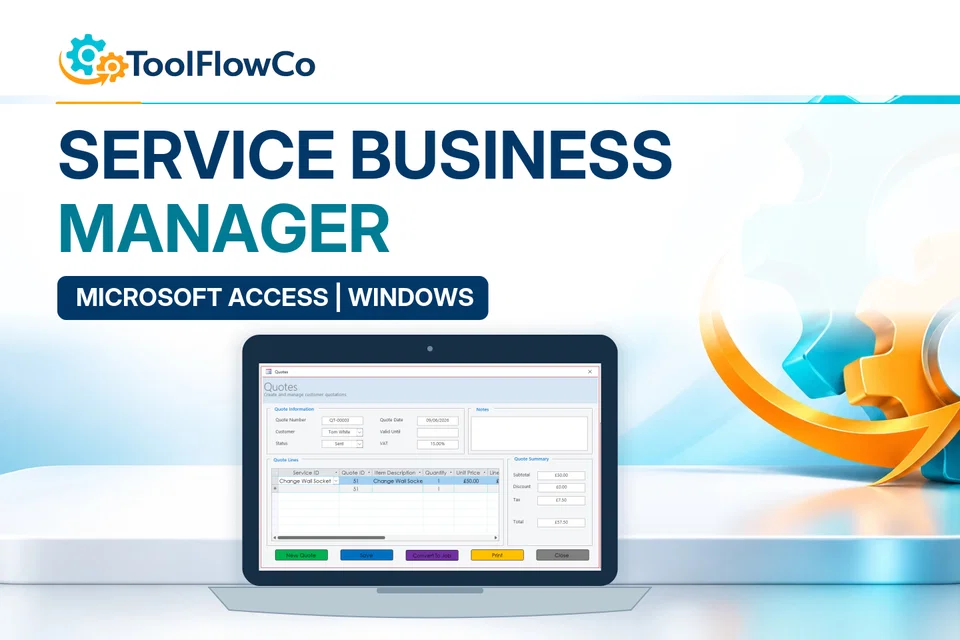
Microsoft Access Service Business Database for Jobs, Quotes and Invoices
Read the supplied-file list and compatibility section on this page. The Etsy listing and licence govern permitted use and any included support or updates; do not assume ongoing upgrades, customisation or a hosted service are included.Purchase and setup essentials
Excel service business manager: practical setup questions
Choose this workbook for a customer-to-payment admin flow in desktop Excel. Set up business details and service descriptions, then follow approved quotes into jobs and invoices instead of retyping the same work in unrelated files.
What should be established during setup?
Review the company information, services, prices and customer records before preparing a live quote. Use a sample job to check the printed or exported document layout and the business dashboard. Keep a clean backup before loading operational records.
How should job progress and payment be reviewed?
An approved quote, an active job, an issued invoice and a received payment are different stages. Record each through the supplied workflow and review outstanding items separately from completed work. That makes the next administrative action clearer than a single generic done flag.
How does this differ from the workshop products?
A service business may need customers, work, invoices and expenses without the vehicle or parts-stock structure of a garage. Compare the workshop tools when those additional records are central. Compare the Access edition when a database-led environment better fits your requirements.
Platform reference: Microsoft guidance on macro security. Platform documentation is separate from this product's supplied requirements and does not add unlisted features.
Review the current listing, supplied files and requirements before purchasing. Ask about any requirement that is not explicitly confirmed. Digital download. The GBP listing price is taken from the supplied Etsy export, not a live checkout quote. Etsy confirms the final price, discounts, tax and currency before payment. Requires Microsoft Excel desktop for Windows. Macros/VBA must be enabled for buttons and automated features to work. Please read the full software requirements below before purchasing.Ready to use Excel Service Business Manager?