
Microsoft Excel
Excel Sales Dashboard & SKU Manager
Record SKU sales, discounts, shipping, fees and linked refunds through guided Excel forms.
- A clear product register
- Faster repeat sales entry
- Costs alongside sales
Digital download. The GBP listing price is taken from the supplied Etsy export, not a live checkout quote. Etsy confirms the final price, discounts, tax and currency before payment.
Windows desktop Microsoft Excel and VBA macros are required. Not compatible with Mac, browser or mobile Excel. Microsoft Excel is not included.
Is it a fit?
Designed for these workflows.
Record SKU sales, discounts, shipping, fees and linked refunds through guided Excel forms. Review net sales and contribution by month, product and channel. Clean and demo .xlsm files plus an illustrated PDF guide are included. Windows desktop Excel and macros required.
- Independent sellers, makers, small retailers and digital-product businesses that want local product-sales records and clear margin reporting.
Check your setup first
Windows desktop Microsoft Excel and VBA macros are required. Not compatible with Mac, browser or mobile Excel. Microsoft Excel is not included.
Needing a browser, simultaneous users, a mobile app or a specific integration does not mean every product supports it. Confirm your intended setup before buying.
Ask a compatibility questionThe working process
From setup to useful records.
- Open the demo, then save a working copy of the clean workbook.
- Set your reporting period, add SKUs and review sales channels.
- Record one SKU per sales line; review reports, enter linked refunds and make backups.
What the system helps you manage.
- A clear product register: Maintain SKU codes, product names, categories, default sale prices and unit costs. Deactivate products without removing their sales history.
- Faster repeat sales entry: Select a SKU to bring product details and defaults into the sales form. Each saved sale keeps the values used at the time.
- Costs alongside sales: Record line discounts, shipping charged, manual fees and delivery costs to calculate sales contribution.
- Linked sale refunds: Choose the original sale, check refund quantity/value and choose whether to reverse its historical unit cost.
- Monthly, SKU and channel reporting: Review net sales, contribution, net units and contribution margin. Save backups and export a dashboard PDF.
Reports and outputs
- Net sales, contribution, net units and contribution margin
- Monthly, SKU and sales-channel reports
- Linked sale/refund records
- Dashboard PDF and timestamped backup copies
Your download
What is included.
- Ready-to-use clean .xlsm workbook
- Populated demo .xlsm workbook with fictional records
- Illustrated PDF user guide
- Quick-start and support/use notes
- Preinstalled VBA forms; no code editing for normal use
Important limitations and buying questions
- Contribution is not full business net profit: general overhead and tax are excluded. There is no stock-on-hand tracking, stock valuation, reorder planning, marketplace sync, automated platform fee calculation, tax/VAT calculation or currency conversion. This workbook does not automatically sync with the Profit & Loss Manager.
Frequently asked questions
Is this an inventory or stock-control system?
No. The SKU register holds product details and defaults, and reports sales performance. It does not maintain stock balances, stock valuation or reorder levels.
Does it import orders from Etsy or Shopify?
No. You enter sales manually. Channels such as Etsy or Website are reporting labels, not live integrations.
Is contribution the same as net profit?
No. Contribution is net sales less product cost, fees and delivery cost. General overhead and tax are not included.
Can I record an order with several products?
Yes. Enter one line per SKU using the same order reference. Allocate order-level shipping and fees across the lines only once.
Will a new SKU price change previous sales?
No. Saved sales retain their own price and unit-cost snapshots. New SKU defaults do not rewrite old margins.
Are refunds supported?
Yes. Refunds link to an active original sale and are checked against the sold quantity and remaining net value. The PDF guide explains cost reversals and fee credits.
What software is required?
Windows desktop Microsoft Excel with VBA macros enabled. Mac, browser, Google Sheets, Apple Numbers, LibreOffice and mobile Excel are not supported by this release.
See the system before you purchase.
Select any image to open the complete 9-image gallery.
Before checkout
Make the practical checks first.
Choose based on your workflow, the software you actually use and the requirements of your business.
Read the support guideWhat software do I need?
Windows desktop Microsoft Excel and VBA macros are required. Not compatible with Mac, browser or mobile Excel. Microsoft Excel is not included.
Where do I purchase and receive the files?
Follow this product's Etsy link, review its listing and complete checkout there. Use the delivery information on the listing for the supplied download.
Can I use it with my team or existing systems?
Describe the number of users, your software and any integrations you need before buying. A familiar file format is not a guarantee of simultaneous multi-user support or an integration.
What about setup, support and customisation?
Review the included files and support details above. Ask about anything that is unclear before buying. Custom development or migration should be agreed separately; it is not assumed to be included.
Additional product notes
- Contribution is not full business net profit: general overhead and tax are excluded. There is no stock-on-hand tracking, stock valuation, reorder planning, marketplace sync, automated platform fee calculation, tax/VAT calculation or currency conversion. This workbook does not automatically sync with the Profit & Loss Manager.
Compare other ToolFlowCo options.
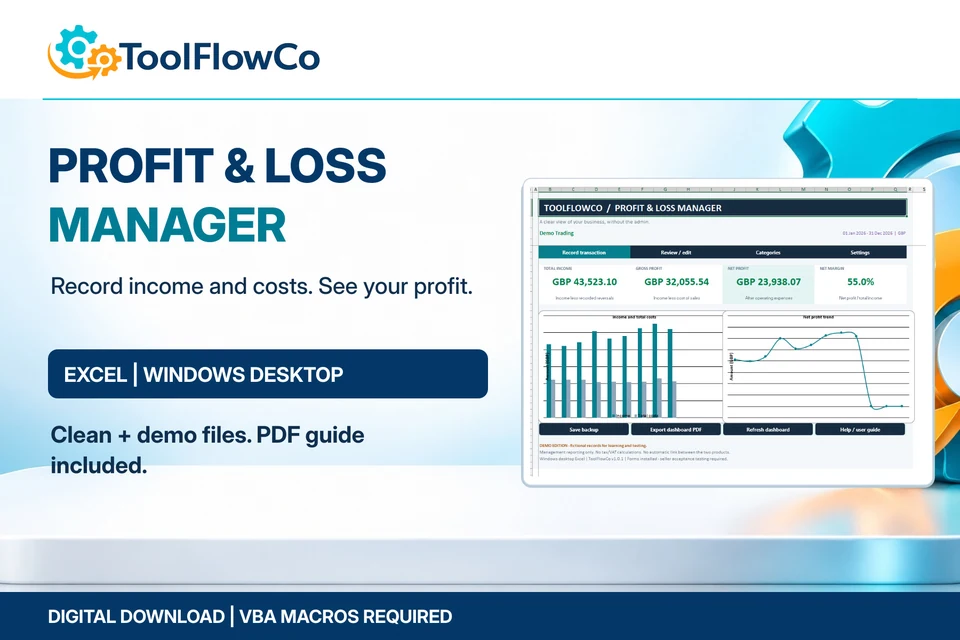
Excel Profit & Loss Manager
Track income, costs and monthly profit through guided Excel forms.
Best for: Small-business owners, freelancers, service businesses and sellers who want a focused income-and-cost tracker rather than a full accounting package.
View product details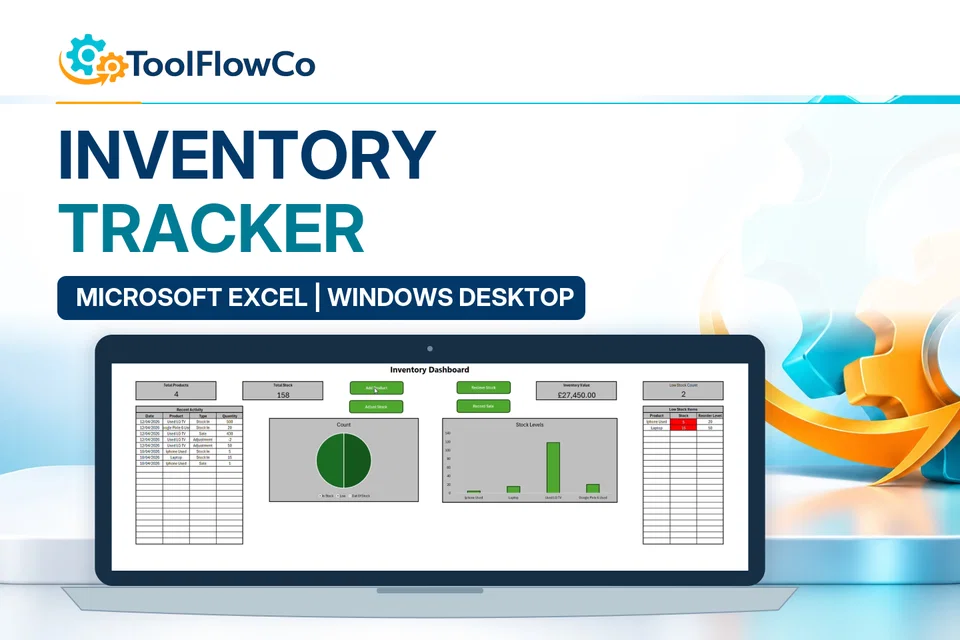
Excel Inventory Tracker with Sales, Stock Movements and Low Stock Alerts
Add products, receive stock, record sales, make adjustments and monitor reorder levels from one Excel workbook.
Best for: Online sellers
View product detailsReady to check the listing?
Review the included files and software requirements, then confirm the final offer on Etsy.
Digital download. The GBP listing price is taken from the supplied Etsy export, not a live checkout quote. Etsy confirms the final price, discounts, tax and currency before payment.
Windows desktop Microsoft Excel and VBA macros are required. Not compatible with Mac, browser or mobile Excel. Microsoft Excel is not included.