
Excel Food Inventory Tracker with Expiry and Waste
Excel Food Inventory Tracker with Expiry and Waste: track food stock by product, batch and location while monitoring expiry dates, sales, transfers and waste.
- Monitor batches and expiry dates
- Track chilled, frozen and ambient stock
- Record purchases, sales and waste
- Transfer stock between locations
Digital download. The GBP listing price is taken from the supplied Etsy export, not a live checkout quote. Etsy confirms the final price, discounts, tax and currency before payment.
Requires Microsoft Excel desktop for Windows. Macros/VBA must be enabled for buttons and automated features to work. Please read the full software requirements below before purchasing.
Key features of the Excel food inventory tracker
Food inventory dashboard
Product and supplier records
Storage locations
Batch and expiry tracking
Purchase entry
Sales entry
Stock transfers
Waste and spoilage log
How it works
How to use the Excel Food Inventory Tracker
Set up products, suppliers and storage locations
Receive batches with dates, cost and expiry
Record sales, transfers or waste and review alerts
Ideal for
Who this product is designed for
- Cafes and bakeries
- Small restaurants
- Catering businesses
- Shared kitchens and food stores
Reports & outputs
Excel food inventory tracker reports
- Expiry status dashboard
- Low-stock table
- Purchases, sales and waste totals
- Stock by location and type
What you receive
Files and guidance included
- Macro-enabled food inventory workbook
- Batch, transfer, sales and waste forms
- Dashboard and expiry alerts
- Quick-start and compatibility guide
- Digital delivery through Etsy; no physical item will be posted
Product demonstration Watch the workflow in action. Loads content from YouTube only when you press the button.Excel Food Inventory Tool Demo | Stock, Waste, Expiry & Transfers
Select any image to open the complete 9-image gallery.See the system before you purchase.
Add products, receive stock, record sales, make adjustments and monitor reorder levels from one Excel workbook. Best for: Online sellers Use an app-style Google Sheets dashboard to add products, record transactions, view current stock and prepare purchase orders. Best for: Small online sellersCompare other ToolFlowCo options.
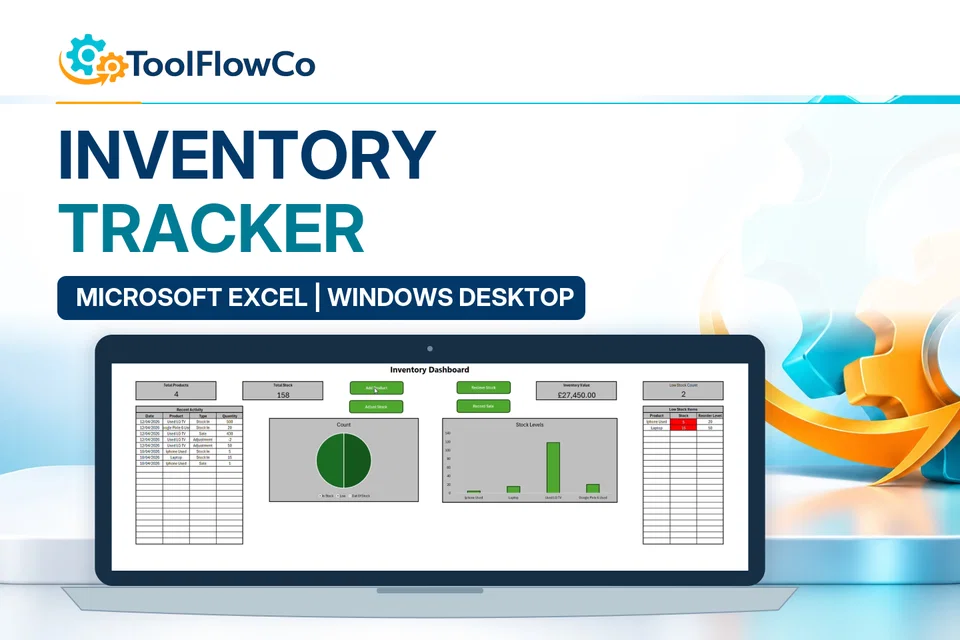
Excel Inventory Tracker with Sales, Stock Movements and Low Stock Alerts
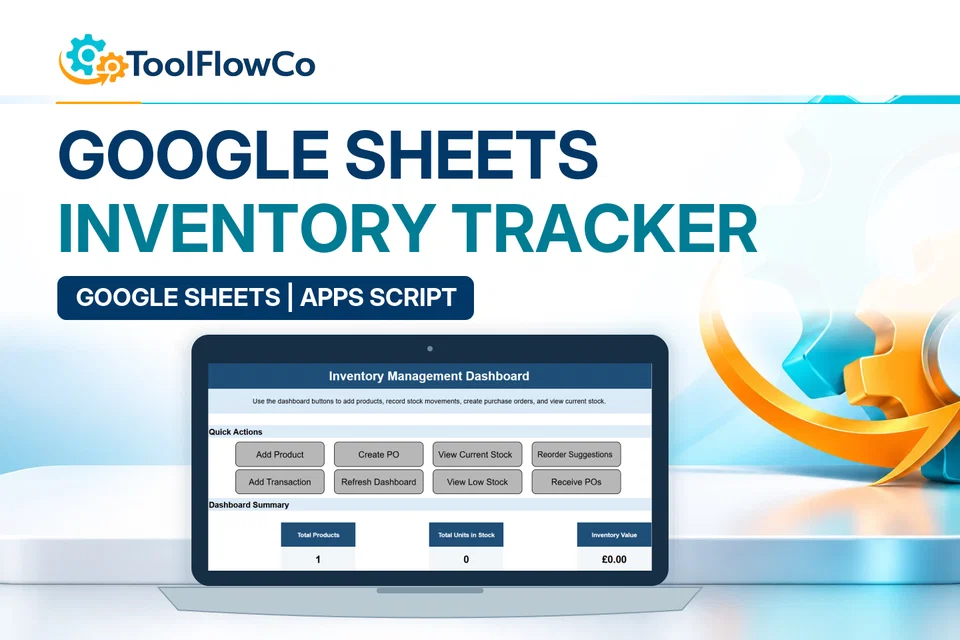
Google Sheets Inventory Tracker with Reorder Alerts and Purchase Orders
Read the supplied-file list and compatibility section on this page. The Etsy listing and licence govern permitted use and any included support or updates; do not assume ongoing upgrades, customisation or a hosted service are included.Purchase and setup essentials
Excel food inventory tracker: practical setup questions
Keep the product identity, batch, expiry and storage location together. Food stock can have the same product name but different dates and locations, so a single overall quantity is not enough to explain which stock is recorded.
What should be checked at receipt?
Record the actual product, batch information, cost, expiry and destination using the supplied workflow. Check units consistently and review the received quantity against your source record. The dashboard depends on those inputs; it cannot correct an unrecorded delivery.
How are sales, transfers and waste different?
A sale records stock leaving through the sales workflow, a transfer moves it between recorded locations, and waste records a separate loss or spoilage event. Keeping those categories distinct helps explain the current balance and the reported activity totals.
Does expiry tracking replace food-safety procedures?
No. The workbook provides records and expiry-related views. It is not a guarantee that a product is safe to use or that a business meets food-safety obligations. Keep the appropriate physical checks and operating procedures alongside the recorded inventory.
Platform reference: Microsoft guidance on macro security. Platform documentation is separate from this product's supplied requirements and does not add unlisted features.
Reconcile a sample batch in the Excel food inventory tracker
Before entering a full stock list, use a spare copy of the Excel food inventory tracker to follow one clearly labelled test batch. Keep the product code, batch reference, unit and locations consistent. The quantities below are an illustrative arithmetic check, not a live stock record.
Receive a known quantity
Start the sample with no stock for that item. Using the documented purchase or receipt workflow, record 24 units in location A and enter the batch details requested by the workbook. Check that the recorded quantity and location match the sample receipt before continuing.
Keep each movement separate
Record a sale of 5 units and a waste entry of 2 units from location A. Then follow the stock-transfer workflow to move 6 units to location B. The transfer changes where the remaining stock is recorded; it is not another sale or another waste event. Use the same unit throughout so that packs and individual items are not confused.
Compare locations with the movement record
The expected total is 24 minus 5 minus 2: 17 units. After the transfer, location A should account for 11 and location B for 6 in this sample. Compare those expectations with the stock-by-location view and inspect the separate sales and waste totals. Investigate any difference from the entries and their dates rather than replacing a calculated balance to make it match.
Keep the actual batch and expiry information accurate when moving to real stock. This exercise checks recorded quantities only; the workbook does not determine whether food is safe to use or replace the physical checks and procedures already described on this page.
Review the current listing, supplied files and requirements before purchasing. Ask about any requirement that is not explicitly confirmed. Digital download. The GBP listing price is taken from the supplied Etsy export, not a live checkout quote. Etsy confirms the final price, discounts, tax and currency before payment. Requires Microsoft Excel desktop for Windows. Macros/VBA must be enabled for buttons and automated features to work. Please read the full software requirements below before purchasing.Ready to use Excel Food Inventory Tracker?