
Google Sheets Profit and Loss Tracker
Google Sheets Profit and Loss Tracker: enter transactions once and review an automatic monthly profit-and-loss summary and dashboard.
- Log income and expenses
- See monthly net profit
- Review annual totals
- Compare best and worst months
Digital download. The GBP listing price is taken from the supplied Etsy export, not a live checkout quote. Etsy confirms the final price, discounts, tax and currency before payment.
Requires a Google account and Google Sheets. Designed for use through a supported web browser. Please read the full software requirements below before purchasing.
Key features of the Google Sheets profit and loss tracker
Transaction log
Income and expense categories
Monthly profit-and-loss summary
Annual totals
Gross and net profit
Profit margin
Best and worst month indicators
Income, expense and net-profit chart
How it works
How to use the Google Sheets Profit and Loss Tracker
Make a copy in Google Drive
Enter each income or expense transaction
Review the dashboard and monthly summary
Ideal for
Who this product is designed for
- Sole traders
- Freelancers
- Side businesses
- Small service businesses
Reports & outputs
Google Sheets profit and loss tracker reports
- Monthly P&L table
- Annual income and expense totals
- Profit dashboard and chart
What you receive
Files and guidance included
- Google Sheets P&L workbook
- Transaction and category sheets
- Dashboard and annual summary
- Quick-start notes
- Digital delivery through Etsy; no physical item will be posted
Select any image to open the complete 9-image gallery.See the system before you purchase.
Run everyday service-business admin from a modern Excel dashboard with guided forms and professional documents. Best for: Tradespeople Calculate sales income, product cost, platform fees, postage and profit in a simple Excel workbook. Best for: eBay resellersCompare other ToolFlowCo options.
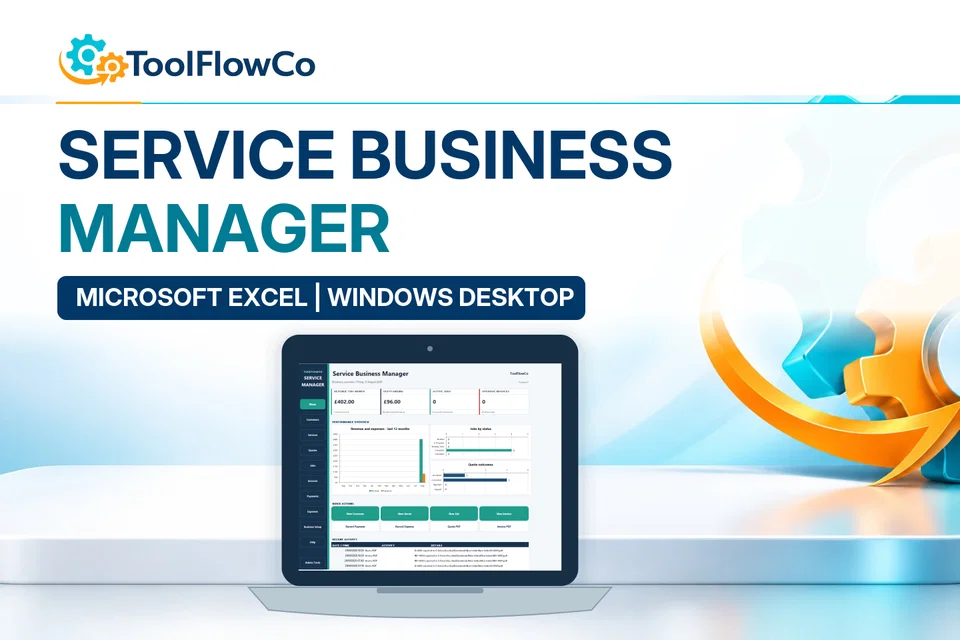
Excel Service Business Manager for Quotes, Jobs, Invoices and Payments
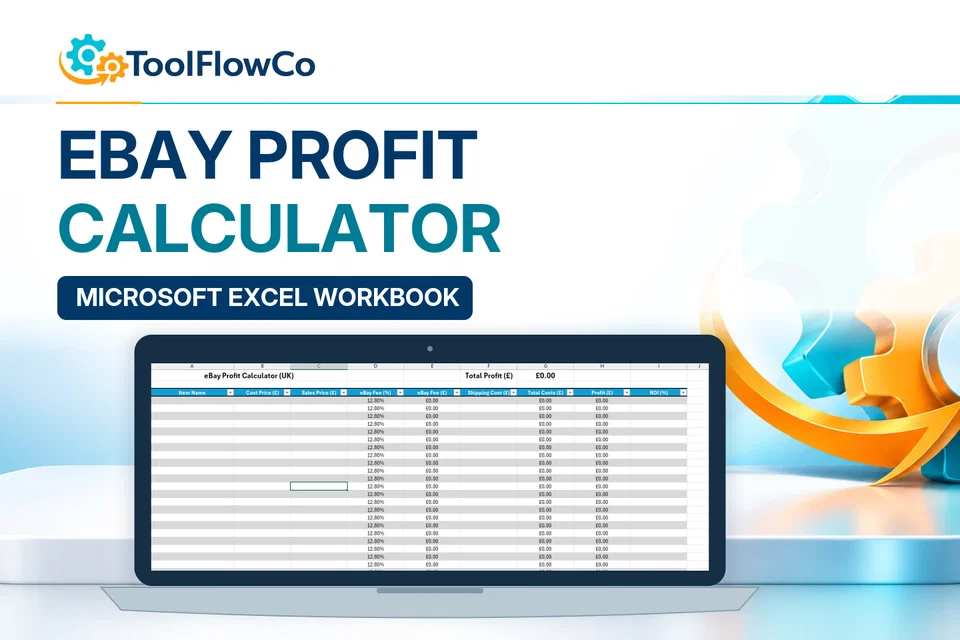
UK eBay Profit Calculator Spreadsheet for Resellers and Online Sellers
Read the supplied-file list and compatibility section on this page. The Etsy listing and licence govern permitted use and any included support or updates; do not assume ongoing upgrades, customisation or a hosted service are included.Purchase and setup essentials
Google Sheets profit and loss tracker: practical setup questions
Use one consistent transaction log to review monthly income and expenses. Decide how dates and categories will be entered before importing or typing a large set of records into the workbook.
How can a monthly total be checked?
Select a small illustrative set of entries and calculate the same income and expense totals separately. Compare them with the monthly summary before relying on the annual dashboard. A chart is easier to interpret when the categories and periods behind it are consistent.
What do the dashboard comparisons tell you?
The supplied tracker describes monthly gross and net profit, margin, annual totals and best/worst month indicators. Those views summarise the entered information. Investigate unusual months in the transaction log rather than assuming that an attractive chart establishes a business trend.
Is this a complete accounting service?
No. It is a Google Sheets tracking workbook, not a standalone accounting subscription or professional advice. Verify the treatment of business records with the appropriate adviser where needed, and make a copy in your own Google account before adding private financial information.
Platform reference: Google guidance on creating and working with spreadsheet files. Platform documentation is separate from this product's supplied requirements and does not add unlisted features.
Check a month in the Google Sheets profit and loss tracker
Use a separate copy of the Google Sheets profit and loss tracker for a small illustrative set of transactions before entering private business records. This example checks addition, dates and category consistency in the supplied transaction log. It does not prescribe an accounting or tax treatment.
Prepare figures you can calculate separately
For one sample month, enter three income amounts of 600, 400 and 250 and two expense amounts of 150 and 100, using the documented input fields. Use consistent sample units, dates within the same month and the appropriate existing income or expense categories. These entries are examples, not real sales or costs.
Compare the month with your working
The example income totals 1,250 and its expenses total 250, giving a difference of 1,000. Compare the monthly summary with those figures and the underlying transactions. A repeated row, wrong category or date in another month should be corrected in the input record, not hidden by editing a calculated dashboard total.
Check the next month independently
Add a clearly labelled sample income amount of 300 in a different month of the same year. Check that it appears in that month rather than being added to the first month. With only these example transactions, the two-month income total is 1,550, expenses remain 250 and the difference is 1,300. Review the annual view against the same entries.
Keep the sample separate when beginning your live records. The tracker summarises the information you enter; its dashboard is not evidence that every transaction is present or that your accounting obligations have been met.
Review the current listing, supplied files and requirements before purchasing. Ask about any requirement that is not explicitly confirmed. Digital download. The GBP listing price is taken from the supplied Etsy export, not a live checkout quote. Etsy confirms the final price, discounts, tax and currency before payment. Requires a Google account and Google Sheets. Designed for use through a supported web browser. Please read the full software requirements below before purchasing.Ready to use Google Sheets Profit & Loss Tracker?