This article describes ToolFlowCo product development and testing. It is not presented as a customer deployment and does not claim measured customer time or cost savings.
Building a warehouse database in Access meant connecting the warehouse workflow rather than treating stock as a single editable balance. This development story explains the design and testing of the ToolFlowCo system.
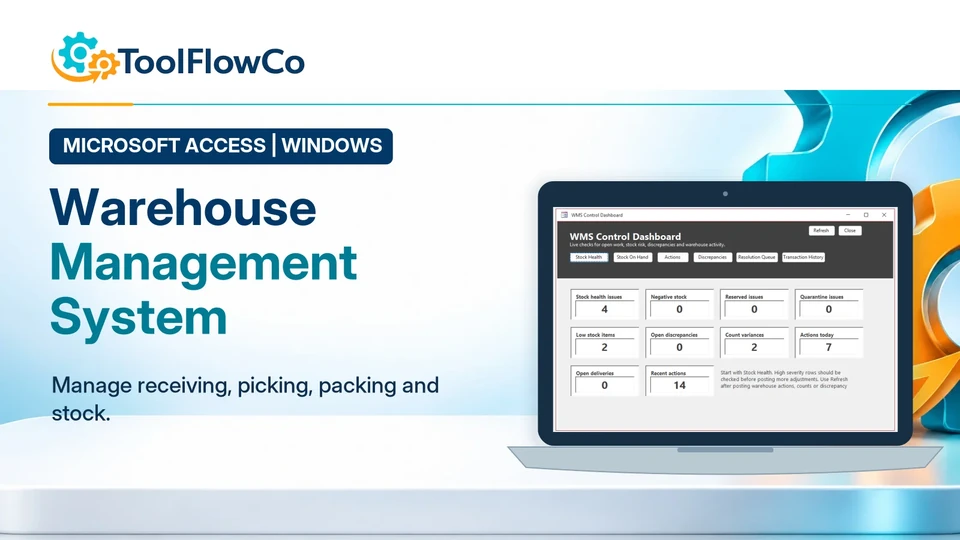
The system needed to do more than display stock figures. It needed to control how stock entered the warehouse, how orders moved through picking and packing, how counts were completed, and how discrepancies and quarantined stock were handled. This build story explains how the workflow developed, what caused the most difficulty and what I learned while testing it.
Why I started building a warehouse database in Access
Smaller warehouses and stockrooms often manage different parts of their process in different places. A business may have an order spreadsheet, a separate stock list, paper picking sheets, a receiving log and another file for stock counts. The records can all be individually useful while still failing to describe the complete operational position.
That makes it difficult to answer basic questions consistently:
- Has an order been picked, packed or only partly completed?
- Was the expected quantity fully received?
- Was the stock balance adjusted after the most recent count?
- Is any stock quarantined and therefore unavailable?
- Which transaction created the current quantity?
The database needed to connect these activities rather than treating them as unrelated forms.
The workflow I designed
The WMS was organised around products, locations, stock movements and controlled workflow stages. Each operational form uses the same underlying records, so a change made during receiving or picking can affect the information shown elsewhere.
Products, locations and stock
The foundation records products, warehouse locations, current stock, stock movements, reserved quantities and quarantined quantities. These records support the operational forms rather than requiring users to update several disconnected lists.
Receiving
The receiving workflow records stock arriving against an expected delivery. It needed to distinguish between fully received lines, partial receipts, rejected or quarantined quantities and deliveries completed with an exception.
One important detail was immediate feedback. A status that is correct in the table but does not refresh on the form can still make the transaction look unsuccessful. The final workflow therefore refreshes the relevant status information after a receipt is posted.
Order picking
The picking workflow presents the order lines that need to be collected from stock. It checks the selected order line, the required quantity, what has already been picked and what remains outstanding. It also prevents the same completed order from being picked repeatedly.
Packing
Packing is deliberately separate from picking. An order should not be packed before it has been picked, and the packing screen needs to know what quantity is eligible rather than only what was originally ordered. This creates a clearer transition from open order to picked order and then to packed order.
Stock counts and discrepancies
A stock count is not complete simply because someone enters a number. The system compares the expected quantity with the counted quantity and creates a discrepancy workflow when the values differ. The variance can then be reviewed and resolved rather than silently replacing the stock balance.
Quarantine and warehouse actions
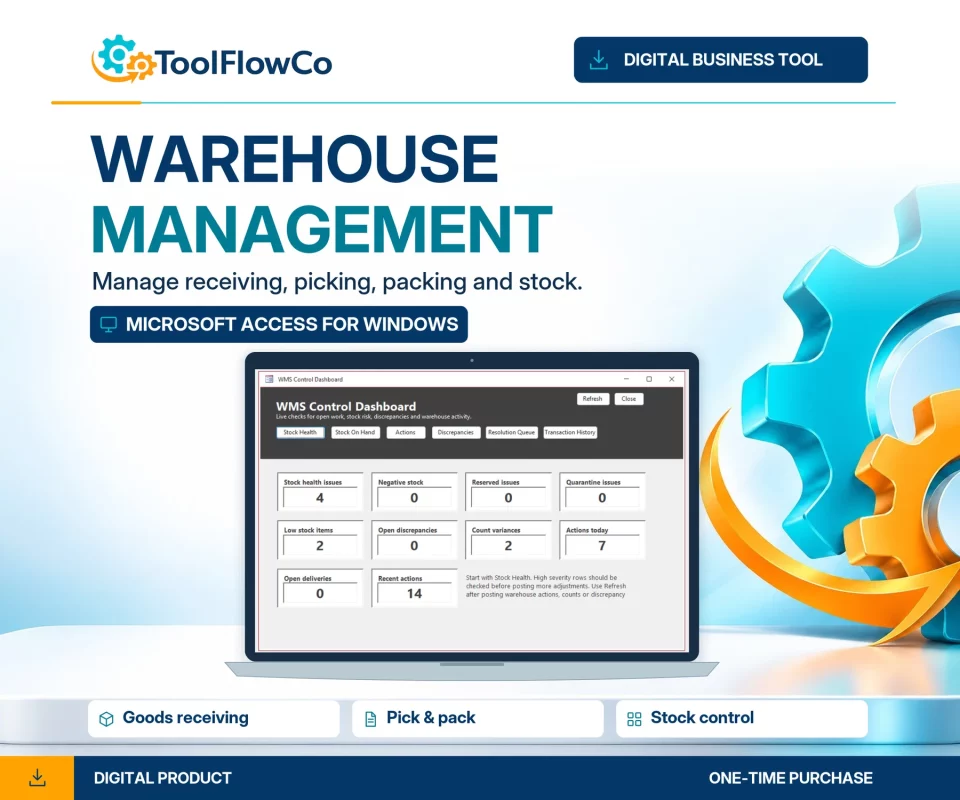
Quarantine supports stock that is damaged, awaiting inspection or temporarily unavailable. Warehouse actions handle controlled stock changes and check that sufficient stock exists before a movement is posted. Dashboard controls then highlight negative stock, reservation issues and quarantine records that need attention.
The most difficult part: status had to control behaviour
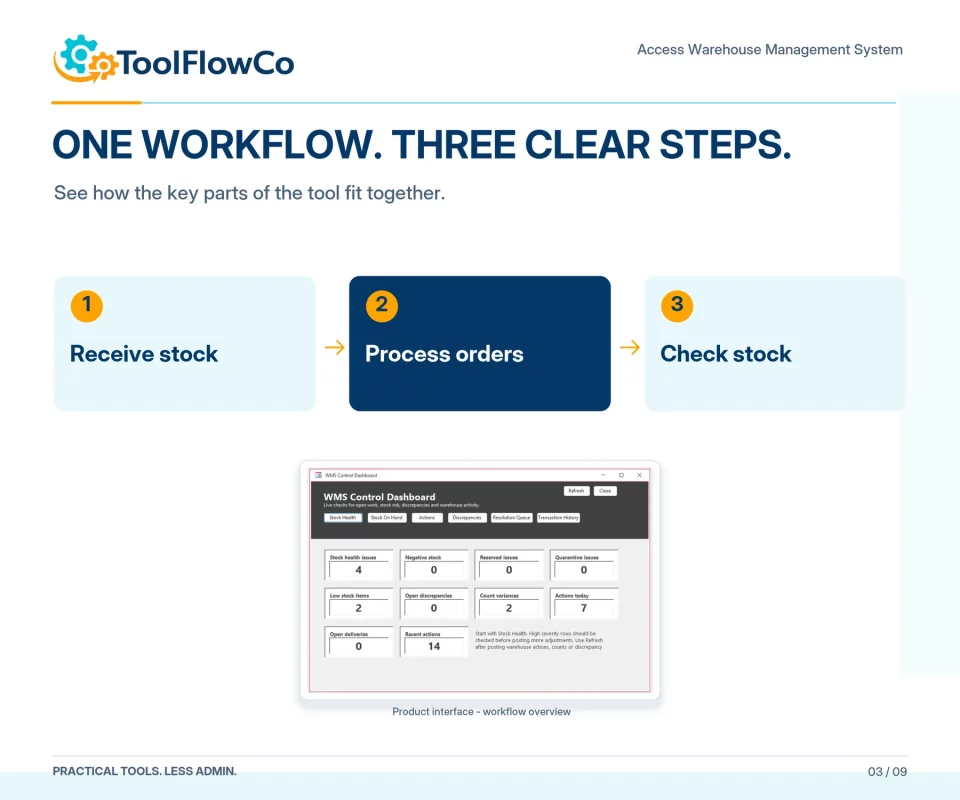
One of the largest lessons from this project was that workflow status cannot be treated as a decorative label. A status affects what the user is allowed to do next.
- A packed order should not return to picking.
- An unpicked order should not open in packing.
- A completed count should not remain available for normal entry.
- A fully received delivery should not continue to show as partly received.
- Quarantined stock should not appear as ordinary available stock.
Several early issues were caused by forms and buttons not reading the same underlying state consistently. The eventual solution was to make button availability, warning messages and form-opening logic depend on the stored workflow status rather than only what happened to be visible on screen.
What testing uncovered
The most useful testing was not form-by-form inspection. It was running a complete transaction from the beginning of one workflow to the end of the next. That exposed dependencies that were easy to miss when a form was opened on its own.
Picking and packing problems
At different stages of development, the picking form could open without the expected order lines, the packing workflow could reject an eligible line, and completed orders could still offer actions that should have been disabled.
A particularly important issue involved the internal order-line identifier. The visible product and quantity could look correct while the underlying line ID was missing or being read from the wrong control. Without that identifier, the system could not safely post the transaction to the intended order line.
The final workflow therefore checks the selected line, its internal identifier, the ordered quantity, the picked quantity, the packed quantity and the remaining quantity before completing the action.
Stock-count and discrepancy handling
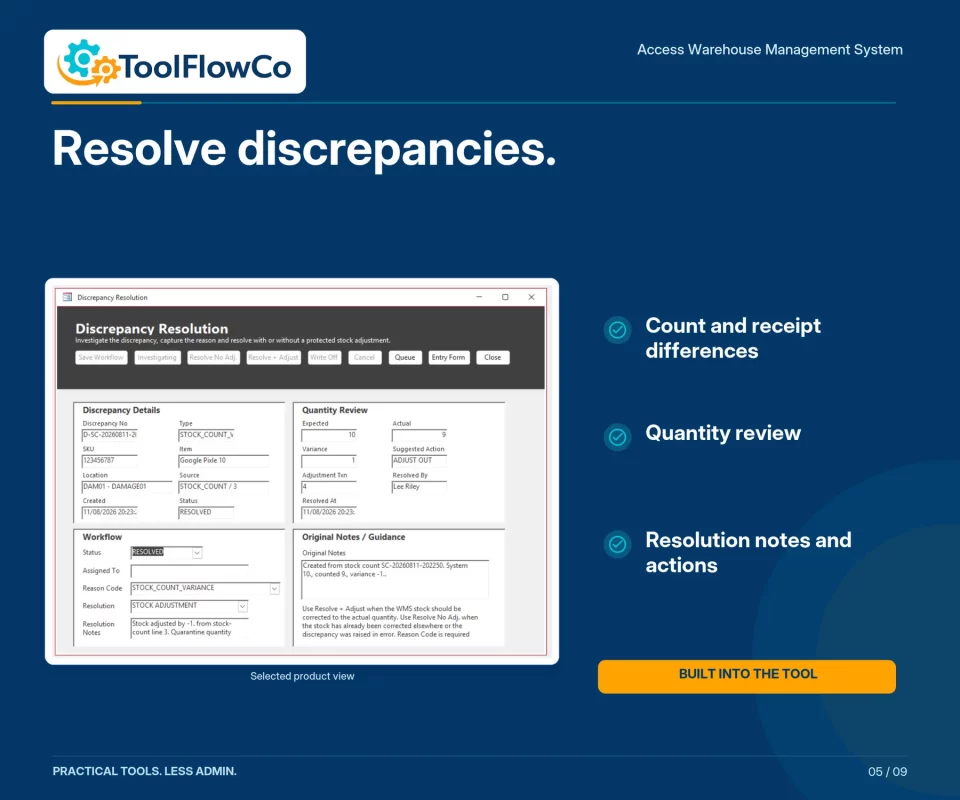
The stock-count process also went through several revisions. Problems found during testing included errors when entering a counted quantity, discrepancy forms opening without their expected records, counts with no lines causing completion errors and discrepancy records not being connected correctly.
These problems showed why the whole sequence had to be tested: create a count, enter quantities, complete the count, generate a discrepancy, open it and resolve it. Confirming only that the first form opened would not have been enough.
Receiving status and refresh behaviour
Another issue occurred when a receipt was completed. The underlying data could be correct while the form continued to display the previous status until the user exited and reopened it.
From a database perspective, the saved record may have been correct. From the user’s perspective, however, the action appeared not to have worked. The receiving workflow was updated so the form and status controls refresh immediately after the transaction.
Improving the interface
The project was not only about transaction logic. The interface went through several improvement passes covering consistent button sizes, clearer labels, matching hover behaviour, search boxes, alignment and more useful warnings when an action was unavailable.
Some controls that originally looked like buttons were actually text boxes or labels. Replacing them with proper command buttons made the behaviour more predictable and easier to maintain.
The aim was not to make the database visually elaborate. It was to make the next action obvious and to reduce situations where a user could accidentally enter the wrong workflow stage.
How I tested the end-to-end workflow
The final testing plan used operational scenarios such as:
- Create or open an order with available stock.
- Pick the required quantity and confirm the order cannot be picked again.
- Open packing and confirm only picked quantities are eligible.
- Attempt to pack an unpicked order and confirm the action is blocked.
- Receive a complete delivery and review the resulting status immediately.
- Complete a partial receipt and confirm the exception status.
- Create a stock count with matching quantities.
- Create another count containing a variance.
- Generate, open and resolve the resulting discrepancy.
- Attempt a warehouse action with insufficient stock.
- Review the negative-stock, reservation and quarantine dashboard controls.
Testing the sequence exposed problems that would not have appeared through isolated form checks.
Preparing the database as a reusable product
Once the main workflows were operating correctly, the next stage was preparing the database as a reusable ToolFlowCo product. That included standardising the interface, removing development-only repair objects, checking active queries and forms, creating a factory-reset process, clearing test transactions and preparing user guidance.
The reset process is particularly important for a reusable database because a sellable copy should not contain development orders, stock movements or test discrepancies.
What I learned from the project
The main lesson was that warehouse software is primarily about controlled transitions. The tables are important, but the behaviour comes from questions such as:
- What is the current status?
- What is the next permitted action?
- What should be prevented?
- What records should be created?
- What should refresh immediately?
- What happens when there is not enough stock?
- How is an exception investigated and resolved?
I also learned that a workflow should be tested from beginning to end. A form can work correctly in isolation and still fail because it depends on a status or identifier created by an earlier stage.
Who the system is intended for
The ToolFlowCo Access WMS is aimed at smaller organisations that want a structured Windows desktop warehouse system without immediately moving to a large cloud or enterprise platform.
Potential uses include small warehouses, internal stockrooms, parts stores, workshop stores and businesses moving away from disconnected stock spreadsheets.
It is not positioned as a replacement for a large enterprise WMS containing every possible scanner, carrier, marketplace, accounting and automation integration. The objective is to provide a practical operational foundation that can be used as supplied or discussed as the starting point for a more specific workflow.
Choose the route that fits the warehouse.
Use the ready-made Access WMS when its workflow already matches the requirement. Where additional fields, reports, statuses or process changes are needed, discuss customisation before commissioning a completely new system.
For a wider database project, see Microsoft Access database development.
For background on the related-record structure discussed here, see the Microsoft introduction to Access tables.
Put the workflow into practice
Explore the relevant tools.
Compare the product requirements with the approach in this guide.
Microsoft Access
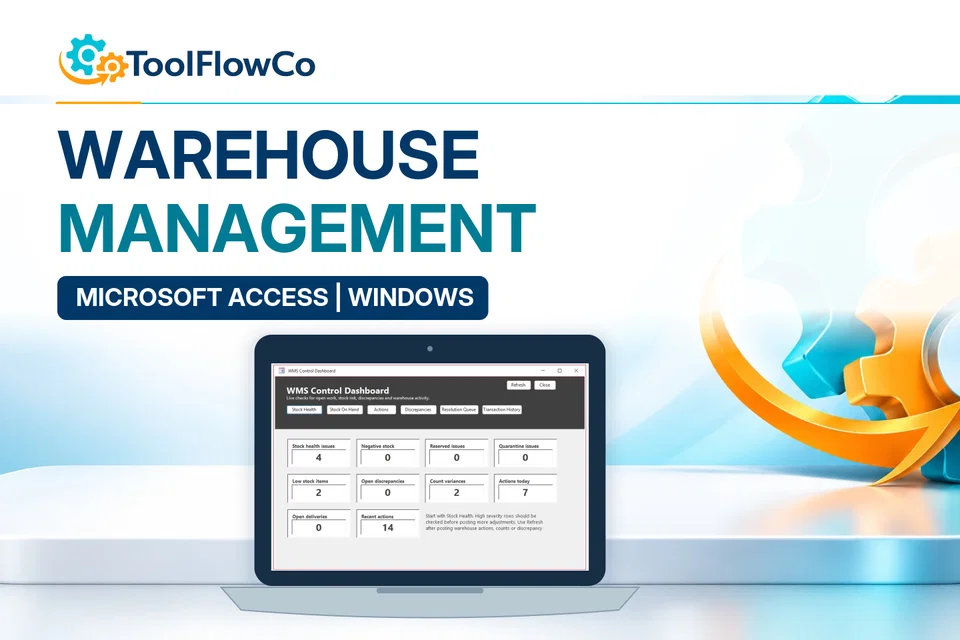
Access Warehouse Management System
Organise receiving, orders, picking, packing, stock counts, quarantine, discrepancies and warehouse actions in one desktop database.