
Microsoft Excel
Excel Profit & Loss Manager
Track income, cost of sales and operating expenses through guided Excel forms.
- Guided income and expense entry
- A monthly view of performance
- Categories you can maintain
Digital download. The GBP listing price is taken from the supplied Etsy export, not a live checkout quote. Etsy confirms the final price, discounts, tax and currency before payment.
Windows desktop Microsoft Excel and VBA macros are required. Not compatible with Mac, browser or mobile Excel. Microsoft Excel is not included.
Is it a fit?
Designed for these workflows.
Track income, cost of sales and operating expenses through guided Excel forms. Review gross profit, net profit and monthly results in a configurable 12-month dashboard. Clean and demo .xlsm files plus an illustrated PDF guide are included. Windows desktop Excel and macros required.
- Small-business owners, freelancers, service businesses and sellers who want a focused income-and-cost tracker rather than a full accounting package.
Check your setup first
Windows desktop Microsoft Excel and VBA macros are required. Not compatible with Mac, browser or mobile Excel. Microsoft Excel is not included.
Needing a browser, simultaneous users, a mobile app or a specific integration does not mean every product supports it. Confirm your intended setup before buying.
Ask a compatibility questionThe working process
From setup to useful records.
- Open the demo, then save a working copy of the clean workbook.
- Set your business details, currency label and reporting period; review categories.
- Record income and costs, review the dashboard and back up your workbook.
What the system helps you manage.
- Guided income and expense entry: Record the date, category, amount, description, payment method and reference without working directly in report formulas.
- A monthly view of performance: Review total income, gross profit, net profit and net margin for a 12-month period starting in the month and year you choose.
- Categories you can maintain: Use the starter categories, add your own and deactivate obsolete categories without removing their historical transactions.
- Corrections without deleting history: Review and edit saved records, void mistakes or enter reversals for refunds and cost credits.
- Practical local outputs: Keep timestamped backup copies and export the dashboard to PDF. Records remain in your own workbook.
Reports and outputs
- 12-month income, cost of sales and operating expense summaries
- Gross profit, net profit and margins
- Monthly profit and loss dashboard
- Dashboard PDF and timestamped backup copies
Your download
What is included.
- Ready-to-use clean .xlsm workbook
- Populated demo .xlsm workbook with fictional records
- Illustrated PDF user guide
- Quick-start and support/use notes
- Preinstalled VBA forms; no code editing for normal use
Important limitations and buying questions
- No bank feeds, marketplace imports, automatic tax/VAT calculations, currency conversion, double-entry accounts or balance sheet. It does not automatically sync with the Sales & SKU Manager. Reports reflect the records you enter; use a consistent accounting basis and one currency.
Frequently asked questions
Does this work in Google Sheets or Excel online?
No. The forms require Windows desktop Excel with VBA macros. Mac, browser, mobile and alternative spreadsheet applications are not supported by this release.
Do I enter profit manually?
No. Enter income, cost of sales and operating expenses. The workbook calculates gross profit, net profit and margins.
Can I start my reporting year in April?
Yes. Choose the reporting start year and month in Settings. April 2026 reports April 2026 through March 2027.
Are refunds supported?
Use a Reversal to reduce an income or cost category. Reversals are not automatically linked to an earlier transaction and have no remaining-balance check.
Are taxes or VAT calculated?
No. Enter figures on a consistent basis determined outside the tool. It is management information, not tax advice or filing software.
Do I need to install VBA code?
No. The customer workbooks already contain the forms and macros. Extract the files and follow the guide to allow macros for a file you trust.
See the system before you purchase.
Select any image to open the complete 9-image gallery.
Before checkout
Make the practical checks first.
Choose based on your workflow, the software you actually use and the requirements of your business.
Read the support guideWhat software do I need?
Windows desktop Microsoft Excel and VBA macros are required. Not compatible with Mac, browser or mobile Excel. Microsoft Excel is not included.
Where do I purchase and receive the files?
Follow this product's Etsy link, review its listing and complete checkout there. Use the delivery information on the listing for the supplied download.
Can I use it with my team or existing systems?
Describe the number of users, your software and any integrations you need before buying. A familiar file format is not a guarantee of simultaneous multi-user support or an integration.
What about setup, support and customisation?
Review the included files and support details above. Ask about anything that is unclear before buying. Custom development or migration should be agreed separately; it is not assumed to be included.
Additional product notes
- No bank feeds, marketplace imports, automatic tax/VAT calculations, currency conversion, double-entry accounts or balance sheet. It does not automatically sync with the Sales & SKU Manager. Reports reflect the records you enter; use a consistent accounting basis and one currency.
Compare other ToolFlowCo options.
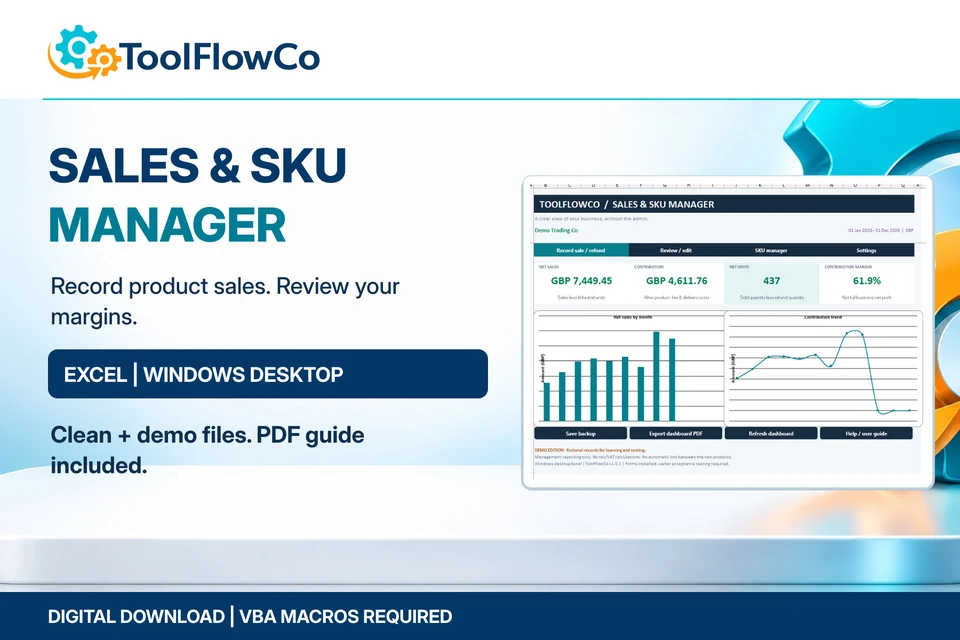
Excel Sales Dashboard & SKU Manager
Record SKU sales, linked refunds and product contribution with guided Excel forms.
Best for: Independent sellers, makers, small retailers and digital-product businesses that want local product-sales records and clear margin reporting.
View product details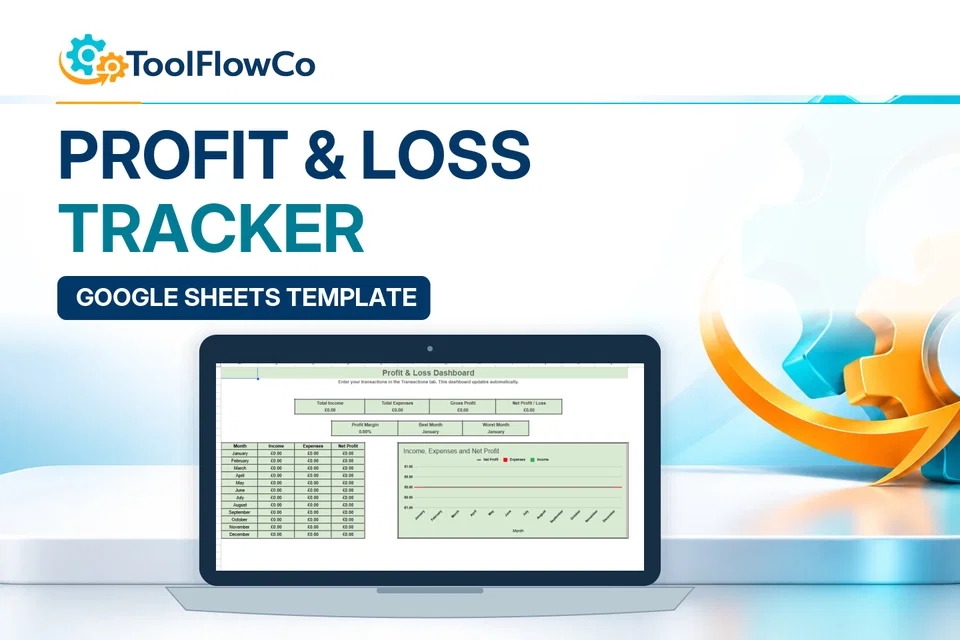
Google Sheets Profit and Loss Tracker with Monthly Business Dashboard
Enter transactions once and review an automatic monthly profit-and-loss summary and dashboard.
Best for: Sole traders
View product detailsReady to check the listing?
Review the included files and software requirements, then confirm the final offer on Etsy.
Digital download. The GBP listing price is taken from the supplied Etsy export, not a live checkout quote. Etsy confirms the final price, discounts, tax and currency before payment.
Windows desktop Microsoft Excel and VBA macros are required. Not compatible with Mac, browser or mobile Excel. Microsoft Excel is not included.