
Outlook Attachment Extractor for Excel
Outlook Attachment Extractor for Excel: set sender, subject, sheet, table and matching rules, then extract qualifying Outlook attachments into a structured Excel process.
- Reduce repetitive attachment saving
- Filter emails using configurable rules
- Process spreadsheet data consistently
- Review success and error messages
Digital download. The GBP listing price is taken from the supplied Etsy export, not a live checkout quote. Etsy confirms the final price, discounts, tax and currency before payment.
Requires Microsoft Excel desktop for Windows and Classic Outlook for Windows. Macros/VBA must be enabled and your security settings must permit automation. Please read the full software requirements below before purchasing.
Key features of the Outlook attachment extractor
Setup and validation actions
Sender and subject filters
Attachment filename rules
Worksheet and table selection
Start-cell configuration
Replace or append handling
Rule-by-rule status log
Structured extracted output
How it works
How to use Outlook Attachment Extractor.
Configure the mailbox folder and extraction rules
Validate the setup and run extraction
Review the status log and processed data
Ideal for
Who this product is designed for.
- Accounts administration
- Reporting teams
- Supplier data collection
- Recurring email attachments
Reports & outputs
Outputs from the Outlook attachment extractor
- Rule processing status
- Success and error messages
- Consolidated extracted data
What you receive
What comes with the Outlook attachment extractor
- Excel extraction workbook
- Configurable Outlook rules table
- Quick-start and compatibility guide
- Basic setup support through Etsy messages
- Digital delivery through Etsy; no physical item will be posted
Product demonstration Watch the workflow in action. Loads content from YouTube only when you press the button.Excel Email Attachment Extraction Tool Demo | Automate Outlook File Processing
Select any image to open the complete 9-image gallery.See the system before you purchase.
Review sent emails, reply status, waiting time and overdue follow-ups from one Excel tracking table. Best for: Sales follow-up Run everyday service-business admin from a modern Excel dashboard with guided forms and professional documents. Best for: TradespeopleCompare other ToolFlowCo options.
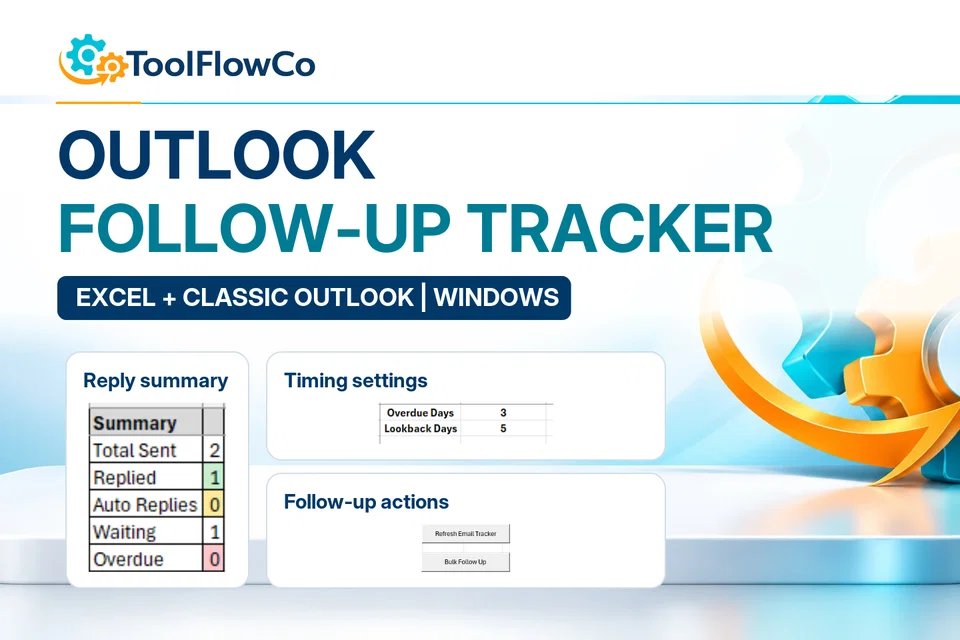
Excel Outlook Follow-Up Tracker for Email Replies and Bulk Reminders
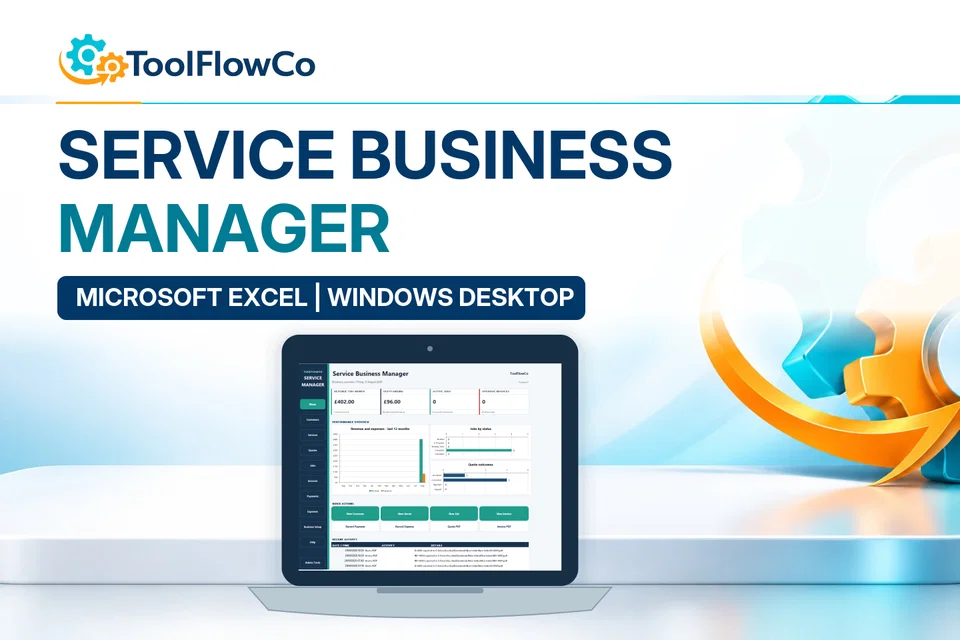
Excel Service Business Manager for Quotes, Jobs, Invoices and Payments
Compare this tool and explore the workflow
Before deciding, compare the workflow and read the relevant guidance: Outlook automation tools; How to Automatically Save Outlook Attachments.
Read the supplied-file list and compatibility section on this page. The Etsy listing and licence govern permitted use and any included support or updates; do not assume ongoing upgrades, customisation or a hosted service are included.Purchase and setup essentials
Outlook attachment extractor: practical setup questions
Use the supplied Excel and Classic Outlook workflow for the supported attachment-data extraction task. Start with a small, known sample of messages so the matching rules and resulting Excel output can be checked.
What should a first test prove?
Identify which sample message should match, which attachment and data should be used, and where the result should appear. Compare the output with the source attachment. Then test a non-matching message to make sure the chosen rules do not include unrelated records.
How should repeat processing be handled?
Establish the intended treatment of repeated messages and existing output using the supplied setup guidance. Run a small repeat test before processing a recurring email batch. Do not assume that an unattended schedule, arbitrary attachment format or every duplicate rule is supported.
Is this an email follow-up tool?
No. The separate Follow-Up Tracker reviews sent conversations, replies and overdue follow-up actions. This product focuses on attachment extraction through the documented desktop Excel and Classic Outlook environment. Confirm application editions and automation permissions before purchase.
Platform reference: Microsoft guidance on macro security. Platform documentation is separate from this product's supplied requirements and does not add unlisted features.
Review the current listing, supplied files and requirements before purchasing. Ask about any requirement that is not explicitly confirmed. Digital download. The GBP listing price is taken from the supplied Etsy export, not a live checkout quote. Etsy confirms the final price, discounts, tax and currency before payment. Requires Microsoft Excel desktop for Windows and Classic Outlook for Windows. Macros/VBA must be enabled and your security settings must permit automation. Please read the full software requirements below before purchasing.Ready to use Outlook Attachment Extractor?