
Excel Outlook Follow-Up Tracker
Excel Outlook Follow-Up Tracker: review sent emails, reply status, waiting time and overdue follow-ups from one Excel tracking table.
- See which emails received replies
- Identify waiting and overdue conversations
- Set follow-up timing rules
- Prepare follow-ups in bulk
Digital download. The GBP listing price is taken from the supplied Etsy export, not a live checkout quote. Etsy confirms the final price, discounts, tax and currency before payment.
Requires Microsoft Excel desktop for Windows and Classic Outlook for Windows. Macros/VBA must be enabled and your security settings must permit automation. Please read the full software requirements below before purchasing.
Key features of the Excel Outlook follow-up tracker
Sent-email tracking table
Conversation ID matching
Reply status and reply date
Automatic-reply flag
Days-waiting calculation
Overdue follow-up status
Summary counts
Bulk follow-up action
How it works
How to use the Outlook Follow-Up Tracker
Set your overdue and lookback periods
Refresh the tracker from Outlook
Review overdue rows and create follow-ups
Ideal for
Who this product is designed for
- Sales follow-up
- Recruitment admin
- Supplier chasing
- Customer-service teams
Reports & outputs
Excel Outlook follow-up tracker reports
- Total sent
- Replied and waiting totals
- Overdue follow-up count
What you receive
Files and guidance included
- Excel follow-up tracker
- Outlook automation workflow
- Quick-start and compatibility guide
- Basic setup support through Etsy messages
- Digital delivery through Etsy; no physical item will be posted
Select any image to open the complete 9-image gallery.See the system before you purchase.
Set sender, subject, sheet, table and matching rules, then extract qualifying Outlook attachments into a structured Excel process. Best for: Accounts administration Run everyday service-business admin from a modern Excel dashboard with guided forms and professional documents. Best for: TradespeopleCompare other ToolFlowCo options.
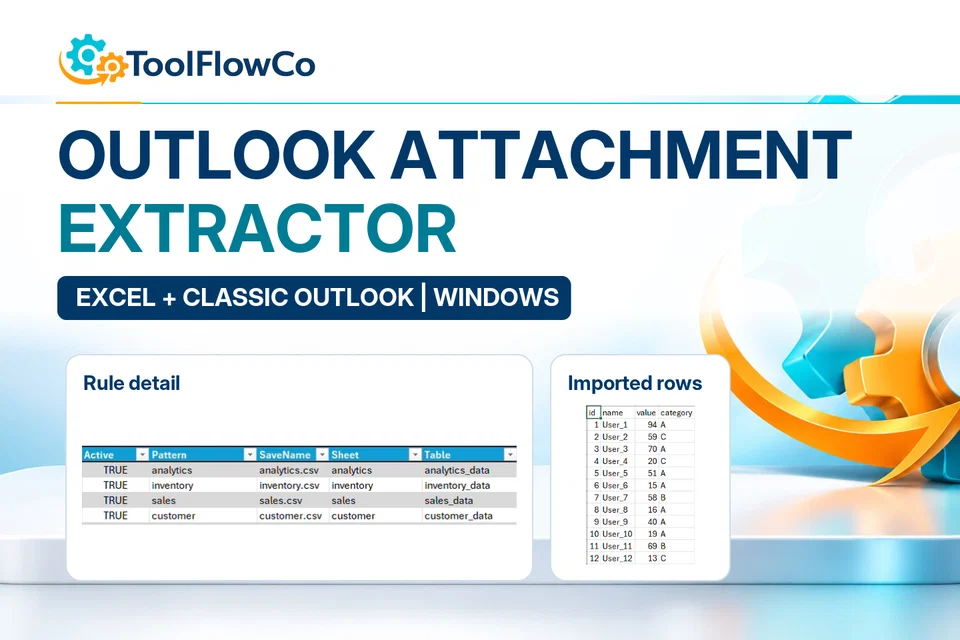
Excel Outlook Attachment Extractor for Automated Email File Saving
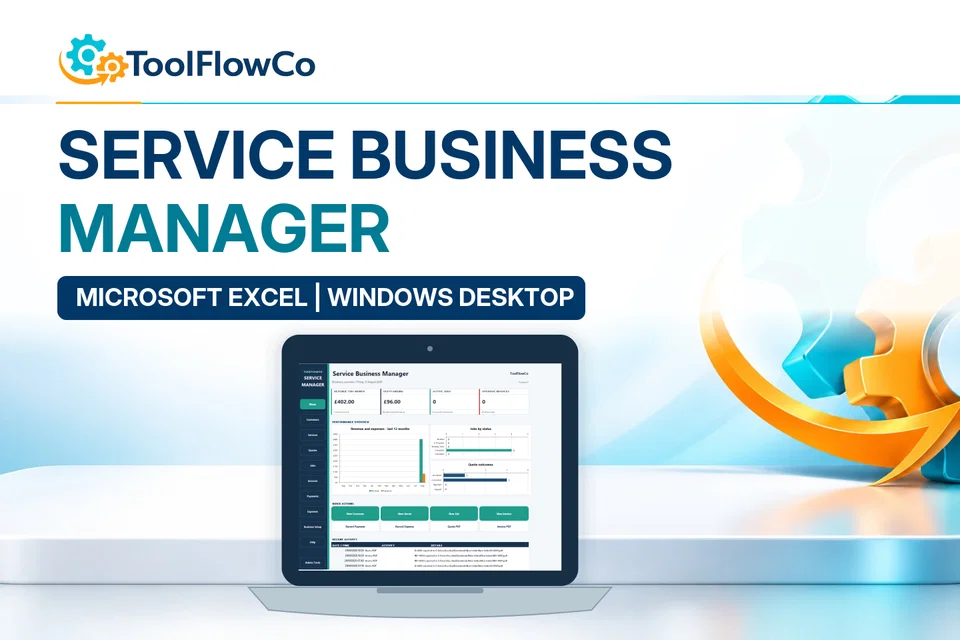
Excel Service Business Manager for Quotes, Jobs, Invoices and Payments
Compare this tool and explore the workflow
Before deciding, compare the workflow and read the relevant guidance: Outlook automation tools; How to Automatically Save Outlook Attachments.
Read the supplied-file list and compatibility section on this page. The Etsy listing and licence govern permitted use and any included support or updates; do not assume ongoing upgrades, customisation or a hosted service are included.Purchase and setup essentials
Excel Outlook follow-up tracker: practical setup questions
Use the tracker to review unanswered sent conversations, not to treat every old email as overdue. Set a sensible lookback period and waiting-time rule for the type of correspondence you manage.
What should be reviewed before creating follow-ups?
Check reply status, waiting time and any automatic-reply flag. An automated acknowledgement is not necessarily a useful answer to the original question. Review the selected conversations and message wording before using the bulk action.
Does this save incoming attachment data?
The Follow-Up Tracker is for conversation status and follow-up actions. Compare the separate Outlook Attachment Extractor when the task is taking supported data from email attachments into Excel. Keep those jobs separate when choosing a tool.
Which Outlook environment is required?
The supplied requirements specify desktop Excel for Windows and Classic Outlook for Windows, with automation permitted by the relevant security settings. New Outlook, web Outlook, Mac and mobile are not described as supported. A company policy can restrict access even when the applications are installed.
Platform reference: Microsoft guidance on macro security. Platform documentation is separate from this product's supplied requirements and does not add unlisted features.
Review the current listing, supplied files and requirements before purchasing. Ask about any requirement that is not explicitly confirmed. Digital download. The GBP listing price is taken from the supplied Etsy export, not a live checkout quote. Etsy confirms the final price, discounts, tax and currency before payment. Requires Microsoft Excel desktop for Windows and Classic Outlook for Windows. Macros/VBA must be enabled and your security settings must permit automation. Please read the full software requirements below before purchasing.Ready to use Outlook Follow-Up Tracker?