
Microsoft Access development
Microsoft Access database development
Microsoft Access database development starts with the related records, entry forms and reports your Windows desktop process needs. Describe the current data and workflow before choosing the scope of a new or adapted database.
On this page
What the work can include
Microsoft Access database development: scope to discuss
- Database and relationship review
- Forms, subforms and navigation
- Queries, reports and printable documents
- Workflow rules and status controls
- Repair or extension of an existing database
This route may fit when
- Several linked record types need to be managed together.
- An existing Access database has unreliable forms or VBA.
- Excel is no longer suitable for the structure of the process.
- A focused desktop system is required without a monthly platform.
Before work starts
Scope, compatibility and ownership are agreed first.
Requirements
The workflow, users, software and outputs are documented.
Boundaries
Included features and excluded work are made clear.
Review
Testing and revision stages are agreed before delivery.
Related ToolFlowCo work
These are ready-made products and product development accounts, not claims of customer deployment. A custom project needs its own agreed scope.
- Access Warehouse Management SystemInspect the linked warehouse records and workflows.
- Warehouse database developmentRead the design and testing account.
Prepare the database relationships
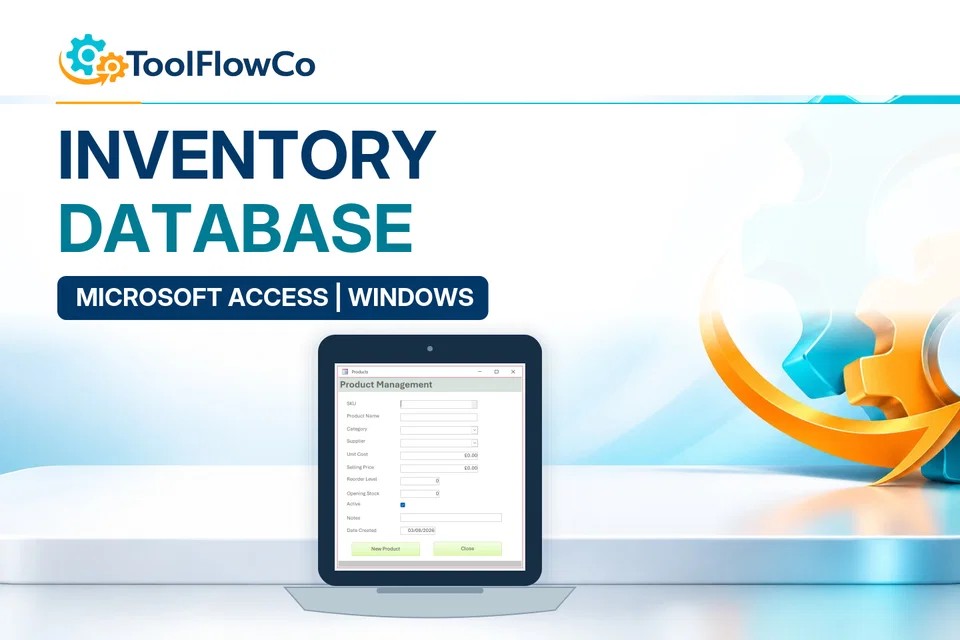
List the records that need to connect, the forms used to enter them and the reports required. Include your Windows, Access and user-access constraints without sending passwords or live personal data. Microsoft Access help is a platform reference. The example below illustrates ToolFlowCo work rather than a customer implementation claim.
Tell ToolFlowCo what you are trying to improve, what software you currently use and what a successful result would look like.Tell ToolFlowCo what you are trying to improve.