
Excel VBA consultancy
Excel VBA automation and customisation
Excel VBA automation and customisation can improve an existing workbook, adapt a ToolFlowCo product or support a focused system around a repeatable business workflow. Start with the current file, the problem and the required result.
On this page
What the work can include
Excel VBA automation and customisation: scope to discuss
- Workbook and VBA review
- Forms, buttons and workflow automation
- Dashboards, searches and reports
- Data imports and recurring admin tasks
- ToolFlowCo product customisation
This route may fit when
- A workbook has become difficult to maintain.
- Manual copying or repetitive updates take too long.
- A ToolFlowCo product covers most, but not all, of the required process.
- A clear desktop Excel solution is preferable to a large platform.
Before work starts
Scope, compatibility and ownership are agreed first.
Requirements
The workflow, users, software and outputs are documented.
Boundaries
Included features and excluded work are made clear.
Review
Testing and revision stages are agreed before delivery.
Related ToolFlowCo work
These are ready-made products and product development accounts, not claims of customer deployment. A custom project needs its own agreed scope.
- Excel Workshop Management SystemInspect the finished workbook workflow.
- Workshop software development processRead the product development account.
Prepare an Excel customisation brief
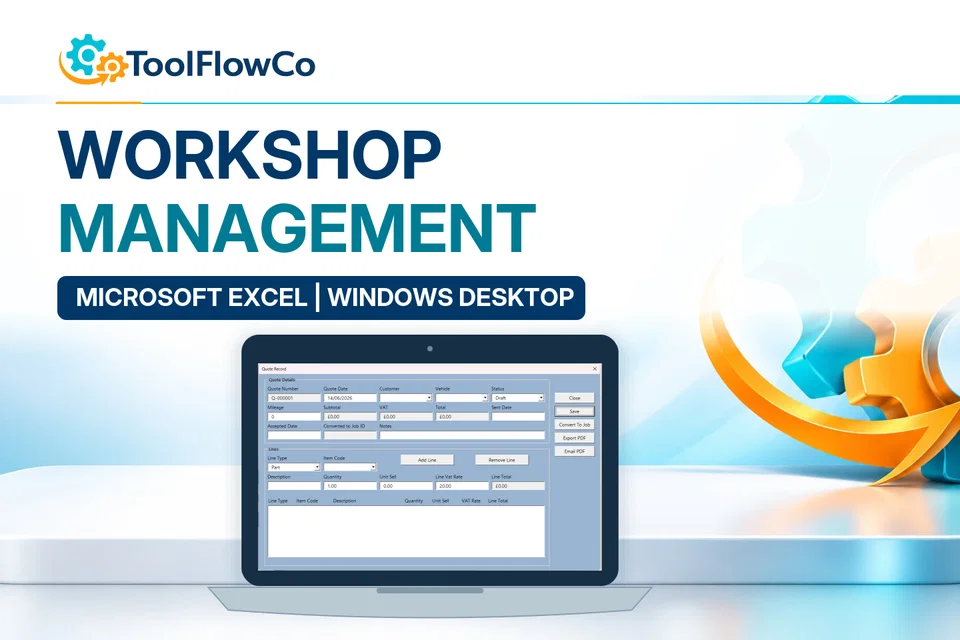
Identify the repeated task, the input columns, expected output and Excel environment. Use a blank or anonymised example rather than sending customer records or credentials. Microsoft Excel help is a platform reference. The example below is a ToolFlowCo product, not evidence of a customer deployment or a commitment to a specific project scope.
Tell ToolFlowCo what you are trying to improve, what software you currently use and what a successful result would look like.Tell ToolFlowCo what you are trying to improve.