
Excel Workshop Management System
Excel Workshop Management System: run a complete workshop workflow from one Excel dashboard, including jobs, vehicle records, stock, purchasing and invoicing.
- Track customers and vehicles
- Manage workshop jobs and parts
- Control stock and purchase orders
- Create quotes and invoices
Digital download. The GBP listing price is taken from the supplied Etsy export, not a live checkout quote. Etsy confirms the final price, discounts, tax and currency before payment.
Requires Microsoft Excel desktop for Windows. Macros/VBA must be enabled for buttons and automated features to work. Please read the full software requirements below before purchasing.
Key features of the Excel workshop management system
Workshop dashboard
Customer and vehicle records
Supplier management
Parts and stock control
Quote creation
Job tracking and ready-to-invoice status
Purchase orders
Invoice and PDF/email workflow
How it works
How to use the Excel Workshop Management System
Add customers, vehicles, suppliers and stock items
Create quotes and run active workshop jobs
Order parts, invoice completed work and monitor the dashboard
Ideal for
Who this product is designed for
- Independent garages
- Mobile mechanics
- Equipment repair shops
- Vehicle service workshops
Reports & outputs
Excel workshop management system reports
- Jobs awaiting parts
- Ready-to-invoice jobs
- Outstanding invoices
- Low stock and open purchase orders
What you receive
Files and guidance included
- Macro-enabled workshop workbook
- Customer, vehicle, stock and job forms
- Quote, purchase-order and invoice workflows
- Quick-start and compatibility guide
- Digital delivery through Etsy; no physical item will be posted
Excel auto workshop management
A connected workflow for customers, vehicles, jobs, parts and invoices
The workbook is designed for independent garages, repair workshops and mobile mechanics that want an Excel auto workshop management workflow without moving immediately to a monthly cloud platform.
Customer and vehicle records feed into quotes and active jobs. Parts and stock support the work, purchase orders help manage replenishment, and completed jobs progress into invoicing and payment review.
For practical setup detail, read How to Set Up a Parts Inventory for a Workshop and What a Small Garage Workshop System Should Include.
The Build Story explains how customers, vehicles, quotes, jobs, parts, stock, purchase orders and invoices were connected into one working process.See how this Excel workshop system was designed and tested.
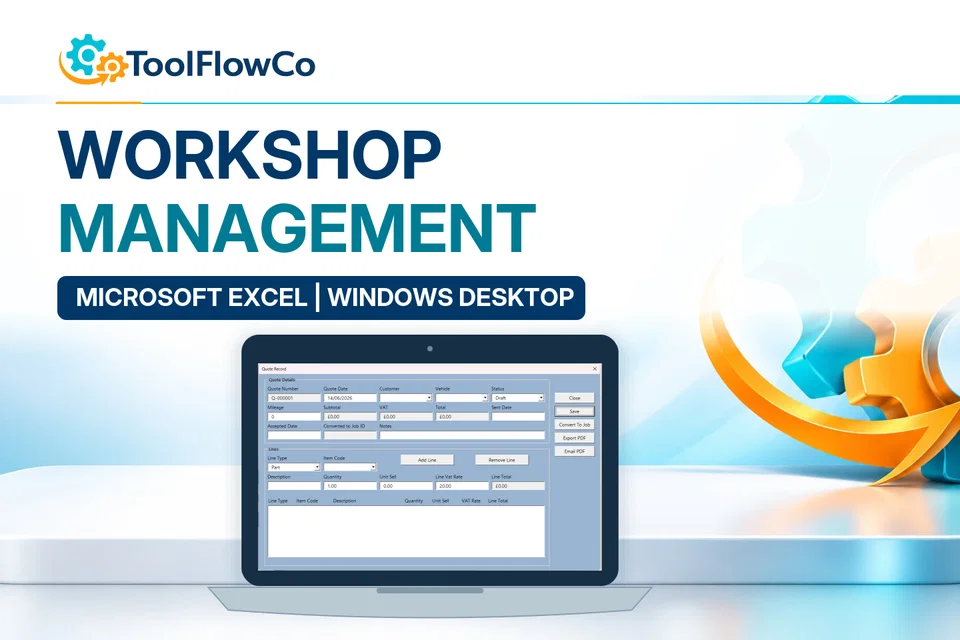
Product demonstration Watch the workflow in action. Loads content from YouTube only when you press the button.Workshop Management & Stock Control Tool Demo | Jobs, Quotes, POs & Invoices
Select any image to open the complete 9-image gallery.See the system before you purchase.
“exactly what I was looking for”What buyers have said.
Create workshop jobs through a modern web interface connected to Google Sheets, with linked customer, vehicle, stock and payment records. Best for: Independent garagesCompare other ToolFlowCo options.
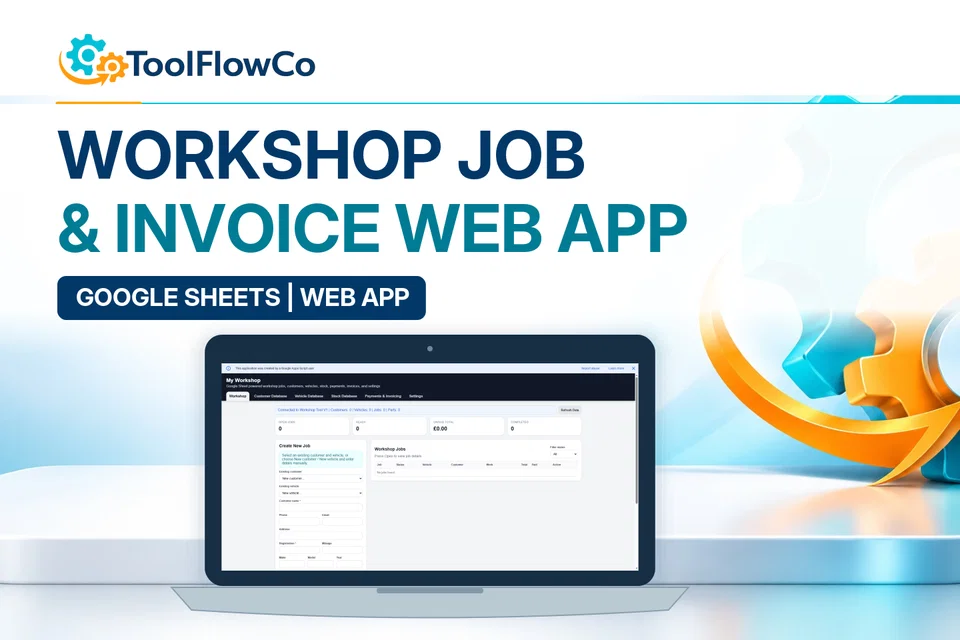
Google Sheets Workshop Job Card and Invoice Web App for Garages
Compare this tool and explore the workflow
Before deciding, compare the workflow and read the relevant guidance: Compare workshop and garage management tools; How I Built an Excel Workshop Management System.
Read the supplied-file list and compatibility section on this page. The Etsy listing and licence govern permitted use and any included support or updates; do not assume ongoing upgrades, customisation or a hosted service are included.Purchase and setup essentials
Excel workshop management system: practical setup questions
Use the broader workshop system when customer and vehicle records need to connect to jobs, parts stock, suppliers, purchase orders and invoicing. Start by checking one complete job rather than entering the whole workshop history at once.
How do the job and parts workflows connect?
Create the customer and vehicle record, prepare the quote and manage the active job. Review the parts needed and purchasing activity, then use the ready-to-invoice and invoice workflow when work is complete. Jobs awaiting parts and outstanding invoices describe different follow-up actions.
When is the smaller Garage Tracker enough?
Compare the focused Garage Quote, Job and Invoice Tracker when the central task is preparing quotes, managing jobs and issuing invoices. Choose the broader Workshop system when stock and supplier purchasing are also required. Confirm the actual listed features rather than buying extra complexity by default.
What should the first acceptance check cover?
Use illustrative customer, vehicle, labour and part records to follow a job through to a sample invoice. Check the document and dashboard totals against the entries you made. Confirm the desktop Windows Excel requirements and keep a backup before using live customer information.
Platform reference: Microsoft guidance on macro security. Platform documentation is separate from this product's supplied requirements and does not add unlisted features.
Check a sample job in the Excel workshop management system
Use this illustrative exercise in a spare copy of the Excel workshop management system before adding real customer records. It checks how the existing customer, vehicle, job, stock and invoice records relate to one another; it is not an additional software feature or an automatic test.
Prepare a job that is easy to trace
Create a clearly labelled sample customer and vehicle, then follow the supplied quote and job instructions. Note the identifiers you expect on the job and invoice. Keep the sample separate from live work so that an example customer or invoice is not mistaken for a real booking.
Check the parts and work entries
Choose a part already set up in your sample stock. Note its starting quantity and the quantity entered on the job, then compare the stock view with the documented workflow. Record your expected labour and parts amounts separately. This makes a missing quantity, repeated line or unexpected amount easier to investigate.
Compare the document with the source job
Progress the sample through the documented ready-to-invoice and invoice stages. Check that the customer, vehicle, work description and parts agree with the job. Compare the totals with your separate calculation, using the settings described in the supplied guide. Review the relevant dashboard lists and keep a note of anything you cannot reconcile.
Only move to live records once the sample makes sense. An invoice and a payment are different records; do not treat producing a document as confirmation that payment has been received. The listed Windows desktop Excel and macro requirements remain unchanged.
Review the current listing, supplied files and requirements before purchasing. Ask about any requirement that is not explicitly confirmed. Digital download. The GBP listing price is taken from the supplied Etsy export, not a live checkout quote. Etsy confirms the final price, discounts, tax and currency before payment. Requires Microsoft Excel desktop for Windows. Macros/VBA must be enabled for buttons and automated features to work. Please read the full software requirements below before purchasing.Ready to use Excel Workshop Management System?