
Access Vehicle Maintenance Database for Small Fleets
Access Vehicle Maintenance Database for Small Fleets: maintain vehicle details, service history, MOT dates, repair costs, expenses and supporting documents with useful due-date reports.
- Keep vehicle records together
- Track MOT and service due dates
- Record repairs and expenses
- Review total spend and vehicle history
Digital download. The GBP listing price is taken from the supplied Etsy export, not a live checkout quote. Etsy confirms the final price, discounts, tax and currency before payment.
Requires Microsoft Access for Windows desktop. Confirm the exact supported version and 32/64-bit compatibility before purchasing. Microsoft Access is not included with this purchase. Please read the full software requirements below before purchasing.
Key features of the Access vehicle maintenance database
Vehicle list and search
Vehicle details and mileage
Service history
MOT records and due status
Repair entries
Expense records
Document attachments
Summary, history and due-date reports
How it works
How to use the Access Vehicle Maintenance Database
Add each vehicle and its key dates
Record services, MOTs, repairs, expenses and documents
Review due reports, history and total spend
Ideal for
Who this product is designed for
- Small business fleets
- Trades and contractors
- Delivery vehicles
- Vehicle enthusiasts
Reports & outputs
Access vehicle maintenance database reports
- Vehicle summary
- Service-due report
- MOT-due report
- Full vehicle history and expense summary
What you receive
Files and guidance included
- Access vehicle-maintenance database
- Vehicle forms and management reports
- Help and compatibility guidance
- Basic setup support through Etsy messages
- Digital delivery through Etsy; no physical item will be posted
Vehicle and small-fleet records
Can this be used as a small fleet management database?
Yes, it can provide a structured desktop record for a small group of business vehicles where the main requirement is maintenance administration rather than live telematics or route management.
Records brought together
- Vehicle details and mileage
- MOT and service dates
- Repairs and maintenance history
- Expenses and total spend
- Supporting vehicle documents
Important boundaries
- Microsoft Access for Windows is required.
- It is not a GPS, telematics or driver-tracking platform.
- Network and multi-user requirements should be reviewed before purchase.
Is it only for one vehicle?
No. The database is designed to keep separate records for multiple vehicles, making it suitable for an owner with several vehicles or a small business fleet.
Does it replace a large fleet-management platform?
No. It focuses on desktop maintenance, due dates, history, costs and documents rather than live vehicle tracking, route planning or enterprise integrations.
The Build Story explains the linked vehicle, MOT, service, repair, mileage, expense and document records, together with the small-fleet boundaries.See how the vehicle and fleet-maintenance database was designed.
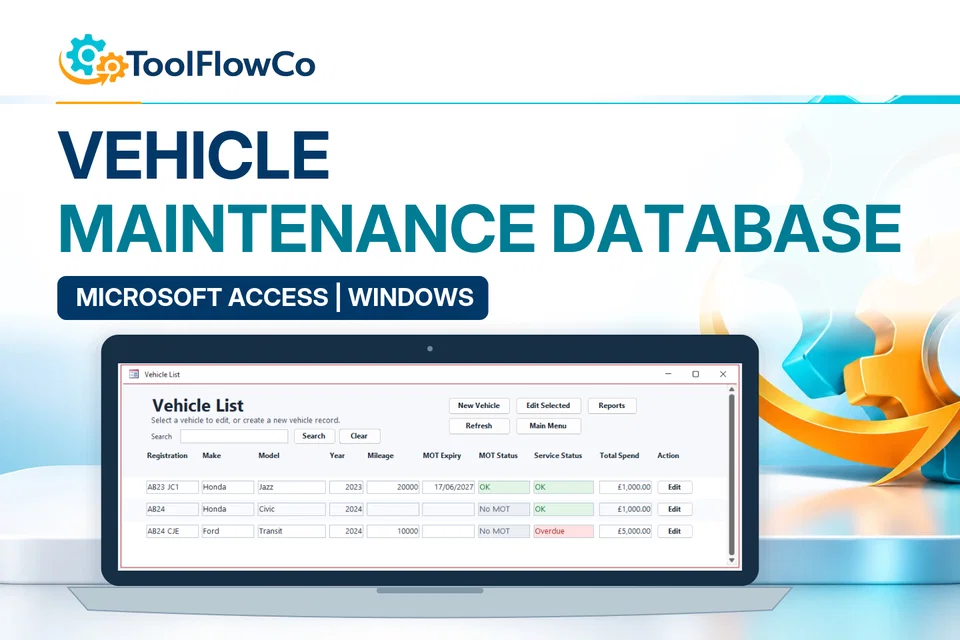
Product demonstration Watch the workflow in action. Loads content from YouTube only when you press the button.Vehicle Management Tool Demo | Track MOT, Services, Expenses & Reports
Select any image to open the complete 9-image gallery.See the system before you purchase.
“Nice system and good reports”What buyers have said.
Bring the core admin of a service business into one organised Access database with forms, printable documents and management reports. Best for: Trades and contractors Run a complete workshop workflow from one Excel dashboard, including jobs, vehicle records, stock, purchasing and invoicing. Best for: Independent garagesCompare other ToolFlowCo options.
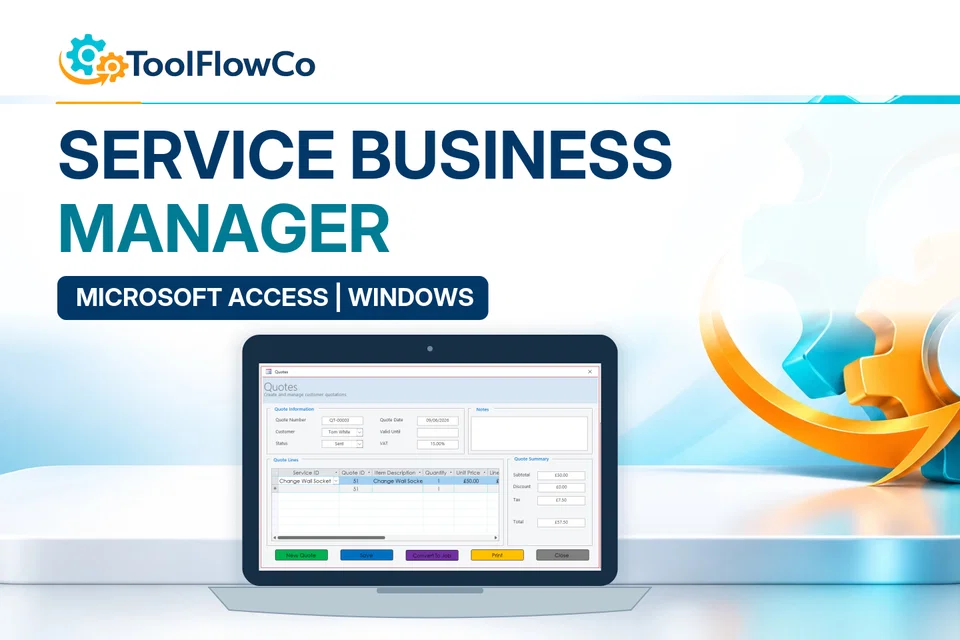
Microsoft Access Service Business Database for Jobs, Quotes and Invoices
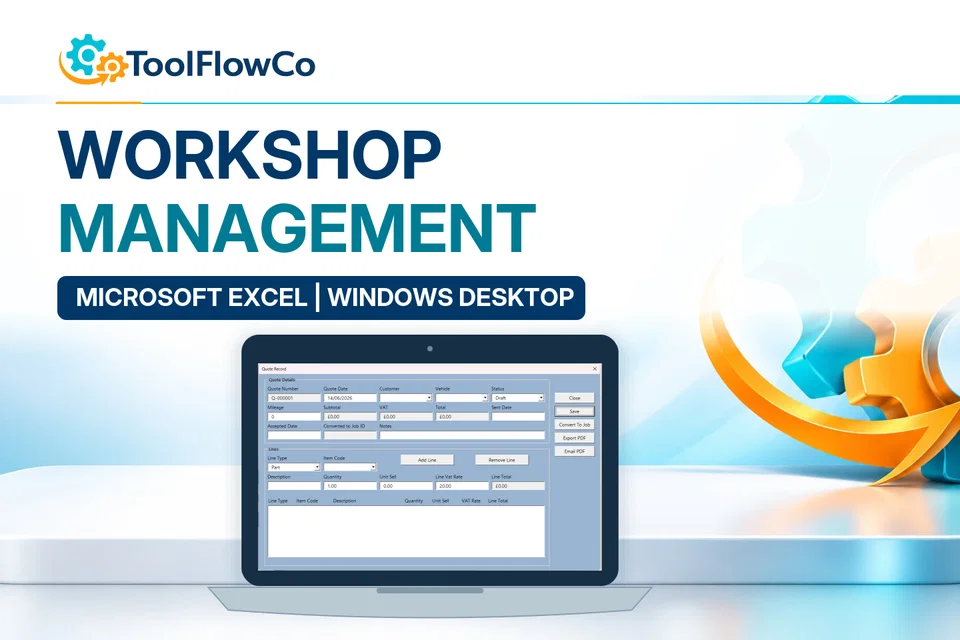
Excel Workshop Management System for Jobs, Stock and Invoices
Compare this tool and explore the workflow
Before deciding, compare the workflow and read the relevant guidance: Compare workshop and garage management tools; How I Built a Microsoft Access Vehicle and Fleet Maintenance Database; How to Track Vehicle Maintenance, MOTs and Running Costs.
Read the supplied-file list and compatibility section on this page. The Etsy listing and licence govern permitted use and any included support or updates; do not assume ongoing upgrades, customisation or a hosted service are included.Purchase and setup essentials
Access vehicle maintenance database: practical setup questions
Keep each vehicle connected to its service events, MOT dates, repairs, expenses and documents. A dependable history makes upcoming work easier to review than separate reminder lists and loose invoices.
How should a completed service be recorded?
Record the relevant vehicle, work date, description and costs, then check the next due information where applicable. Keep supporting documents linked through the documented workflow. A completed repair and the next planned maintenance event are different records to review.
How should running costs be interpreted?
Use the expense and maintenance history to review the recorded costs for a vehicle. Check the period and the types of cost included before comparing two vehicles. An incomplete history cannot establish the true total cost of ownership by itself.
Does it provide a live fleet-tracking service?
The supplied product describes a Windows desktop Access maintenance database. Do not assume live GPS tracking, telematics integrations, automatic statutory updates or unrestricted concurrent access. Confirm those requirements separately when they are essential to the fleet.
Platform reference: Microsoft Access platform specifications. Platform documentation is separate from this product's supplied requirements and does not add unlisted features.
Review the current listing, supplied files and requirements before purchasing. Ask about any requirement that is not explicitly confirmed. Digital download. The GBP listing price is taken from the supplied Etsy export, not a live checkout quote. Etsy confirms the final price, discounts, tax and currency before payment. Requires Microsoft Access for Windows desktop. Confirm the exact supported version and 32/64-bit compatibility before purchasing. Microsoft Access is not included with this purchase. Please read the full software requirements below before purchasing.Ready to use Access Vehicle Maintenance Database?