Skip to content

ToolFlowCo solutions

Microsoft Access databases

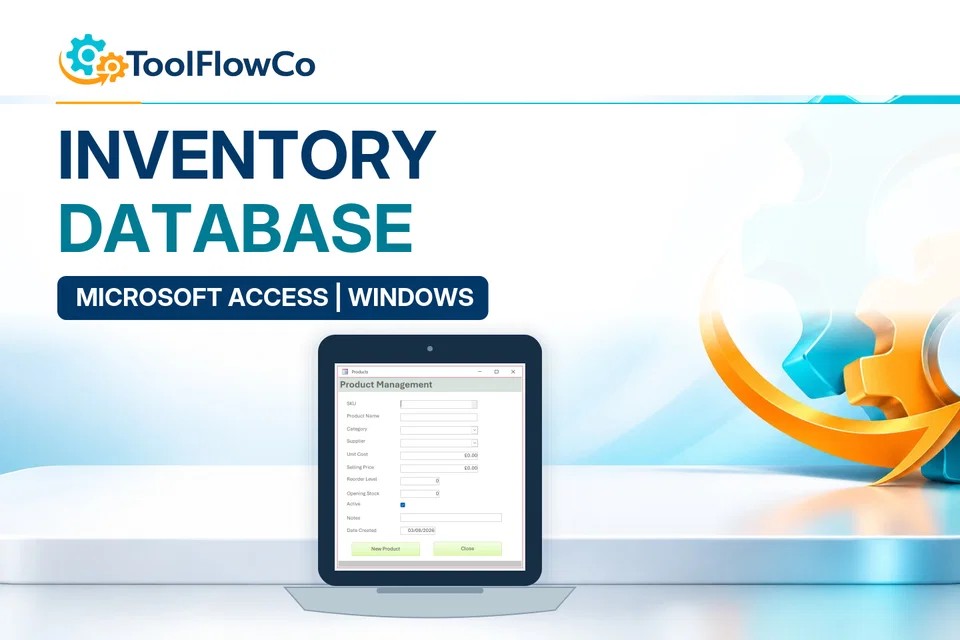
The Access tools cover stock, warehouse operations, customer jobs, device repairs and vehicle maintenance. Choose by the operational records involved, then confirm the Windows and Microsoft Access requirements.

Recommended products

Compare the most relevant ToolFlowCo options

Choose the right approach

Choose a database around the records you need to connect

Stock and warehouse scope

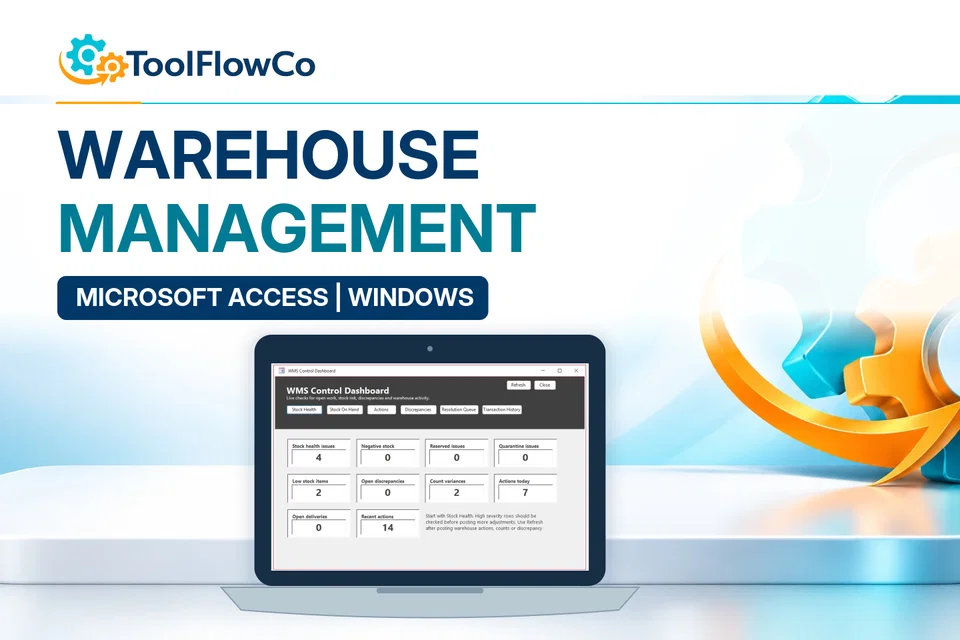
A stock database and a receiving-to-packing WMS have different operational scope. Compare their workflows rather than choosing by the longest feature list.

Jobs, repairs and maintenance

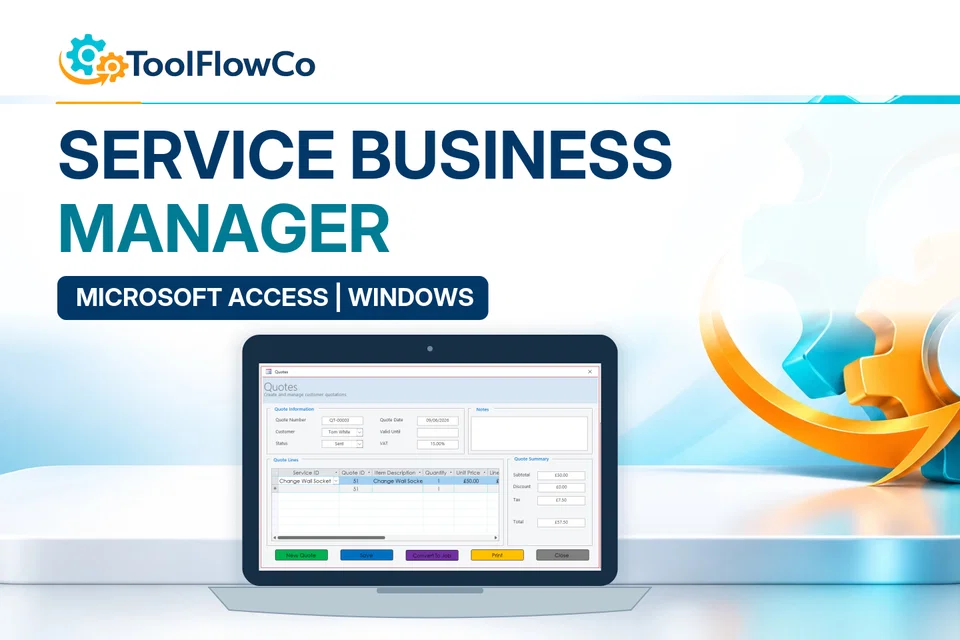
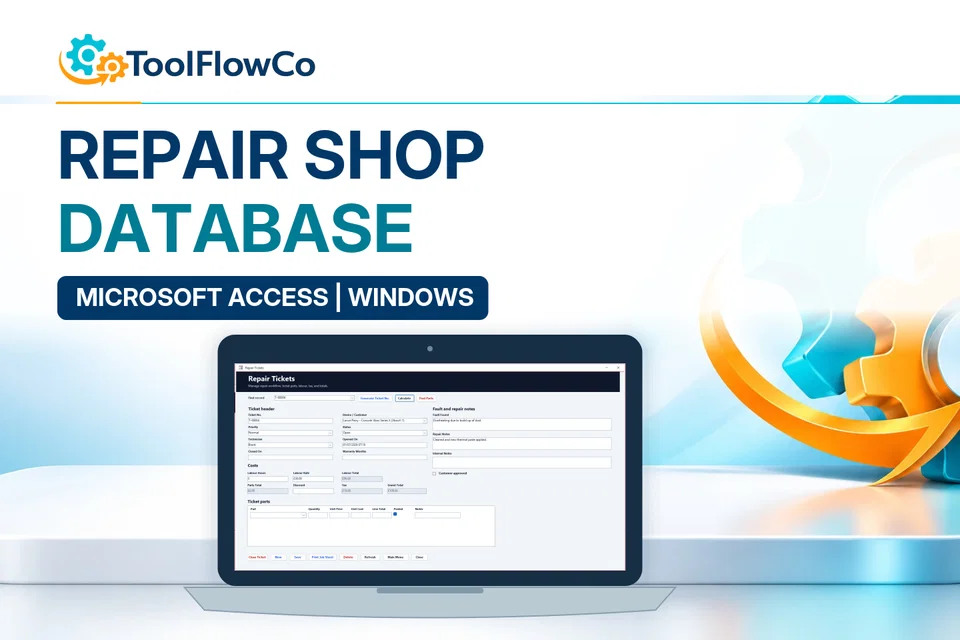
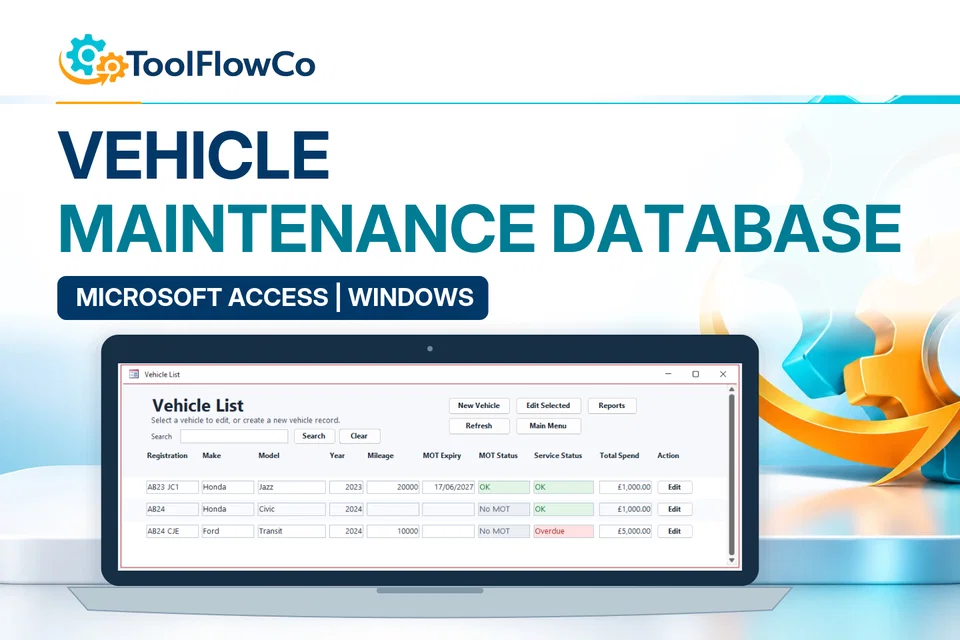
Device repair tickets, service jobs and vehicle maintenance are different record structures. Use the relevant product examples to choose.

Software and network requirements

Microsoft Access is not included. Check the product requirements and discuss your network or multi-user needs before purchase.

Customisation and migration

Customisation and data migration are separate work. Explain the required fields, reports and existing records when enquiring.

Microsoft Access databases: where to start

Compare these options and practical guides:

Check the Access platform and your record structure

Microsoft Access help is the platform reference for tables, relationships, forms and reports. Product-specific software and network requirements still need checking on the selected tool. Compare Excel and Access for inventory before deciding how records should connect.

ToolFlowCo

Choose a practical system for the work you need to organise.

Compare products by platform and workflow, then check the compatibility information before purchasing.