
Access Repair Shop Database for Tickets and Invoices
Access Repair Shop Database for Tickets and Invoices: manage customers, devices, repair tickets, technicians, inventory, purchasing, sales and printable paperwork from one Access database.
- Track every repair ticket
- Link customers to devices
- Allocate labour, parts and technicians
- Create invoices, purchase orders and reports
Digital download. The GBP listing price is taken from the supplied Etsy export, not a live checkout quote. Etsy confirms the final price, discounts, tax and currency before payment.
Requires Microsoft Access for Windows desktop. Confirm the exact supported version and 32/64-bit compatibility before purchasing. Microsoft Access is not included with this purchase. Please read the full software requirements below before purchasing.
Key features of the Access repair shop database
Customer records
Device details including serial or IMEI
Repair tickets and fault notes
Parts inventory and stock audit
Technician management
Purchases and suppliers
Sales and invoices
Printable job sheets and summaries
How it works
How to use the Access Repair Shop Database
Add the customer and device
Open a repair ticket and assign parts or labour
Complete the repair, invoice the customer and review reports
Ideal for
Who this product is designed for
- Phone repair shops
- Computer repair businesses
- Electronics technicians
- Independent service centres
Reports & outputs
Access repair shop database reports
- Repair job sheet
- Customer invoice
- Purchase order
- Open repair and sales summaries
What you receive
Files and guidance included
- Access repair-shop database
- Ready-made forms and printable reports
- Quick-start and compatibility guide
- Basic setup support through Etsy messages
- Digital delivery through Etsy; no physical item will be posted
Select any image to open the complete 9-image gallery.See the system before you purchase.
Bring the core admin of a service business into one organised Access database with forms, printable documents and management reports. Best for: Trades and contractors Run a complete workshop workflow from one Excel dashboard, including jobs, vehicle records, stock, purchasing and invoicing. Best for: Independent garagesCompare other ToolFlowCo options.
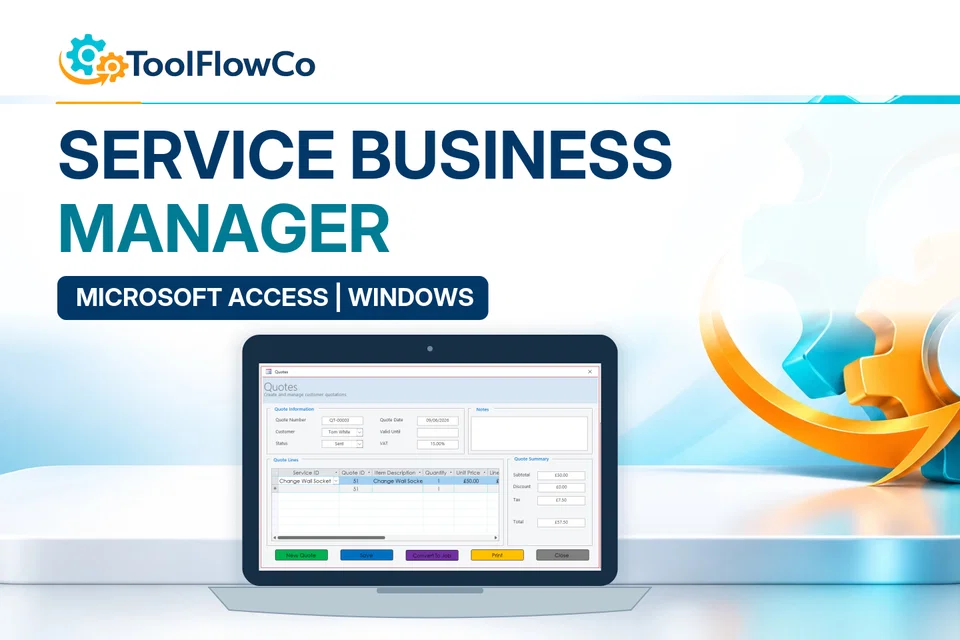
Microsoft Access Service Business Database for Jobs, Quotes and Invoices
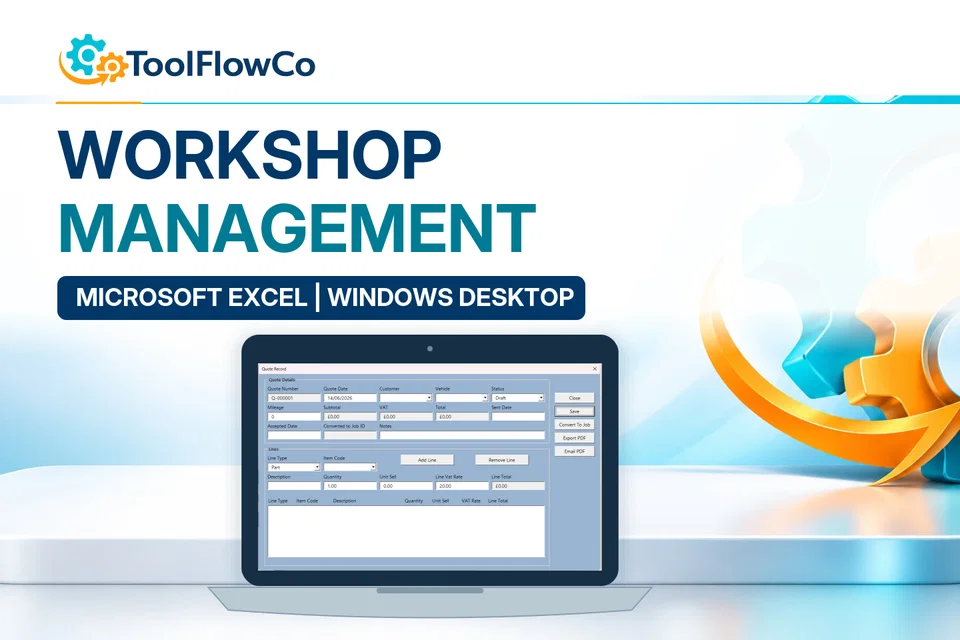
Excel Workshop Management System for Jobs, Stock and Invoices
Compare this tool and explore the workflow
Before deciding, compare the workflow and read the relevant guidance: Compare workshop and garage management tools; Workshop Management Spreadsheet: What Does a Small Garage Actually Need?; How to Set Up a Parts Inventory for a Workshop.
Read the supplied-file list and compatibility section on this page. The Etsy listing and licence govern permitted use and any included support or updates; do not assume ongoing upgrades, customisation or a hosted service are included.Purchase and setup essentials
Access repair shop database: practical setup questions
Choose the repair-ticket workflow for phones, computers or other devices where the customer, device identity, reported fault, technician, parts and invoice need to be connected.
Why record the device as well as the customer?
A customer may bring in more than one device. A serial number or IMEI, where appropriate, helps connect the right fault notes and repair ticket to the item being worked on. Check the identification at intake rather than relying on a short description that could apply to several devices.
Where do parts and paperwork fit?
The supplied record describes parts inventory, purchases and suppliers alongside sales, invoices and printable job sheets. Review the repair ticket with the allocated labour and parts before completing the paperwork. The business still needs its own procedure for checking authorisation and the quality of the repair.
Is this the same as the garage workshop system?
No. This database is aimed at device repair and repair tickets. The garage products are organised around vehicle and workshop jobs. Compare the workflow and software environment first; similar words such as parts and invoices do not make the systems identical.
Platform reference: Microsoft Access platform specifications. Platform documentation is separate from this product's supplied requirements and does not add unlisted features.
Review the current listing, supplied files and requirements before purchasing. Ask about any requirement that is not explicitly confirmed. Digital download. The GBP listing price is taken from the supplied Etsy export, not a live checkout quote. Etsy confirms the final price, discounts, tax and currency before payment. Requires Microsoft Access for Windows desktop. Confirm the exact supported version and 32/64-bit compatibility before purchasing. Microsoft Access is not included with this purchase. Please read the full software requirements below before purchasing.Ready to use Access Repair Shop Database?