Skip to content

ToolFlowCo solutions

Outlook automation tools

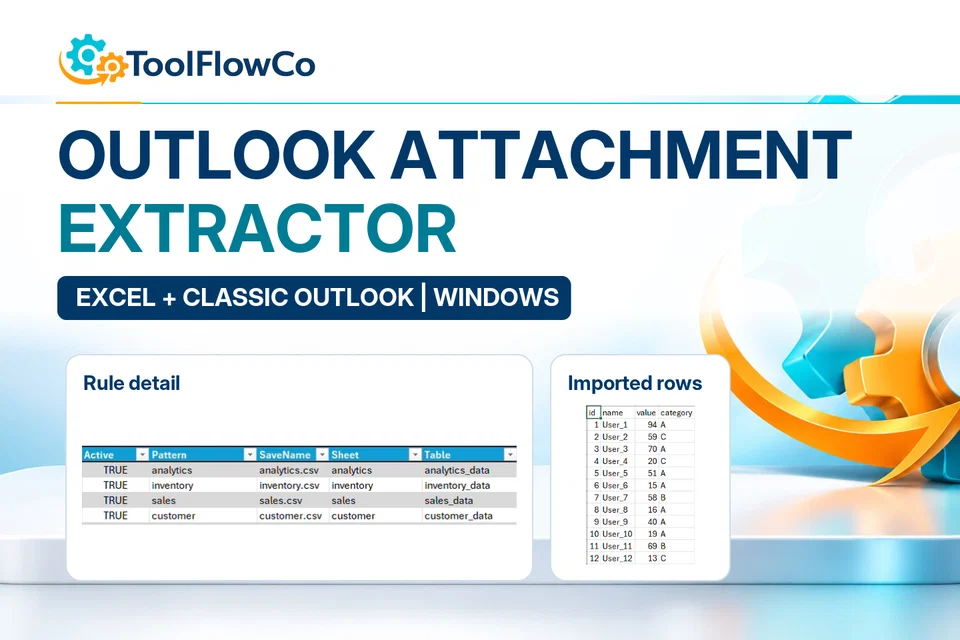
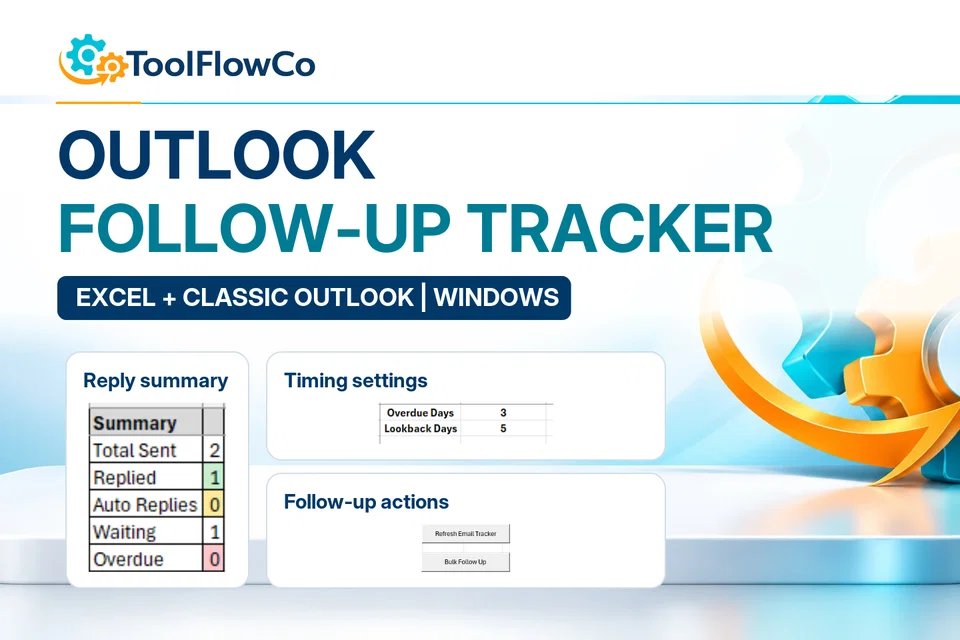
Use the follow-up tracker for unanswered conversations, or the attachment extractor for recurring spreadsheet files. Both use Excel with Classic Outlook for Windows; they are not browser-only Outlook add-ins.

Recommended products

Compare the most relevant ToolFlowCo options

Choose the right approach

Choose the email task you need to repeat

Follow-up tracking

Review replied, waiting and overdue conversations, then prepare follow-ups using the tracker.

Attachment processing

Use sender, subject and filename rules to select recurring spreadsheet attachments for processing.

Software requirements

These workflows require Windows desktop Excel and Classic Outlook, with permission to run the relevant automation.

Setup and testing

Follow the supplied guidance and test on sample messages before relying on the workflow for important records.

Outlook automation tools: where to start

Compare these options and practical guides:

Check Outlook and Excel separately

Use Microsoft Outlook help for the email application and Microsoft Excel help for the workbook environment. These references do not establish that a ToolFlowCo automation works in every Outlook edition. Retain the Classic Outlook and desktop requirements stated on the selected product, and check the support guidance before buying when unsure.

ToolFlowCo

Choose a practical system for the work you need to organise.

Compare products by platform and workflow, then check the compatibility information before purchasing.