
Excel and Outlook automation
Excel Outlook Email Follow-Up Tracker with Bulk Drafts
Track unanswered Outlook emails, identify overdue replies and create bulk threaded follow-up drafts from Excel. This Excel VBA tool is designed for office, purchasing, sales, customer-service and administrative workflows where important emails need to be chased consistently.
- Pull sent emails from Classic Outlook
- Check the Inbox for replies by conversation
- Identify replied, waiting, overdue and automatic-reply statuses
- Highlight follow-up priorities clearly
Digital download. No physical product is shipped.
What this tool helps you manage
Track unanswered Outlook emails, identify overdue replies and create bulk threaded follow-up drafts from Excel.
Key Features
- Use built-in follow-up templates
- Record follow-up count, date, template and status
- View a summary of outstanding email activity
Software requirements and limitations
Read this section carefully before purchasing a digital download.
What you need
Excel Desktop and Classic Outlook for Windows
Microsoft Excel Desktop and Classic Outlook for Windows are required. Macros must be enabled.
New Outlook for Windows, Outlook on the web, Mac, Excel Online, Google Sheets and mobile apps are not supported by this VBA automation.
Check these limitations
- New Outlook for Windows
- Outlook on the web
- Excel Online
- Google Sheets
- Mac or mobile apps
- Users who cannot enable VBA macros
Frequently asked questions
Compatibility checks are especially important for digital products that use VBA, Microsoft Access or Google Apps Script.
What software do I need?
You need Excel Desktop and Classic Outlook for Windows. Review the compatibility section and the Etsy listing before purchasing.
Is this a physical product?
No. This is a digital product. No physical item is shipped.
How do I receive the files?
Purchase is completed through Etsy. The digital files are made available through Etsy after payment is confirmed, subject to Etsy’s download process.
Can I use it online, on a Mac or on mobile?
The Outlook automation requires the desktop applications named above. New Outlook, Outlook on the web and browser-only Office are not supported for the VBA workflow.
Can I ask a compatibility question before buying?
Yes. Use the ToolFlowCo contact page and include the product name, your operating system and the version of Excel, Access, Outlook or Google Sheets you use.
More ToolFlowCo products
 Excel + Outlook
Excel and Outlook automation
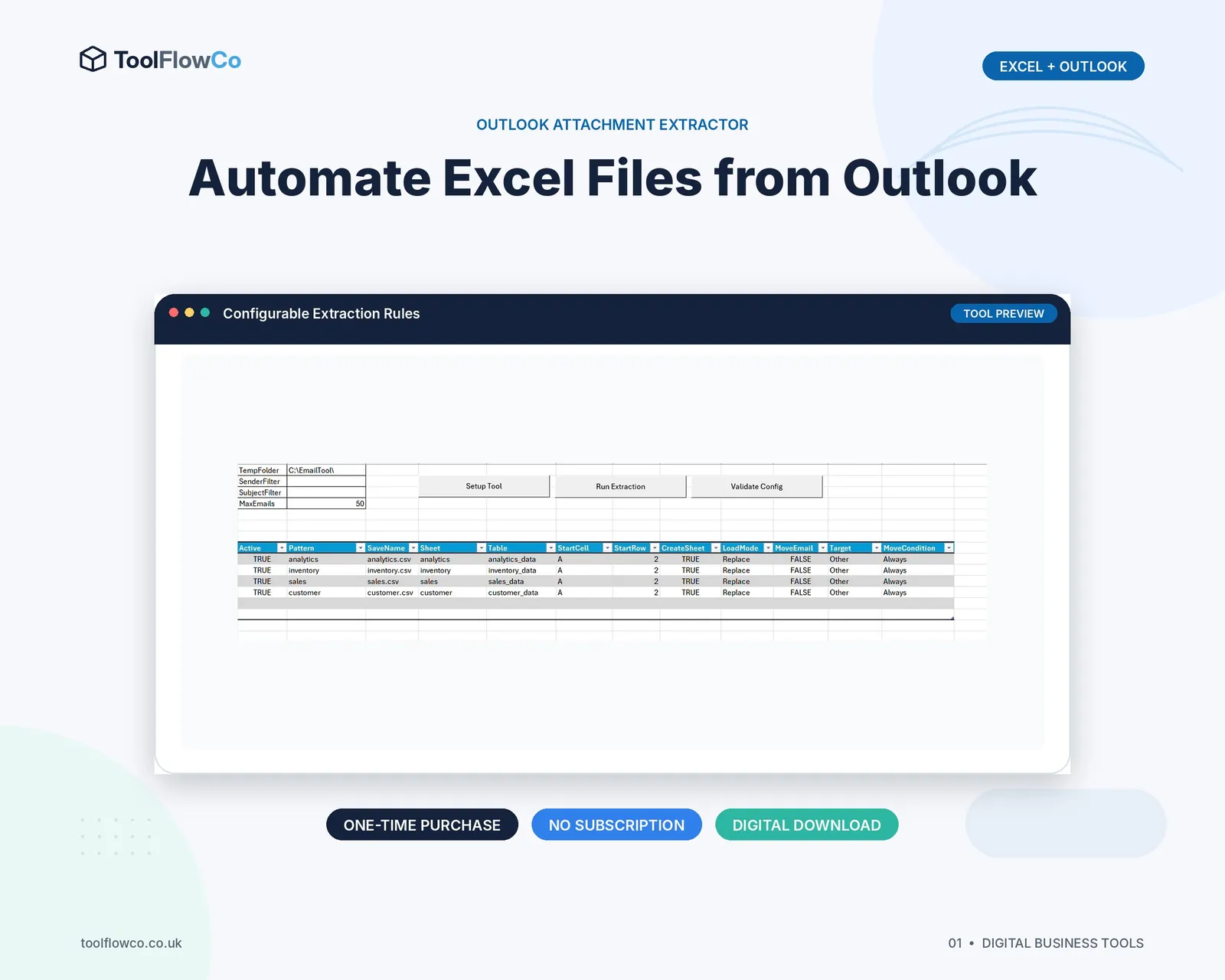
Excel Outlook Attachment Extractor for Email File Automation
Stop manually opening Outlook emails, downloading spreadsheet attachments and copying data into your reporting workbook.
 Excel + Outlook
Excel purchase-order generator
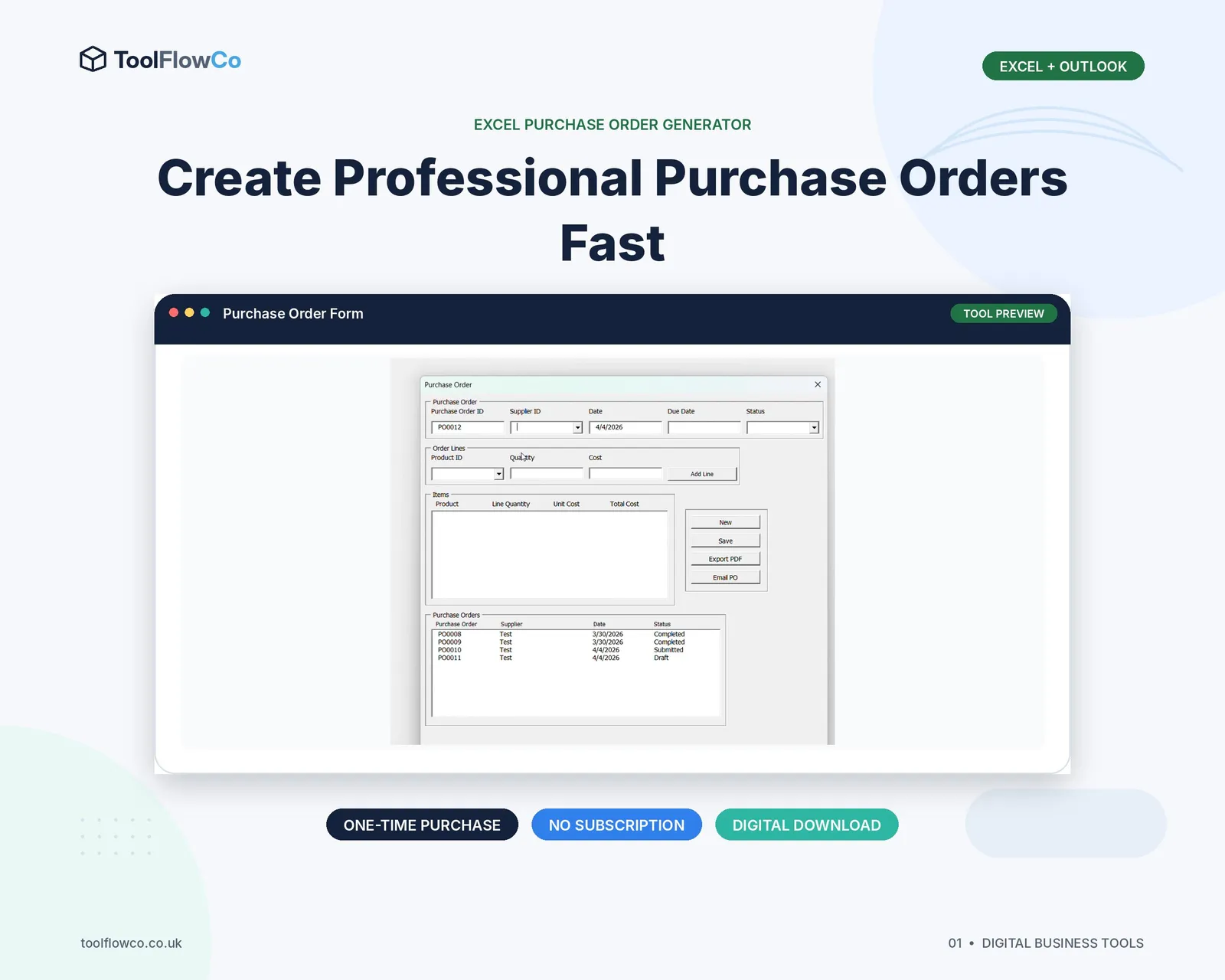
Excel Purchase Order Generator with PDF Export and Outlook Email
Create professional purchase orders in Excel, export them to PDF and prepare them for email through Classic Outlook.
 Microsoft Excel
Excel VBA workshop system
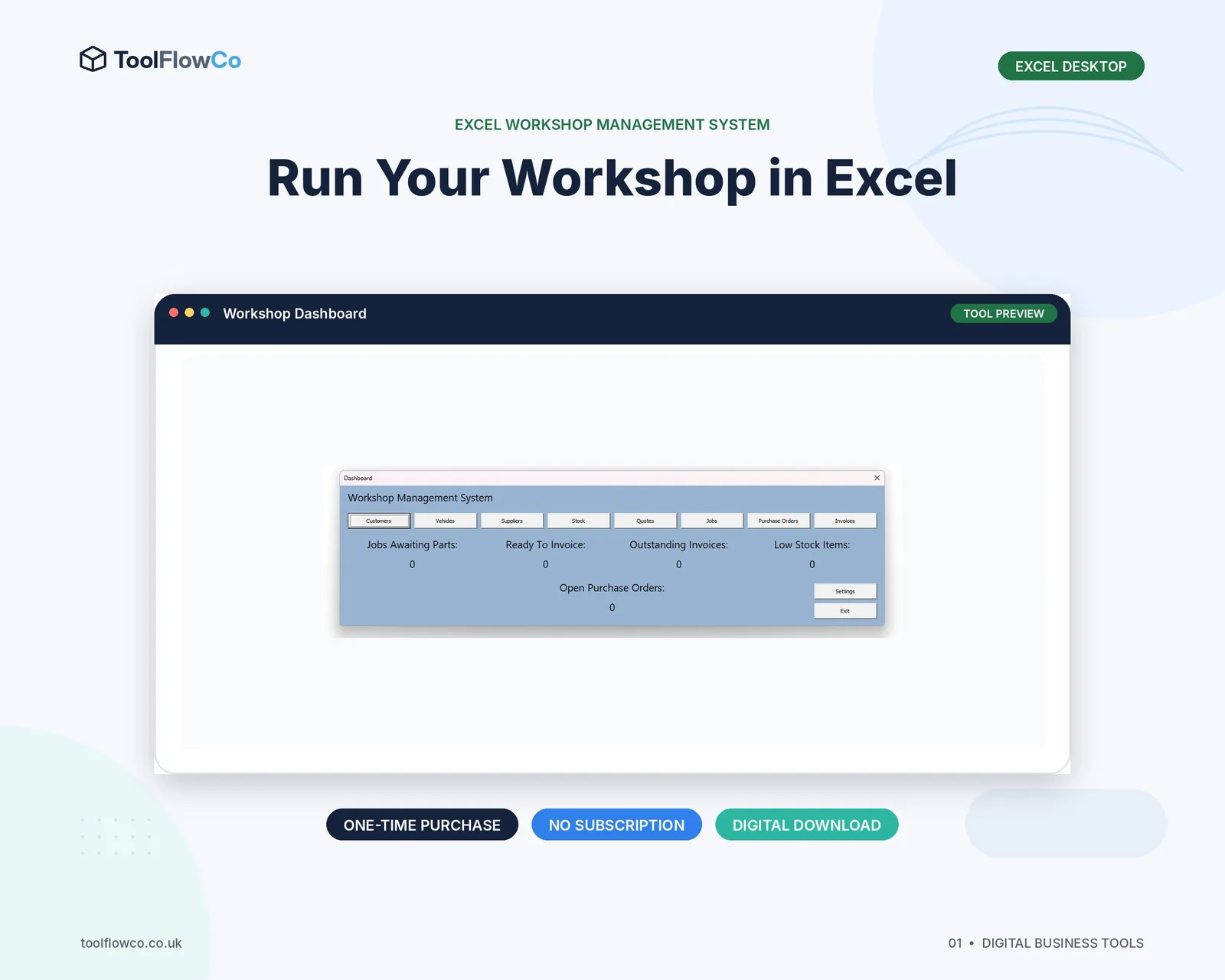
Excel Workshop Management System for Jobs, Stock and Invoices
Run customers, vehicles, workshop jobs, stock, quotes, purchase orders and invoices from one Excel desktop system.
Check the Etsy listing and download after purchase
Review the current price, compatibility details and included files on Etsy before completing checkout.