Key takeaways
- Start with the actual quote-to-job-to-invoice workflow used by the garage.
- Store customer and vehicle details once and reuse them across every job.
- Choose between a focused job and invoice tracker and a larger system with stock and purchasing.
Customer and vehicle records
The system should keep one customer record and one vehicle record, then link them to jobs. Useful vehicle fields include registration, make, model, VIN, mileage and notes. This avoids retyping the same information on every quote or invoice.
Job cards that support real workshop work
A job card should capture more than a short title. Consider:
- Customer complaint or requested work
- Diagnosis and inspection notes
- Work completed
- Technician, priority and due date
- Vehicle mileage
- Labour time or charges
- Parts used
- Status such as booked, in progress, awaiting parts, ready and completed
Quotes and approvals
A quote should contain clear labour and parts lines, tax or VAT where applicable, totals and an approval status. When the customer agrees, the system should convert or copy the accepted work into an active job without retyping everything.
Parts and stock control
Some garages only need to add parts as charges on a job. Others hold regular stock and need SKU, supplier, cost, selling price, quantity, reorder level and bin location.
This distinction matters. A focused quote and invoice tracker may be enough for a mobile mechanic, while a larger workshop system is more suitable when stock and purchase orders are part of daily work.
Purchase orders and receiving
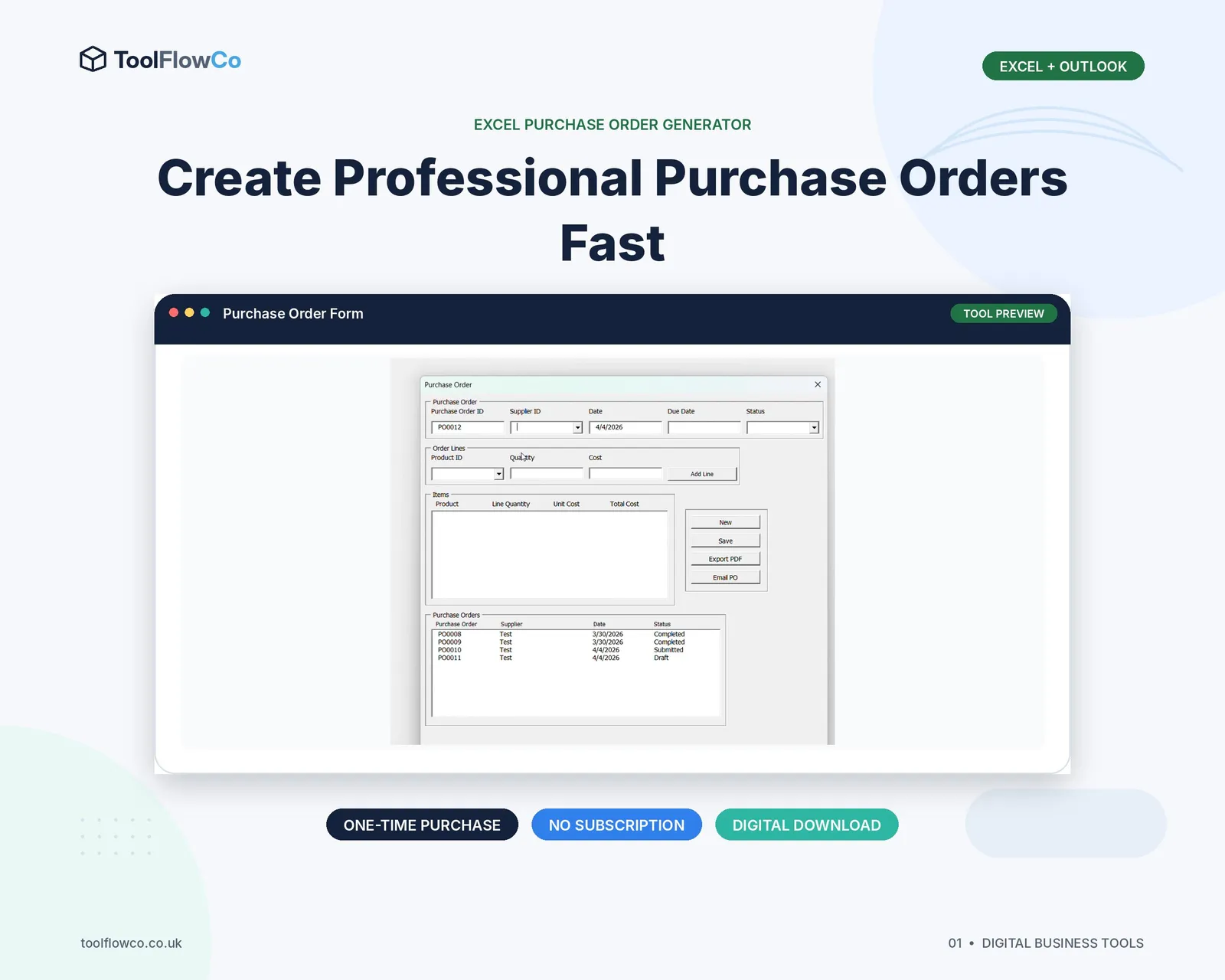
If parts are ordered regularly, purchase orders help record the supplier, requested items, ordered quantities, expected delivery and received quantities. Jobs awaiting parts should be visible so work is not forgotten while a vehicle remains in the workshop.
Invoices, payments and balances
The invoice should reuse the approved job lines, calculate totals and show the amount paid and balance due. Users should be able to reprint or export previous documents without rebuilding them.
- Invoice number and date
- Customer and vehicle details
- Labour, parts and other charges
- VAT or tax settings where required
- Paid, part-paid and unpaid status
- Payment method and reference
Dashboard information that is useful
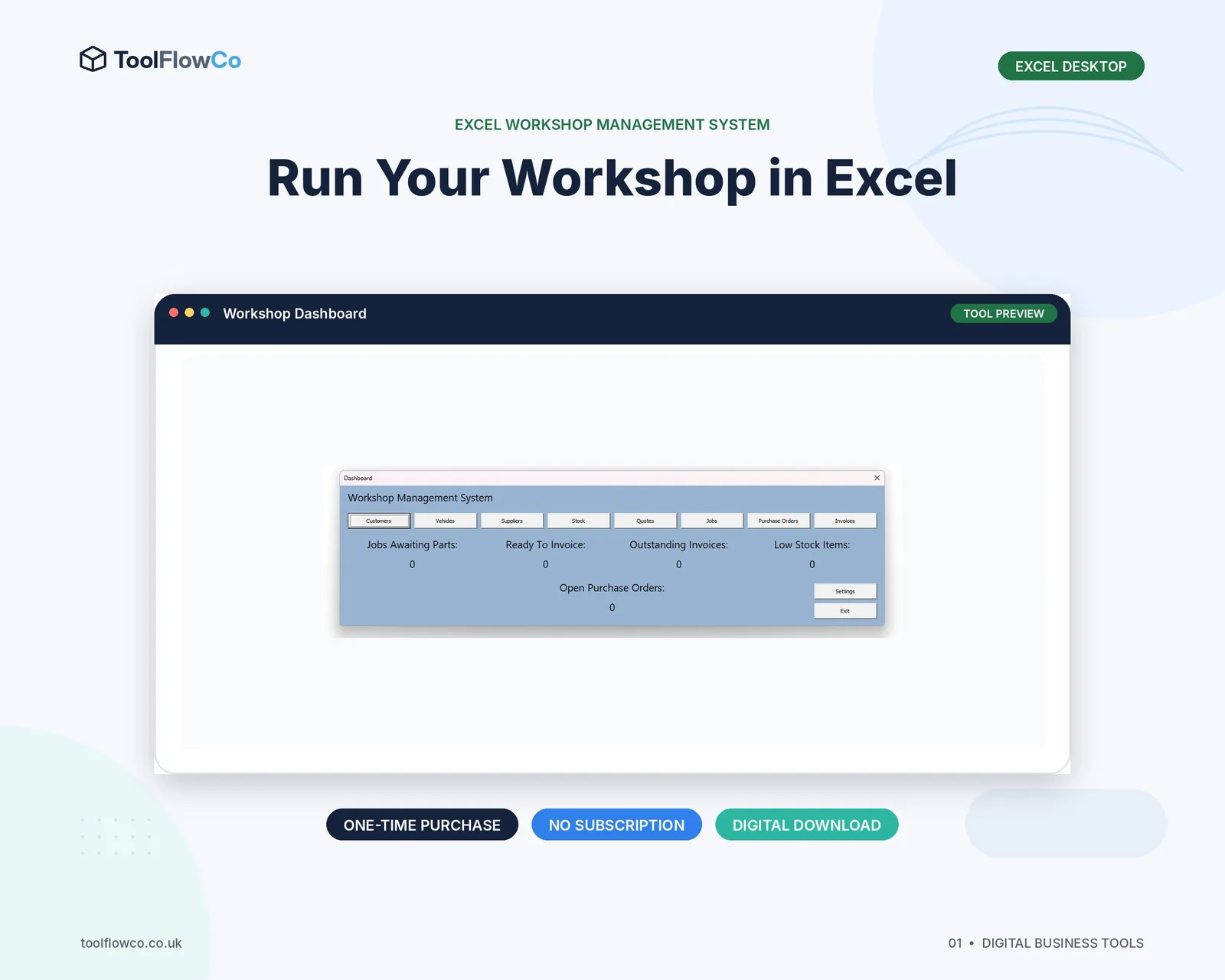
Useful workshop KPIs are operational:
- Jobs awaiting parts
- Vehicles ready to invoice
- Open purchase orders
- Low-stock parts
- Outstanding invoices
- Jobs due or overdue
Each number should lead to the records that require attention.
Choose the right level of system
| Need | Focused tracker | Full workshop system |
|---|---|---|
| Quotes, jobs and invoices | Good fit | Included |
| Customer and vehicle history | Usually included | Included in more depth |
| Parts inventory | Basic job-line entry | Stock quantities and locations |
| Purchase orders | Often not required | Useful for regular parts ordering |
| Workshop dashboard | Simple job status | Jobs, stock, purchasing and invoices |
Check compatibility before buying
Macro-enabled Excel workshop tools usually require desktop Excel for Windows with macros enabled. Google Sheets systems may require a Google account and Apps Script authorisation. Check whether the workshop needs local desktop use, browser access or several simultaneous users.
Frequently asked questions
What is the most important workshop spreadsheet feature?
A clear quote-to-job-to-invoice workflow that reuses customer, vehicle, labour and parts information without repeated entry.
Does a small garage need stock control?
Only if it holds or regularly orders parts. A mobile mechanic may need a focused job and invoice tracker, while a larger workshop may benefit from inventory and purchase orders.
Can Excel create workshop invoices?
Yes. A well-designed workbook can calculate labour, parts, tax and totals and export or print a professional invoice.
Should vehicle history be kept separately?
It is usually better to link completed jobs and invoices to the vehicle so previous work can be found from one record.
Build around the workshop workflow
The right workshop spreadsheet keeps customers, vehicles, work, parts and money connected. A small garage should avoid paying for unused complexity, but it should also avoid a collection of separate files that requires the same details to be typed repeatedly.