Key takeaways
- Give each stocked part a unique code and controlled bin location.
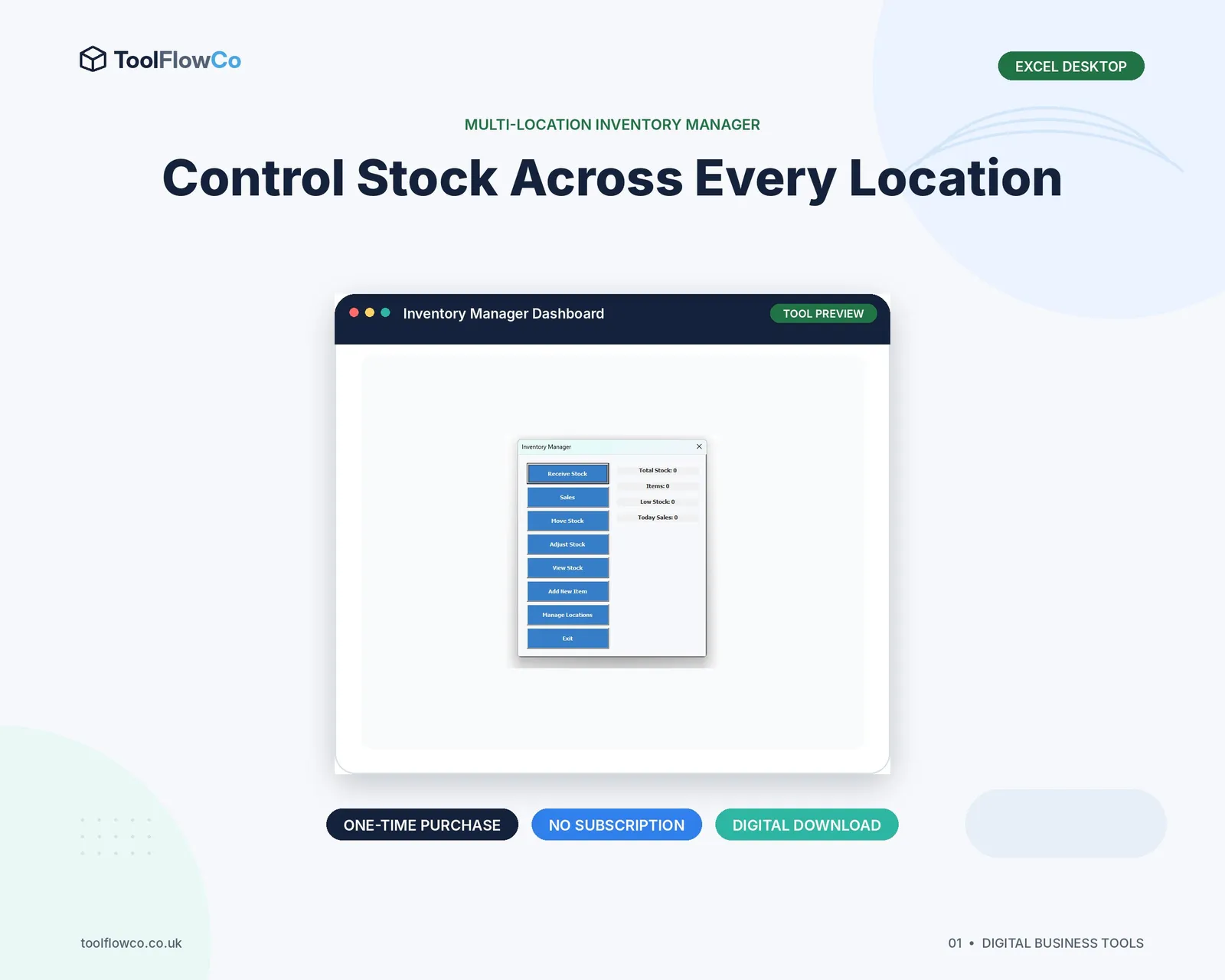
- Record receipts, job issues, returns and adjustments as movements.
- Separate cost price from selling price and review reorder levels regularly.
Decide which items are stocked
Not every part needs a permanent inventory record. Focus on regularly held parts, consumables and items that need quantity or value control. One-off ordered parts can still be linked to a job without becoming standard stock.
Create consistent part records
- SKU or part code
- Description and category
- Supplier and supplier code
- Cost price
- Selling price
- Tax status where needed
- Reorder level
- Bin or shelf location
- Active or obsolete status
Use clear storage locations
Label bins and shelves with stable codes. The system location should match the physical label. Avoid descriptions such as “back shelf” that different people interpret differently.
Record parts entering stock
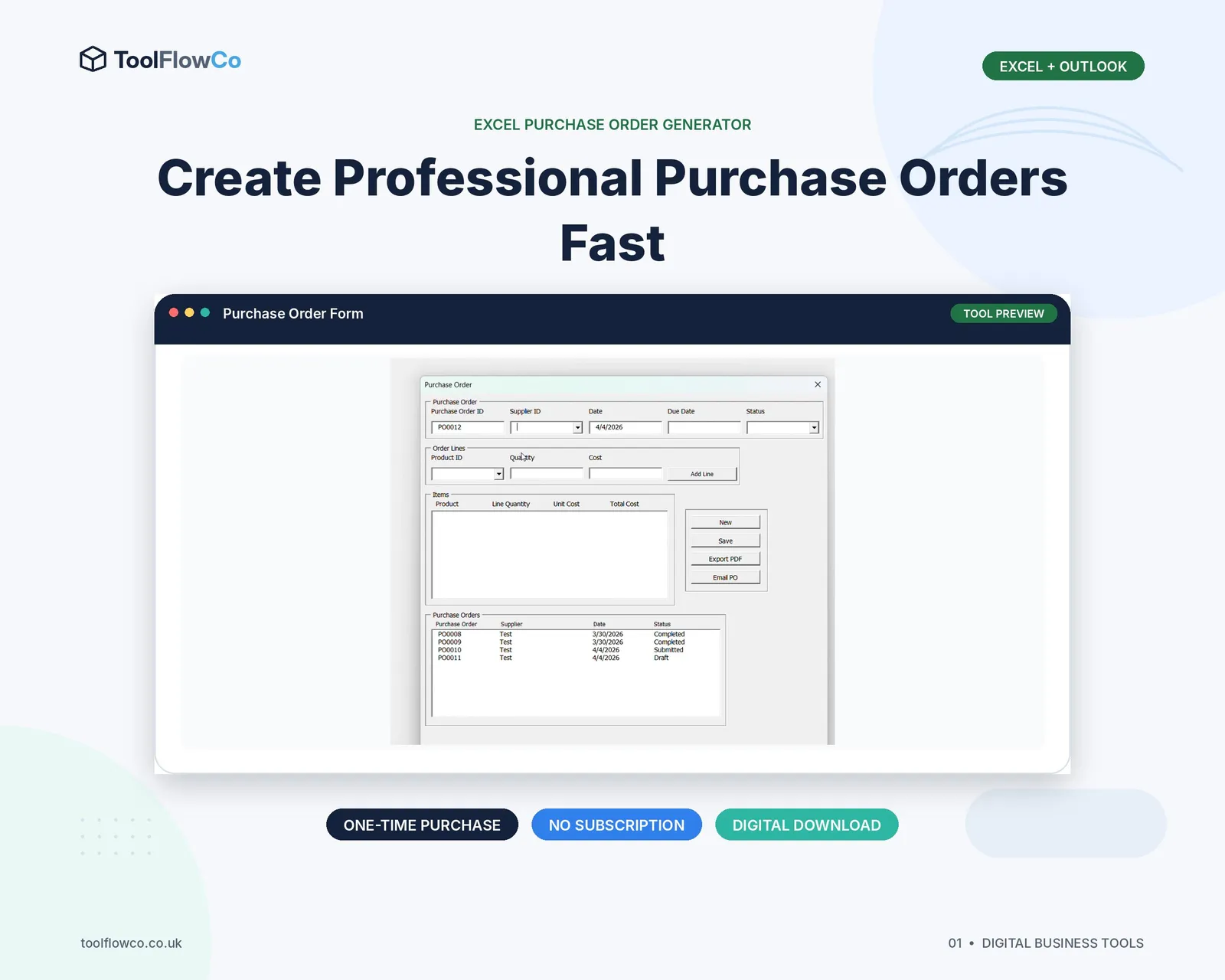
Use a receipt transaction linked to the supplier, purchase order or delivery reference. Record the actual quantity and destination bin. Keep damaged items in a quarantine or returns location.
Issue parts to jobs
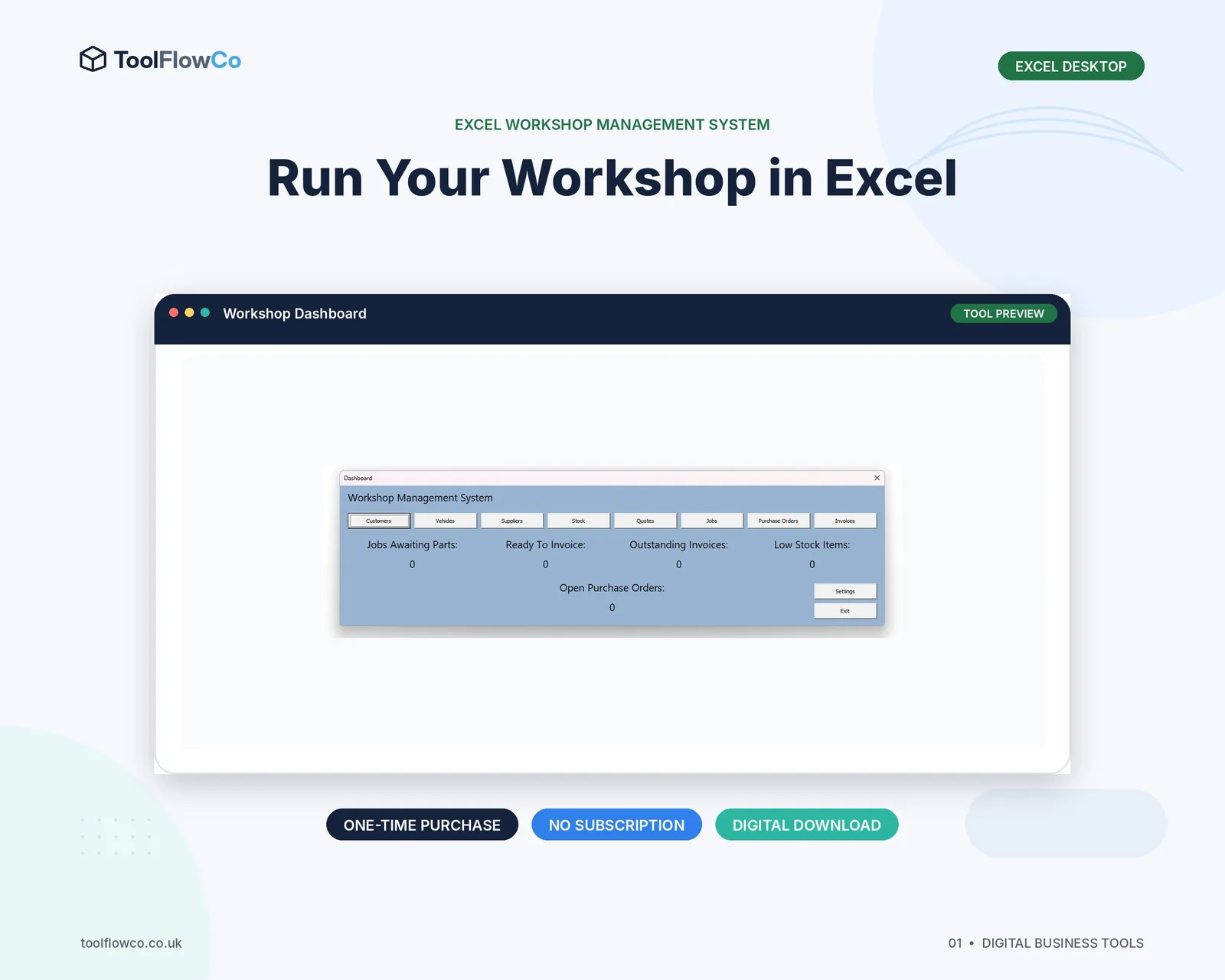
When a part is fitted or consumed, link the issue to the job card. This reduces stock and supports job costing and invoicing. Do not wait until the end of the week to remember what was used.
Handle unused returns
If a clean, reusable part comes back from a job, post a return movement to the correct bin. If it is damaged or opened and cannot be sold normally, use a separate status or adjustment reason.
Set reorder levels sensibly
Consider average usage, supplier lead time, criticality, storage space and cost. A fast-moving inexpensive filter may need a higher buffer than an expensive specialist component ordered only for a confirmed job.
Review margin and stock value
Keep cost and selling price separate. Review parts margin, stock value, slow-moving items, negative quantities and items below reorder level. These reports help both workshop operations and purchasing.
Count parts in manageable cycles
Cycle count a section or category regularly rather than waiting for one disruptive annual count. Investigate differences and post corrections through the movement record.
Frequently asked questions
Does every workshop part need a SKU?
Every regularly stocked item should have a stable code. One-off parts can be handled separately if the system still links their cost and sale to the job.
When should stock reduce?
When the part is issued or confirmed as used on a job, according to the workshop process. The timing should be consistent.
How should returned parts be handled?
Post a return to stock only when the item is reusable. Damaged or uncertain items should go to quarantine or a documented adjustment.
What is a reorder level?
It is the quantity at which the workshop should review or place a replenishment order, based on usage, lead time and criticality.
Connect parts to physical locations and jobs
A workshop inventory becomes useful when every stocked part has a clear identity and location and every quantity change has a receipt, job issue, return or adjustment behind it. That structure supports availability, job costing and purchasing without creating unnecessary complexity.