Browser-based Google Sheets tools for inventory, workshops, purchasing and finance
Use Google Sheets and app-style interfaces when browser access and a Google account suit your workflow better than desktop Office.
Software requirements
A Google account is required. Some products also require Google Apps Script authorisation during setup.
Important limitations
These tools are not native mobile apps or full accounting, ERP or enterprise warehouse platforms.
Browse Google Sheets products
Open a product page to review its exact software requirements, gallery, features and Etsy purchase link.
Google Sheets
Google Sheets inventory web app
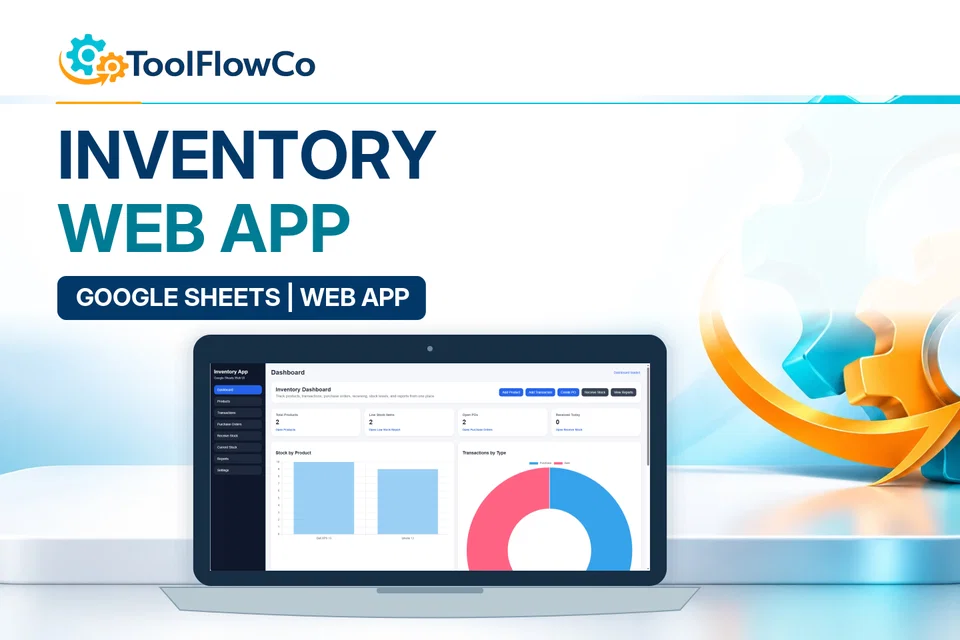
Google Sheets Inventory Web App with Purchase Orders and Reports
Manage products, stock transactions, purchase orders, receiving and reports through a Google Sheets inventory web app.
Google Sheets
Google Sheets workshop system
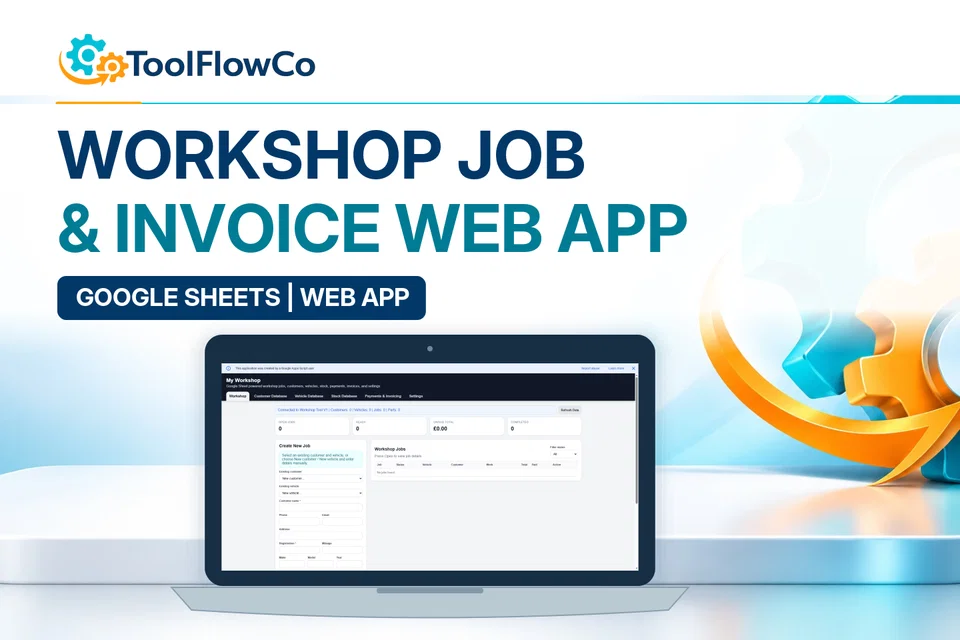
Google Sheets Workshop Job Card and Invoice System
Manage workshop jobs, customers, vehicles, parts, payments and invoices through a Google Sheets-powered web app.
Google Sheets
Google Sheets inventory tracker
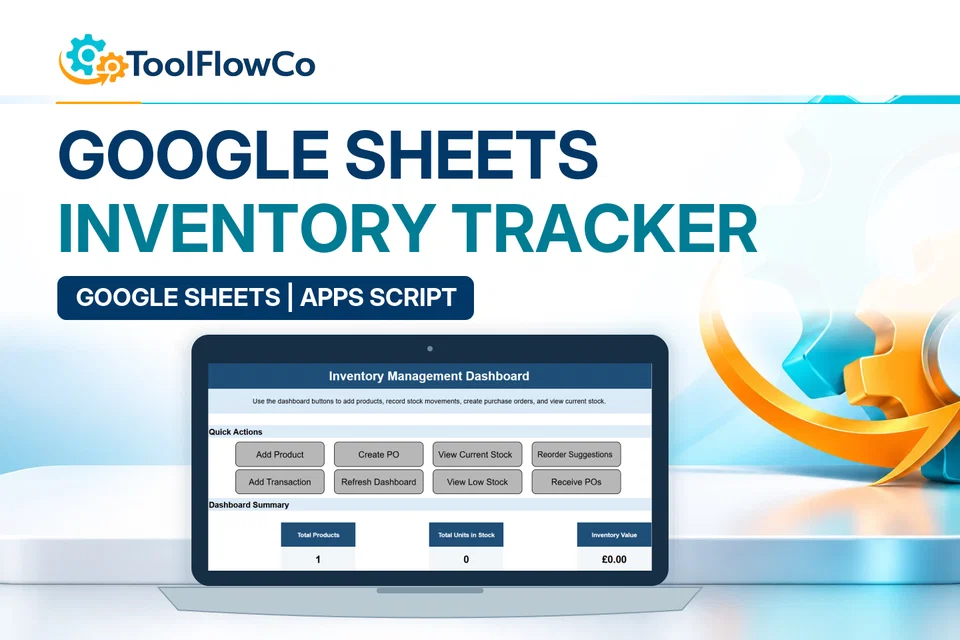
Google Sheets Inventory Tracker with Reorder Alerts
Track products, stock movements, low-stock items, reorder suggestions and purchase orders in an app-style Google Sheets inventory tool.
Google Sheets
Google Sheets purchase-order system
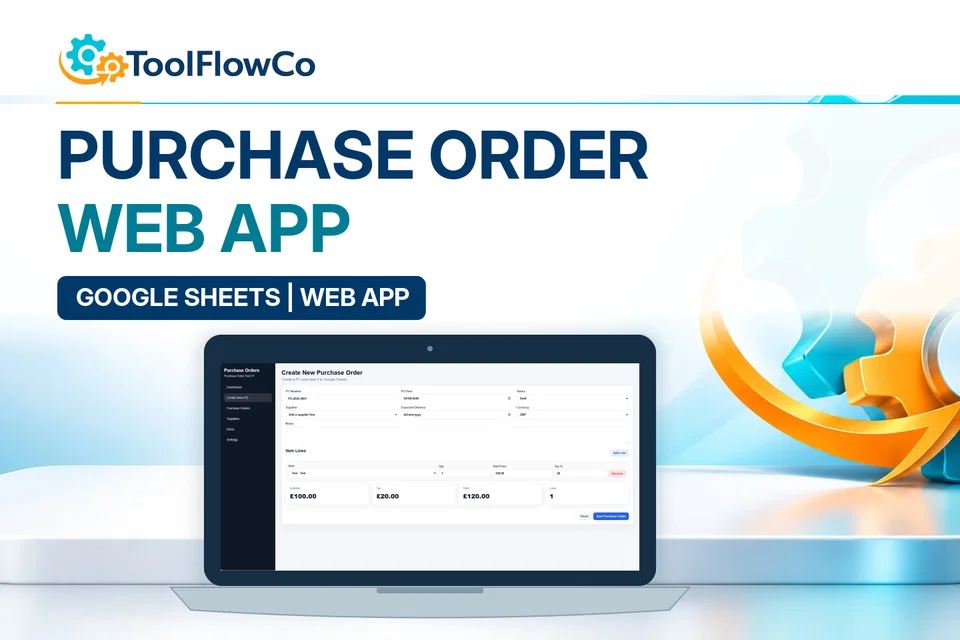
Google Sheets Purchase Order System with Supplier Tracking
Create, track, print and email purchase orders through a Google Sheets-based system with an app-style interface.
Google Sheets
Google Sheets finance tracker
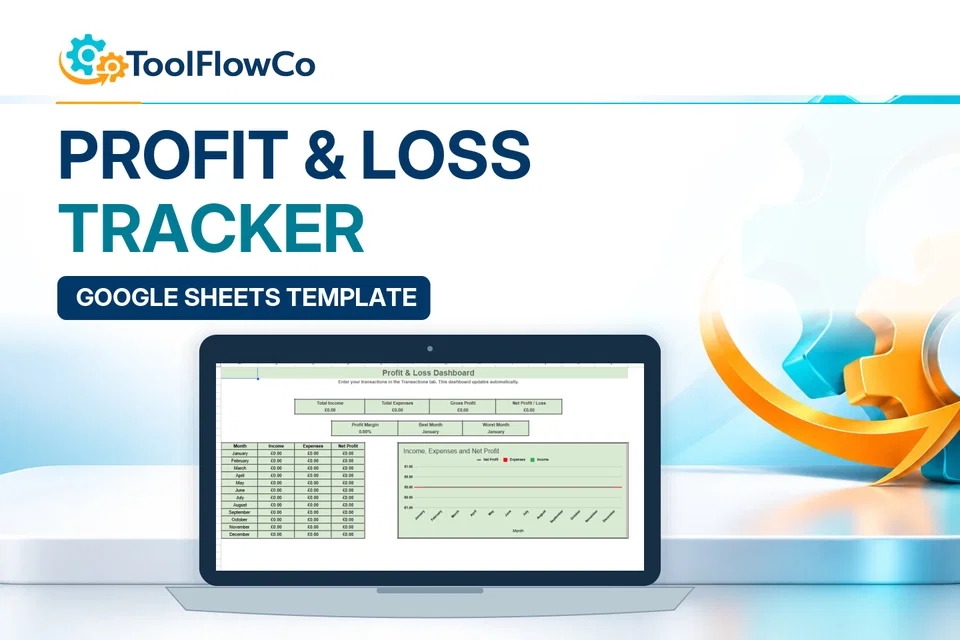
Google Sheets Profit and Loss Tracker with Business Dashboard
Track income, expenses, gross profit, net profit and monthly business performance in Google Sheets.
Check compatibility before purchasing
Send the product name, your operating system and the software version you use. This is especially important for macros, Microsoft Access, Classic Outlook and Apps Script.