Key takeaways
- Excel is strong for transparent tables, calculations and smaller tracking workflows.
- Access is stronger when products, locations, movements, orders and other records need controlled relationships.
- The quality of the design and process matters more than the software label.
How Excel handles inventory
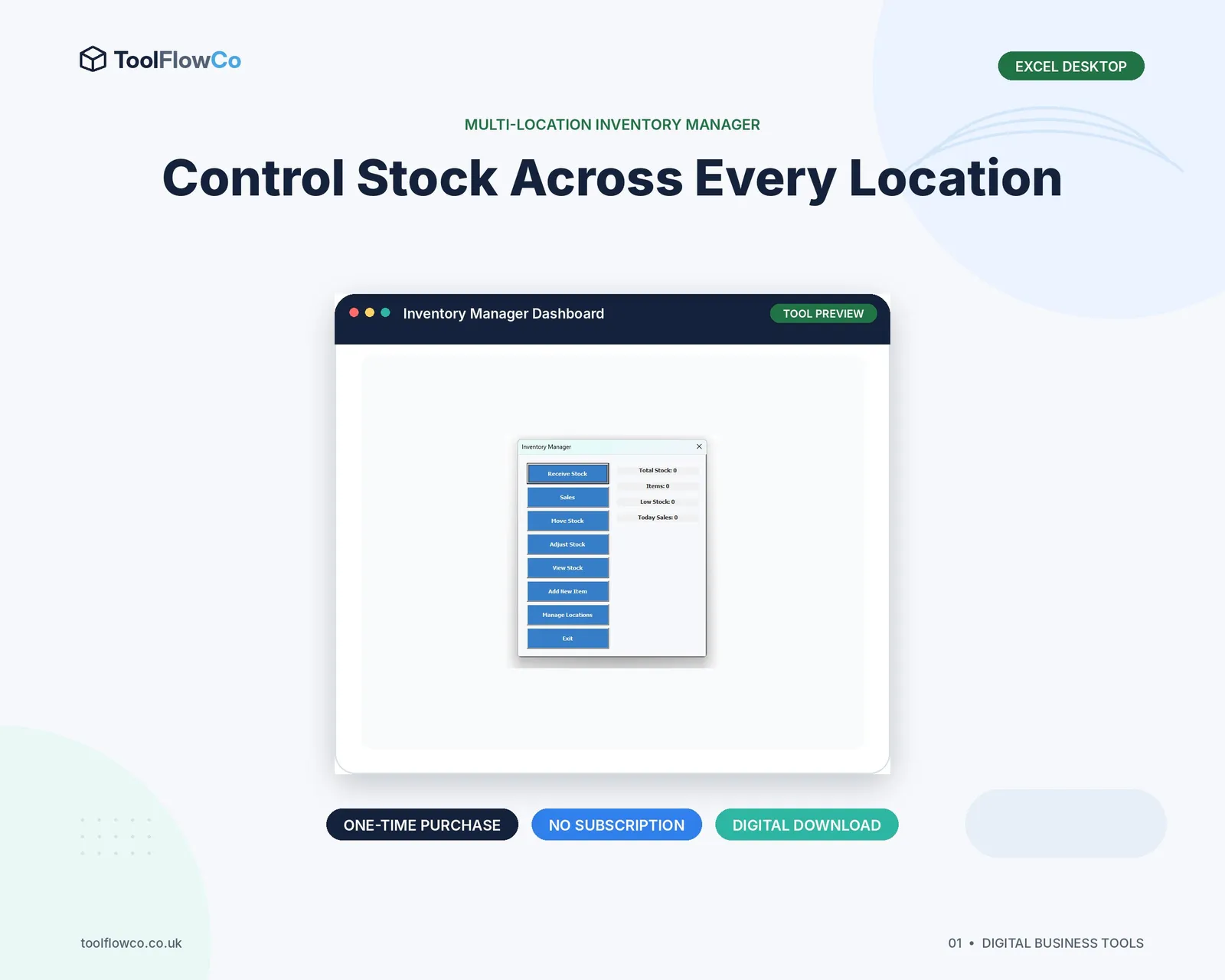
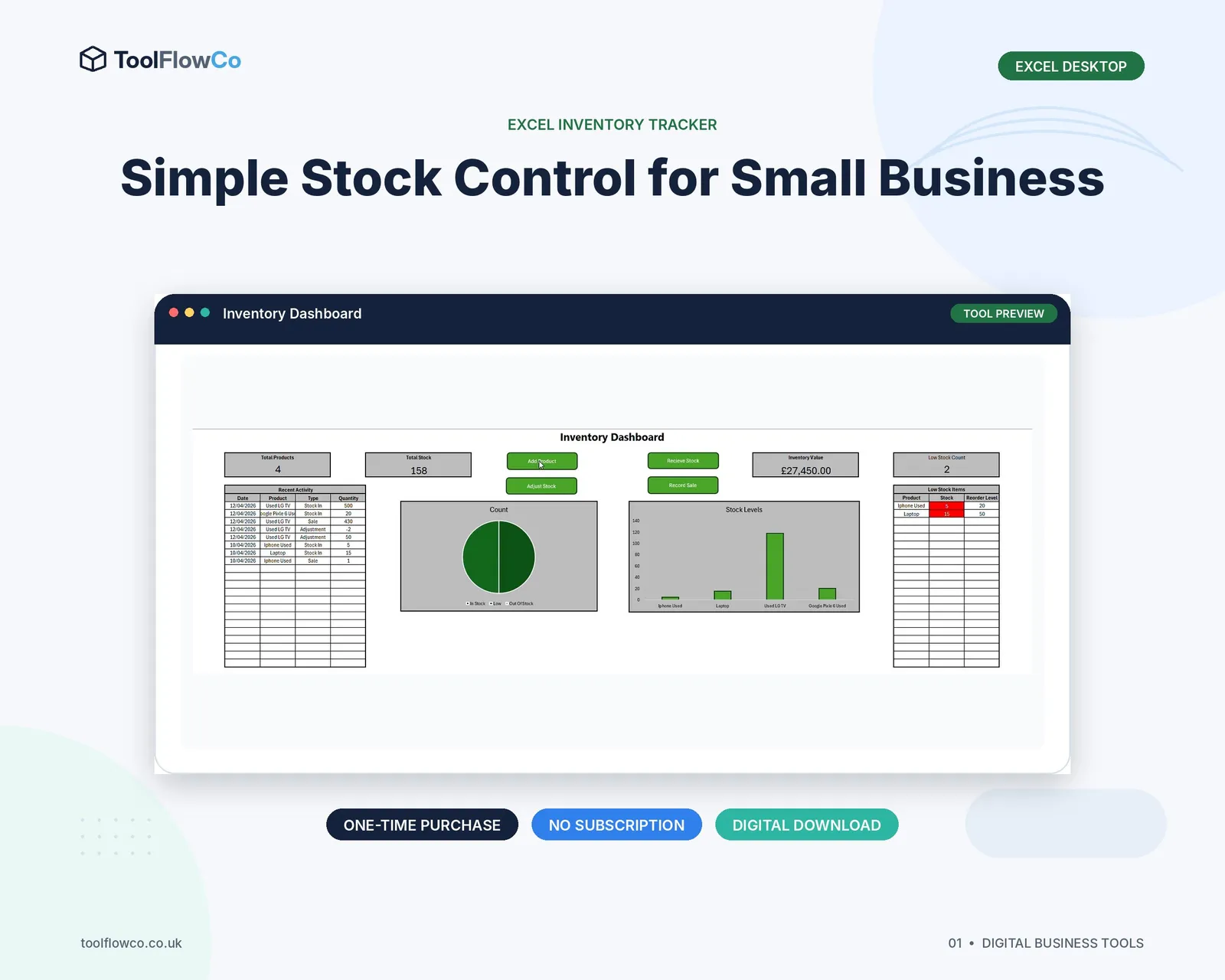
Excel typically stores products and transactions in worksheets or Excel Tables. Formulas, PivotTables and charts can calculate stock and present summaries. VBA can add forms, buttons and validation.
This approach is familiar and visible. Users can inspect the underlying rows and export or analyse them easily. It suits straightforward stock control when the workbook is well structured and carefully maintained.
How Access handles inventory
Access separates information into related tables. A product record can connect to locations, movements, suppliers, orders and counts without repeating all details in every row. Forms control data entry, queries calculate results and reports present the output.
This is useful when inventory is part of a wider process rather than a standalone list.
A practical feature comparison
| Area | Excel | Microsoft Access |
|---|---|---|
| Learning curve | Familiar to many users | Requires database understanding for design changes |
| Calculations | Very flexible and visible | Handled through queries and expressions |
| Related records | Possible but easier to duplicate or disconnect | Designed for relationships between tables |
| Data-entry forms | Possible with VBA or worksheet controls | Built-in form environment |
| Reporting | PivotTables, formulas and charts | Queries and formatted database reports |
| Direct data editing | Easy, but can bypass controls | Forms can restrict how records are changed |
| Multi-user use | Requires careful file and sharing control | Can support a split front-end/back-end design for a small network |
Choose Excel when
- The workflow is mostly a product list and movement log.
- One or two people maintain the file.
- Calculations and ad-hoc analysis are important.
- Users need to see and export the underlying tables easily.
- The process can be controlled with validation, forms or a clear routine.
Choose Access when
- Products, locations, movements, orders and counts need linked records.
- Users should work through forms rather than edit raw tables.
- The system needs several operational screens and reports.
- Duplicate master data is becoming a problem.
- A small Windows-based team needs a more database-like workflow.
Consider the deployment environment
Microsoft Access products require Access for Windows. They do not run as native Mac, mobile or browser applications. Macro-enabled Excel tools may also require desktop Excel for Windows and macros enabled.
For remote teams or users who need browser access, a Google Sheets or cloud inventory tool may be more practical, even if a desktop database would otherwise suit the data structure.
Avoid the wrong comparison
A basic spreadsheet should not be compared with a fully developed Access application as though the software alone created the difference. Excel can contain sophisticated forms and automation, while Access can be designed poorly.
Compare the actual features, controls, compatibility, documentation and maintenance process. Ask how stock is calculated, how duplicates are prevented and how errors are investigated.
Plan a clean migration
When moving from Excel to Access, clean product codes, location codes and duplicate records before importing. Preserve the original workbook, agree an opening stock date and test several normal and exception transactions before the new system becomes the source of truth.
Frequently asked questions
Is Access better than Excel for inventory?
Access is often better for connected records and controlled forms, while Excel is often better for transparent calculations and smaller tracking workflows. The best choice depends on the process and deployment environment.
Can multiple people use an Access inventory database?
A properly split Access database can support a small networked team, but the design, network reliability, permissions and number of simultaneous users must be assessed.
Can Excel manage multiple stock locations?
Yes. Use a product table, location table and transaction log so the current quantity is calculated by product and location.
Will an Access database work on a Mac?
Microsoft Access is a Windows desktop application. A Mac user would need an appropriate Windows environment or a different product designed for their platform.
Match the tool to the record structure
Choose Excel for a flexible, visible inventory workflow that remains manageable in a workbook. Choose Access when inventory has become a network of related records and users need controlled forms, queries and reports. In both cases, insist on a movement history and a clear way to investigate differences.