Key takeaways
- Use a spreadsheet when one or two people manage a straightforward stock process and the movement volume is still manageable.
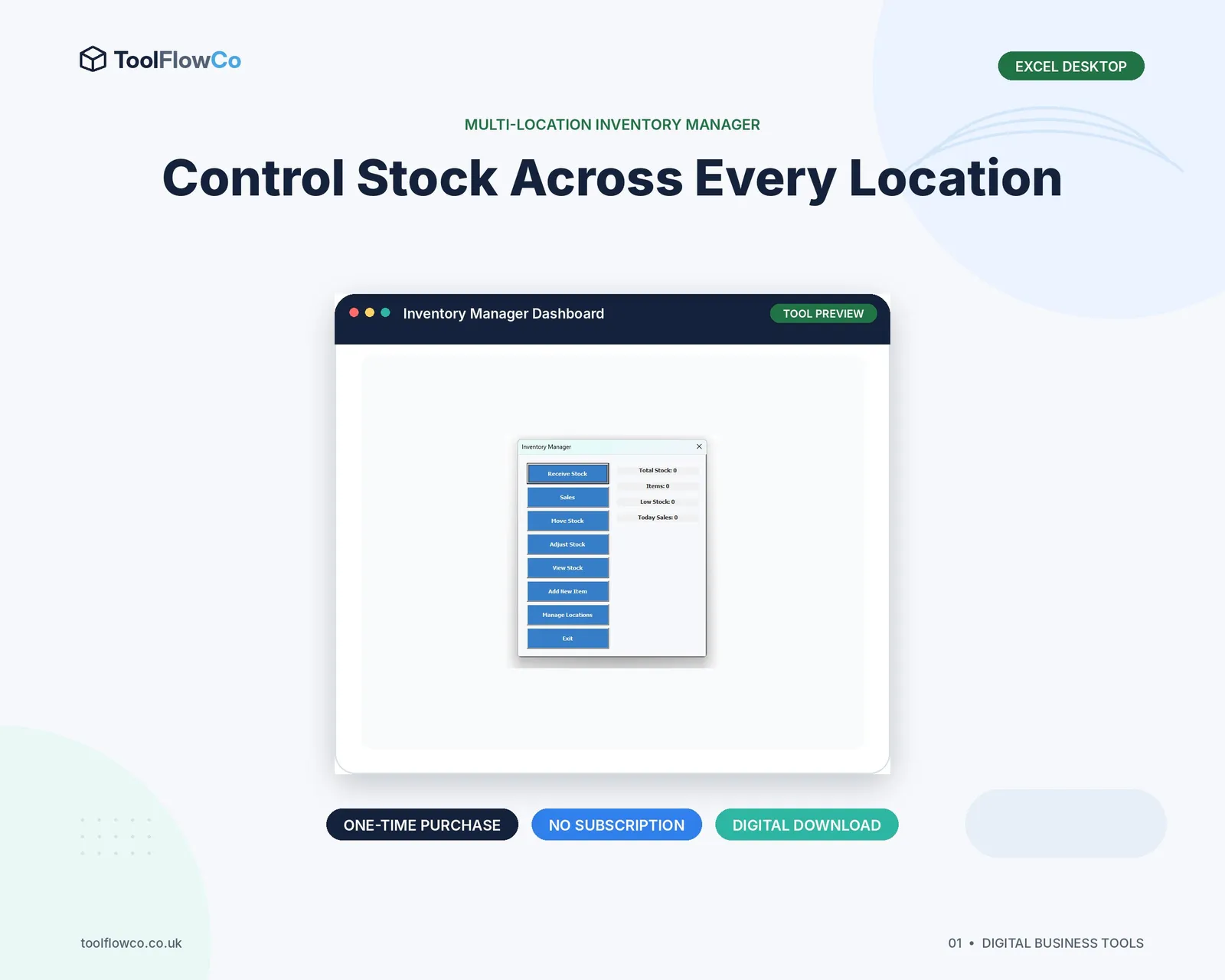
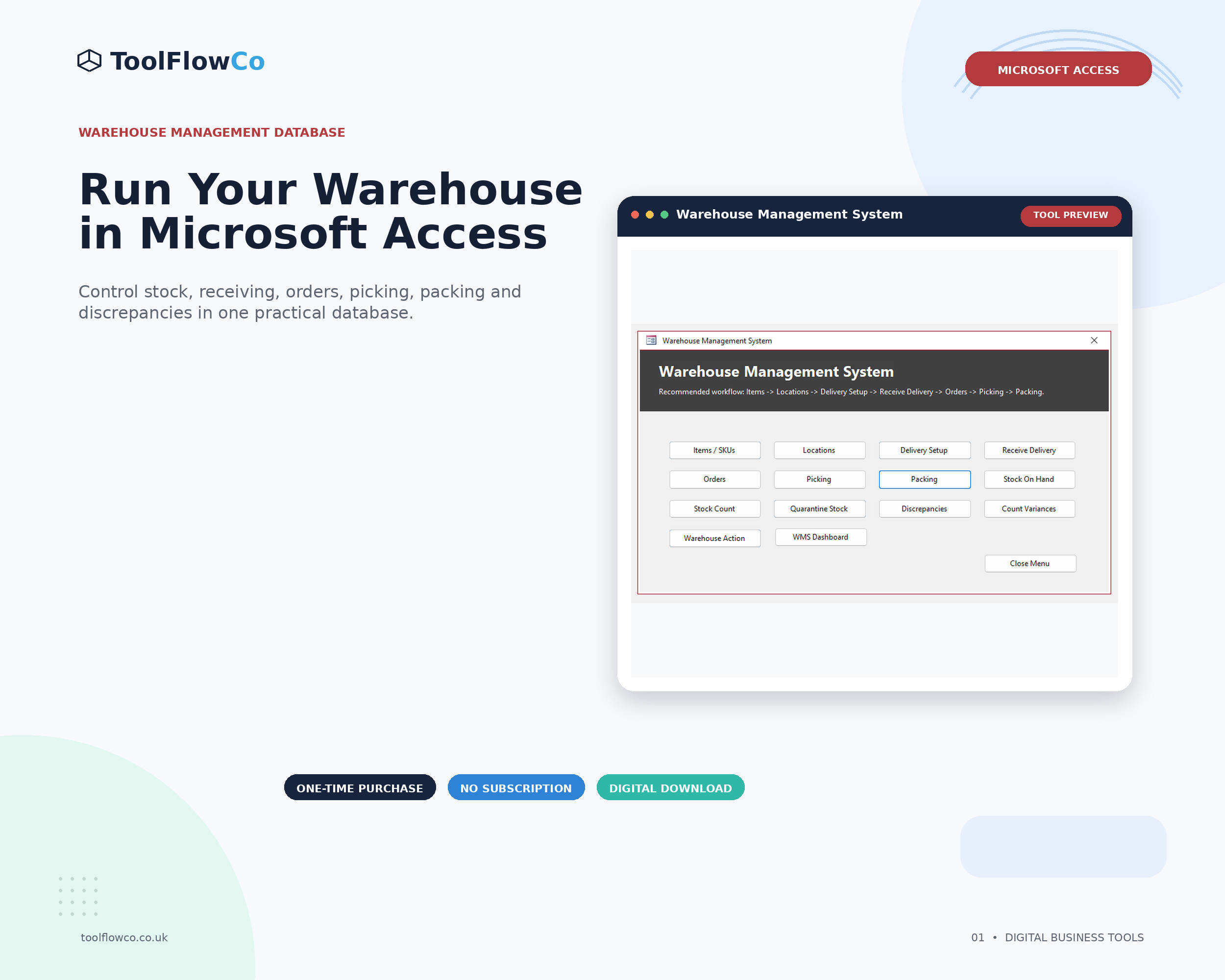
- Consider a warehouse management system when receiving, locations, orders, picking, packing, stock counts and discrepancies need connected workflows.
- Choose the smallest system that solves the current problem while leaving a sensible route for growth.
Why the choice matters
Inventory problems are rarely caused by the file format alone. They are usually caused by unclear processes, inconsistent data entry or a system that no longer reflects the way stock moves.
A small business may begin with a product list and a quantity column. Later it may need multiple storage locations, reserved stock, order lines, receiving records, picking status, packing confirmation and a reliable history of every adjustment. At that point, adding more columns can make the spreadsheet harder rather than easier to control.
What an inventory spreadsheet does well
A well-designed spreadsheet remains a practical option for many small businesses. It is familiar, flexible and comparatively easy to inspect.
- Simple product lists and opening balances
- Receipts, sales, issues and adjustments
- Low-stock alerts and basic reorder information
- Single-location or modest multi-location stock
- Calculations, summaries and exportable tables
- Processes managed by a small number of trained users
The main advantage is visibility. You can open the workbook, inspect the rows and adapt the layout without commissioning a large software project.
Where spreadsheets begin to struggle
A spreadsheet becomes more difficult to control when several activities must happen in a defined order. For example, an order should not be packed before it has been picked, reserved stock should not exceed available stock and a completed stock count should create a clear discrepancy record when the physical quantity differs.
- Several people editing the same file
- Duplicate product or location records
- Stock totals changed directly instead of through movements
- No clear link between orders, picks and packs
- Limited validation or audit history
- Separate files for receiving, orders and stock counts
These are signs that the business needs stronger workflow control, not simply a larger spreadsheet.
What a warehouse management system adds
A warehouse management system connects stock records to operational tasks. The exact feature set varies, but the system should normally control how products, locations, receipts, orders and counts relate to one another.
- Product and warehouse-location records
- Goods-receiving transactions
- Stock movements between locations or statuses
- Orders with line-level quantities and progress
- Picking and packing controls
- Stock counts, discrepancies and corrective actions
- Quarantine or exception handling
- Reports and a traceable transaction history
The benefit is not that every task becomes automatic. The benefit is that users follow a repeatable process and the data is connected.
A practical comparison
| Business need | Inventory spreadsheet | Warehouse management system |
|---|---|---|
| Simple product tracking | Usually a good fit | May be more than is needed |
| Multiple locations | Possible with a structured movement log | Better when location workflows are frequent |
| Receiving | Can record receipts | Can control delivery status and exceptions |
| Picking and packing | Often handled with separate lists | Can link order, pick and pack status |
| Stock counts | Suitable for simple count sheets | Better for count sessions, discrepancies and resolution |
| Several users | Needs careful file control | Usually provides a clearer shared process |
| Audit trail | Depends on the workbook design | Can record structured transactions and status changes |
Questions to ask before choosing
- How many stock movements happen each day? Frequent transactions increase the cost of manual mistakes.
- How many locations are used? Include bins, shelves, vans, quarantine areas and temporary holding locations.
- Do orders require picking and packing? A connected workflow matters more when several stages must be completed correctly.
- Who updates the system? A single trained user has different needs from a team working across shifts.
- What must be reported? Decide whether you need current stock only or a full movement and exception history.
- Which software is already available? Check whether the business has desktop Excel, Microsoft Access and Windows before choosing a tool.
A staged approach can work well
You do not have to move from a basic list directly to enterprise warehouse software. A sensible progression might be:
- Start with a simple inventory tracker.
- Add a movement-based spreadsheet when receipts, sales, transfers and adjustments increase.
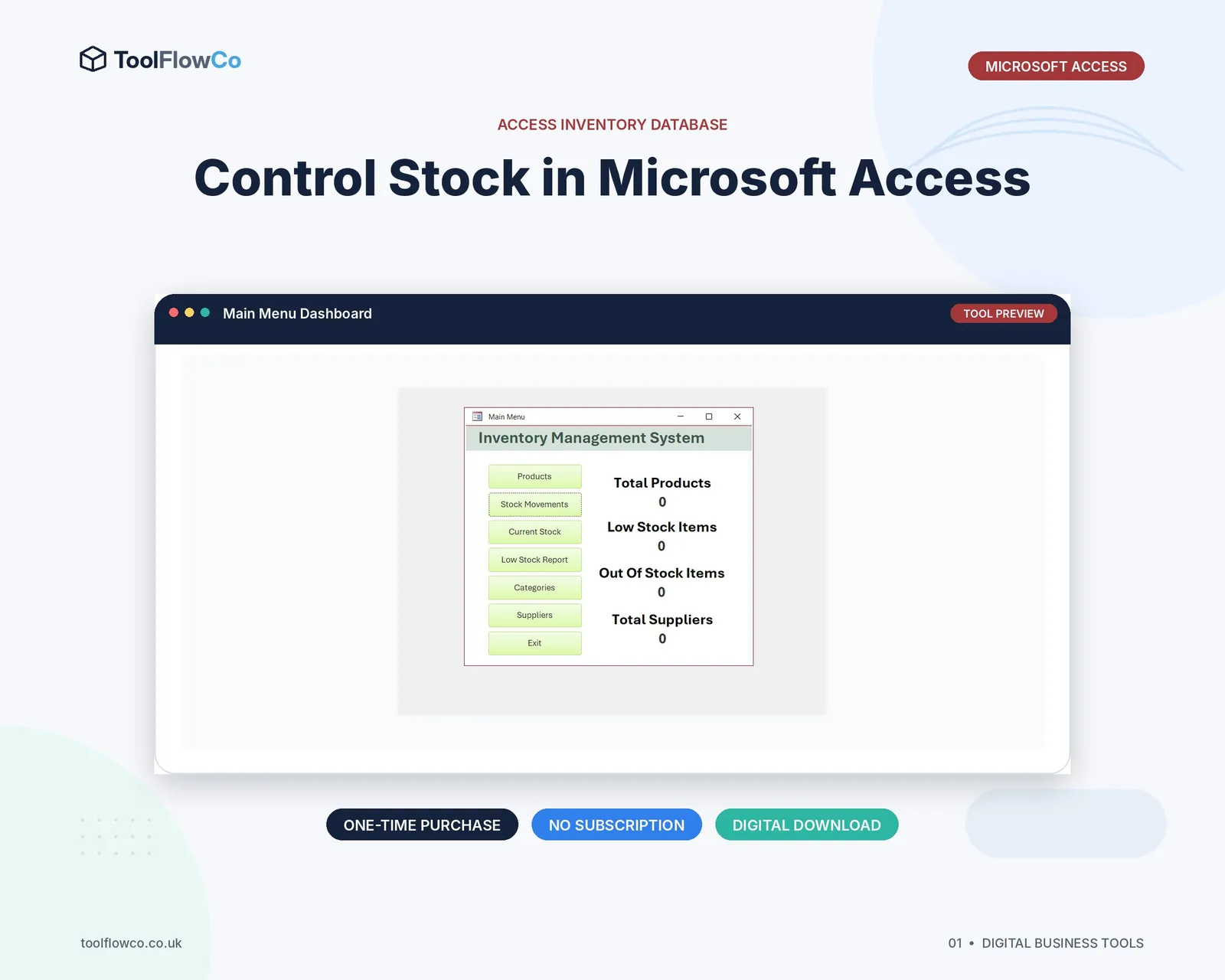
- Move to a structured database when receiving, orders, picking, packing and stock counts need connected controls.
- Review cloud or enterprise software when integrations, simultaneous users and larger operational volumes justify the cost.
This approach avoids paying for complexity before it is useful while still recognising when the existing system has reached its limit.
Software and compatibility checks
Desktop business tools can be a practical middle ground, but compatibility must be checked before purchase. Macro-enabled Excel tools normally require desktop Excel with macros enabled. Microsoft Access databases require Access for Windows. Browser-only Office, mobile apps and Mac computers may not support the same workflows.
Always read the product requirements and test the process with sample data before replacing the current stock record.
Frequently asked questions
Is Excel enough for a small warehouse?
It can be, especially when the process is straightforward, the transaction volume is modest and a small number of people maintain the file consistently. It becomes less suitable when several connected warehouse stages need stronger controls.
What is the main difference between an inventory tracker and a WMS?
An inventory tracker records products, quantities and movements. A warehouse management system normally connects inventory to operational workflows such as receiving, locations, orders, picking, packing, counts and discrepancies.
Do I need a cloud subscription for warehouse management?
Not necessarily. Some small businesses use desktop Excel or Microsoft Access systems. The right option depends on user numbers, integrations, remote access, volume and the software already available.
When should I move away from a spreadsheet?
Consider moving when duplicate files, direct quantity edits, unexplained differences, multi-user conflicts or disconnected order and warehouse processes are becoming routine.
Choose the level of control your process needs
A spreadsheet is often the right place to begin. A warehouse management system becomes valuable when the work has grown beyond recording quantities and now needs connected receiving, location, order, picking, packing and count workflows. Map the process first, then choose the simplest tool that controls it reliably.