Key takeaways
- Core data should include products, locations and a traceable movement history.
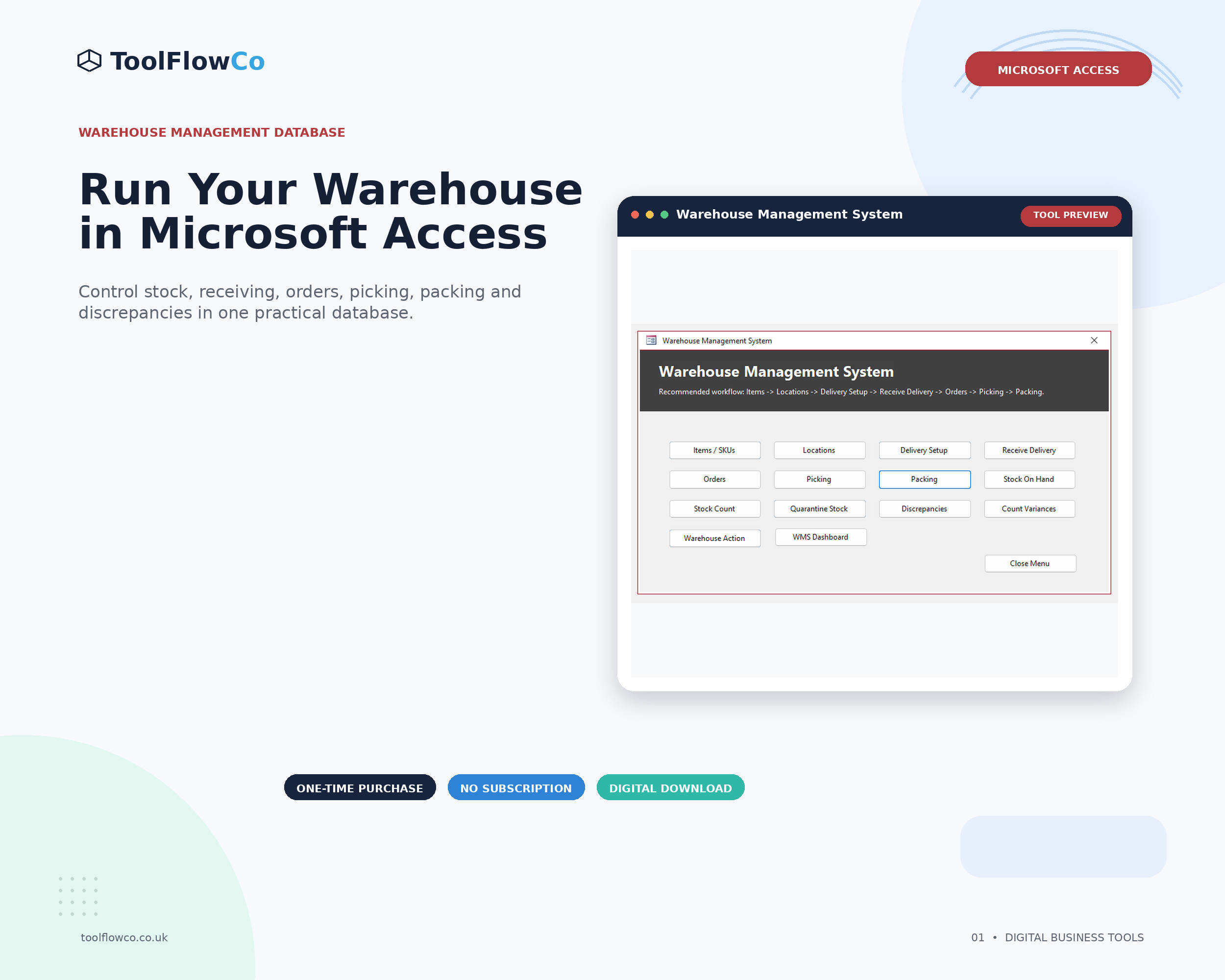
- Operational stages such as receiving, picking, packing and counting should have clear statuses and validation.
- Exception reports are as important as headline dashboards because they show what needs attention.
Product and location master data
Every warehouse process depends on reliable master data. The system should provide one controlled record for each product and each storage location.
- SKU or product code
- Description, unit and active status
- Reorder level or low-stock threshold
- Warehouse, zone, shelf, bin or other location code
- Rules for quarantine or non-pickable locations
Users should select existing records wherever possible instead of repeatedly typing names.
Goods receiving
Receiving should record what was expected, what actually arrived and where it was put away. A useful workflow includes delivery references, line quantities, destination locations and exception notes.
- Open, part-received, received and received-with-exception statuses
- Over, short, damaged or incorrect-item handling
- Immediate stock update after an approved receipt
- A receiving history that can be searched later
Stock movements and on-hand visibility
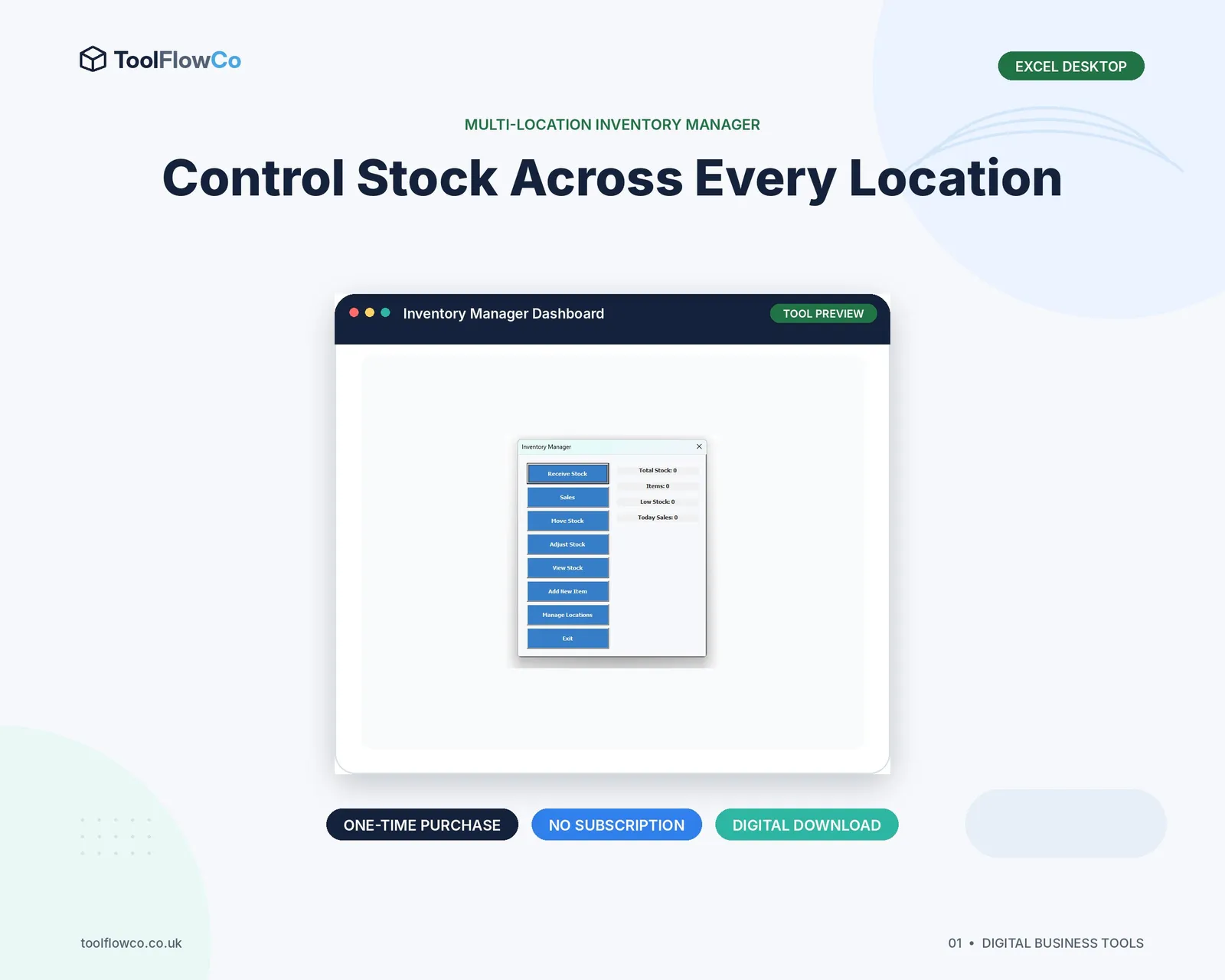
The WMS should calculate on-hand stock from controlled movements. Users need to see the total quantity and the quantity held at each location.
Common movements include receipts, order issues, transfers, adjustments, count corrections and quarantine changes. Every movement should have a date, type, quantity and reference so unexplained balances can be investigated.
Orders and allocation
Order entry should hold the customer or reference, order date, status and line-level products and quantities. The system may also reserve or allocate stock so users can distinguish physical on-hand stock from stock already committed to open orders.
Important controls include preventing reserved quantity from exceeding on-hand quantity and making shortages visible before picking begins.
Picking and packing
Picking and packing should be separate but connected stages. The picker needs a clear list of products, quantities and locations. Packing should confirm that the correct picked quantities are ready to leave.
- Do not allow a line to be picked twice.
- Do not allow packing before the required pick is complete.
- Show already picked or packed status clearly.
- Record shortages and exceptions instead of silently completing the order.
Stock counts and discrepancies
A count module should create a count session, freeze or record the expected quantity, capture the physical count and calculate the difference. A discrepancy should then be reviewed and resolved through an authorised adjustment or investigation.
The system should also handle empty count sessions safely and prevent incomplete lines from being treated as valid counts.
Quarantine and exception management
Damaged, questionable or unavailable stock should not remain mixed with pickable inventory. A quarantine status or location helps keep it visible without allowing normal order fulfilment to use it.
Useful exception views include negative stock, reserved stock above on-hand, quarantined quantity, unresolved discrepancies, incomplete receiving and orders blocked by shortages.
Dashboards and reports
A dashboard should point users towards action rather than merely display large numbers. Helpful measures include open deliveries, orders awaiting picking, orders awaiting packing, low stock, unresolved discrepancies and stock-health warnings.
Operational reports should allow users to open the underlying records. A number without a route to investigate it has limited value.
Usability, backup and software requirements
The interface should use clear navigation, consistent buttons, readable forms and confirmation messages for irreversible actions. A backup routine and a safe method for preparing a blank resale or production copy are also important for desktop databases.
Check whether the chosen system needs Microsoft Access for Windows, desktop Excel, macros, a network share or a browser. A good feature list is not useful if the software cannot run in the buyer's environment.
Frequently asked questions
Does a small WMS need barcode scanning?
Not always. Barcode support can reduce entry time and errors, but a small operation may first need reliable receiving, location, picking, packing and count controls. Add scanning when the volume and hardware justify it.
Should a WMS reserve stock for orders?
Reservation is useful when open orders commit stock before it is physically picked. The system must also report any situation where reserved quantity exceeds available on-hand stock.
What reports are most important?
Start with on-hand stock by location, movement history, low stock, open receiving, pick and pack queues, discrepancies and stock-health exceptions.
Can Microsoft Access be used as a WMS?
It can support a structured desktop WMS for a smaller operation, provided Microsoft Access for Windows is available and the solution matches the number of users, data volume and deployment needs.
Prioritise workflow control over feature count
A small-business WMS should make daily warehouse work clearer and safer. Products, locations, receipts, movements, orders, picks, packs, counts and exceptions should connect in one understandable process. Extra features are useful only when the core records remain accurate.